
mkcert
Create locally trusted development certificates for arbitrary names with mkcert.
About mkcert
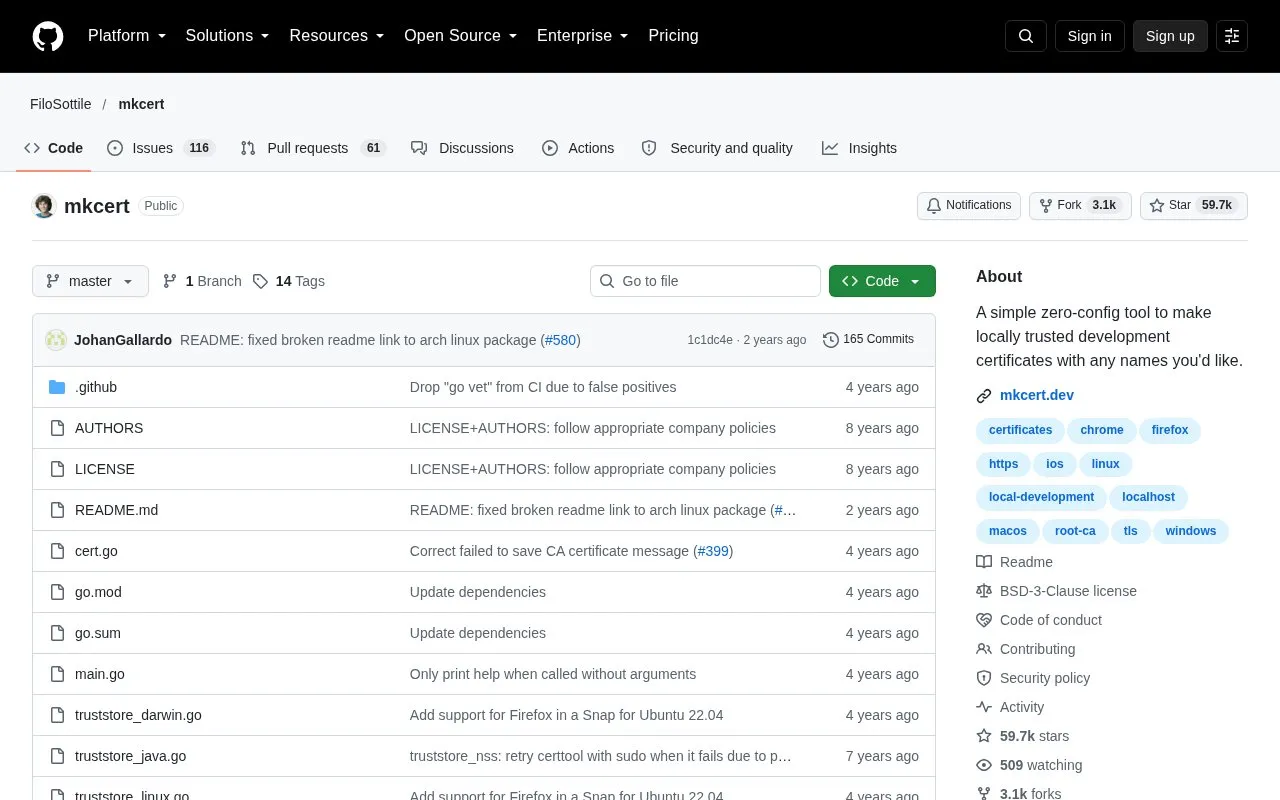
mkcert is a command-line tool for creating locally trusted development certificates for any names you choose, such as example.test, localhost, or 127.0.0.1. It creates a local certificate authority (CA), installs that CA into supported trust stores, and generates certificates signed by it. The README gives installation steps for macOS, Linux, and Windows. It does not configure servers to use the certificates; that step is left to the user.
The local root CA key (rootCA-key.pem) gives complete power to intercept secure requests from the machine where it is generated, so it should not be shared. For mobile devices, the root CA certificate (rootCA.pem) must be installed manually. Firefox support applies to macOS and Linux only.
Key features
- Creates a local certificate authority and installs it with mkcert -install
- Generates certificates for specified names, including wildcards, localhost, and IP addresses
- Optional flags for ECDSA keys, PKCS #12 output, and client authentication certificates
- Generates a certificate from a supplied certificate signing request (CSR)
- Installs the root CA into system, Firefox, Chrome, Chromium, and Java trust stores
- TRUST_STORES environment variable limits which trust stores receive the root CA
Best for: Software developers who need HTTPS on local development hosts and want their own machine to trust the certificates.
Good for
- Requires no configuration, according to the README
- Open source
- Can limit installation to selected trust stores using TRUST_STORES
Watch out for
- Does not configure servers to use the generated certificates
- Firefox trust store support is limited to macOS and Linux
- Certificates must be installed manually on mobile devices
mkcert at a glance
- Category
- Privacy & Security › Security Tools
- Type
- Open-source project
- Pricing
- Not confirmed. Check the site
- Platforms
- macOS
- Open source
- Yes · Source code
- Language
- English
- Last checked
- Oct 6, 2026 · Online when checked
- Listed
- Oct 5, 2026
Guides for Security Tools
mkcert alternatives
Tools and sites you could use instead, ranked by how closely they match.

git-hound searches public GitHub repositories for exposed secrets and credentials.
Open sourcePick
24 alternatives
Inspect iOS and macOS applications with Malimite, a decompiler project hosted on GitHub.
Open source
24 alternatives
Configure DNS over HTTPS on iOS and macOS using the provided configuration profiles.
Open source
24 alternatives
Use reference sheets for reverse engineering, binary analysis, and assembly programming tools.
Open source
24 alternatives
Practice iOS penetration testing in a deliberately vulnerable app, with exercises covering vulnerabilities tested through iOS 11.
Open source
24 alternatives
Scan IP addresses and ports concurrently with rang3r, a multithreaded scanner.
Open source
24 alternativesPopular in Security Tools
Well-known listings from the same topic.
Online Password Hash Crackonlinehashcrack.comOTP Authapps.apple.com/app/otp-auth/id659877384MD5 reverse lookupmd5.gromweb.comMozilla SSLssl-config.mozilla.orgchallenges.rechallenges.reGoPlus Locker V3gopluslabs.io


mkcert FAQ
Does mkcert configure my web server to use the certificates?
No. mkcert does not automatically configure servers to use the certificates. That step is up to the user.
Which root stores does mkcert support?
The README lists the macOS and Windows system stores, Linux system stores that use update-ca-trust, update-ca-certificates, or trust, Firefox on macOS and Linux, Chrome and Chromium, and Java when JAVA_HOME is set.
Should the rootCA-key.pem file be shared?
No. The README warns that this file gives complete power to intercept secure requests from the machine and should not be shared.
Is something wrong or out of date?
Tell us and an editor will check it.
Own this website?
Claim this listing
Claim the listing and suggest updates yourself. An editor checks every claim first.