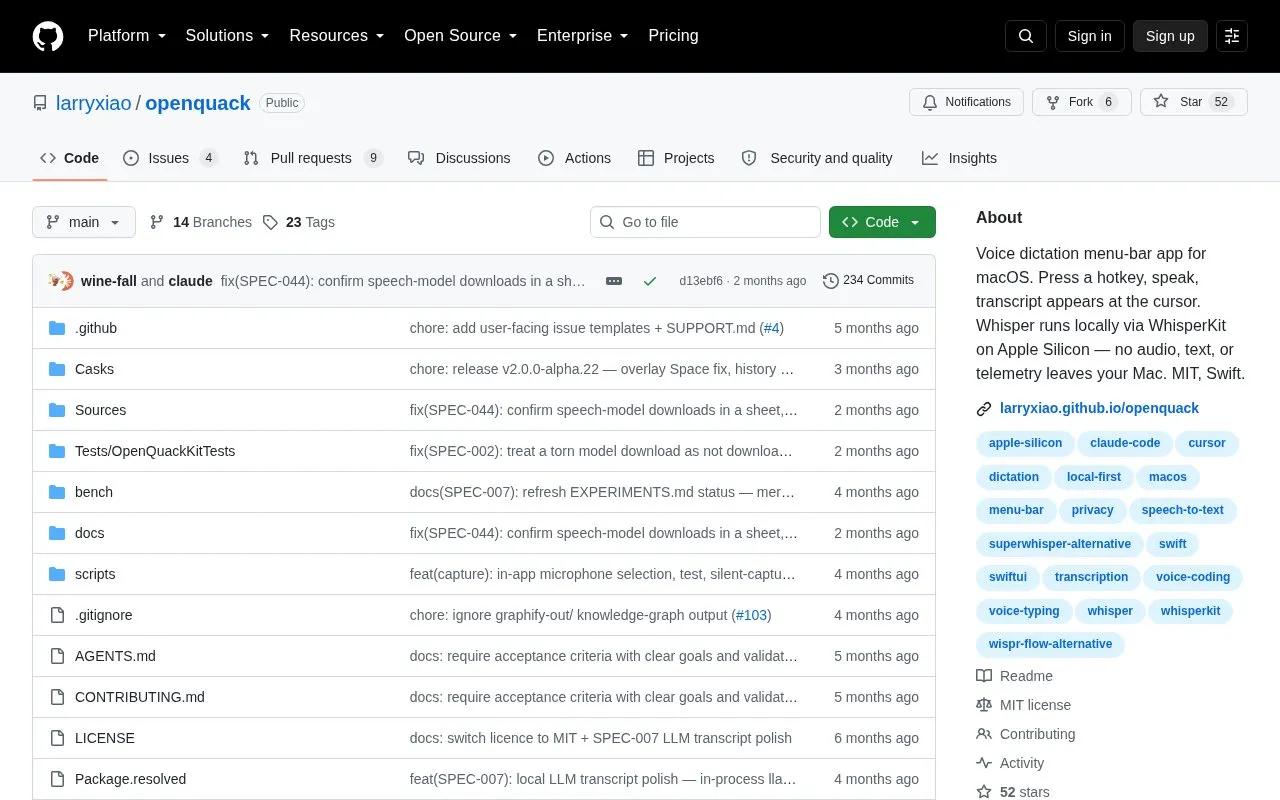
OpenQuack is a menu-bar app for macOS for voice dictation. Press a hotkey to start, speak, then press it again to stop, and the transcript is pasted at the cursor in the current app, with a clipboard fallback.
Transcription runs on the Mac by default via WhisperKit on Apple Silicon, with no account, signup, or telemetry. Nothing leaves the device by default; an optional self-configured OpenAI-compatible remote endpoint and an experimental on-device LLM polish feature are opt-in and off by default.
Key features
Hotkey start-stop dictation with configurable key binding
Pastes transcript at cursor with clipboard fallback
On-device Whisper transcription via WhisperKit on Apple Silicon
99-language support with automatic detection by default
Automatic capitalization, punctuation, and filler-word cleanup
Optional on-device LLM polish with editable prompt
Best for: Mac users who want to dictate text into any app without sending audio to a cloud service by default.
Good for
Recording and transcription run locally by default with no account or telemetry
Continues to work offline because default loop makes no API call
MIT-licensed open source with public development history
Watch out for
Limited to macOS, with local Whisper via WhisperKit on Apple Silicon
On-device LLM polish is experimental and turned off by default
Use of a larger remote model requires configuring your own endpoint
No, by default recording and transcription are fully local. The exception is a remote transcription endpoint you configure yourself, which is off by default.
How do I dictate with OpenQuack?
Press the hotkey once to start and again to stop; the transcript then appears at the cursor. Auto-stop after silence can also end recording.
What languages can it transcribe?
It supports 99 languages with auto-detect on by default, including English, Chinese, Japanese, Korean, Spanish, French, German, Italian, and Portuguese in Settings.
Is something wrong or out of date?
Tell us and an editor will check it.
Own this website?
Claim the listing and suggest updates yourself. An editor checks every claim first.