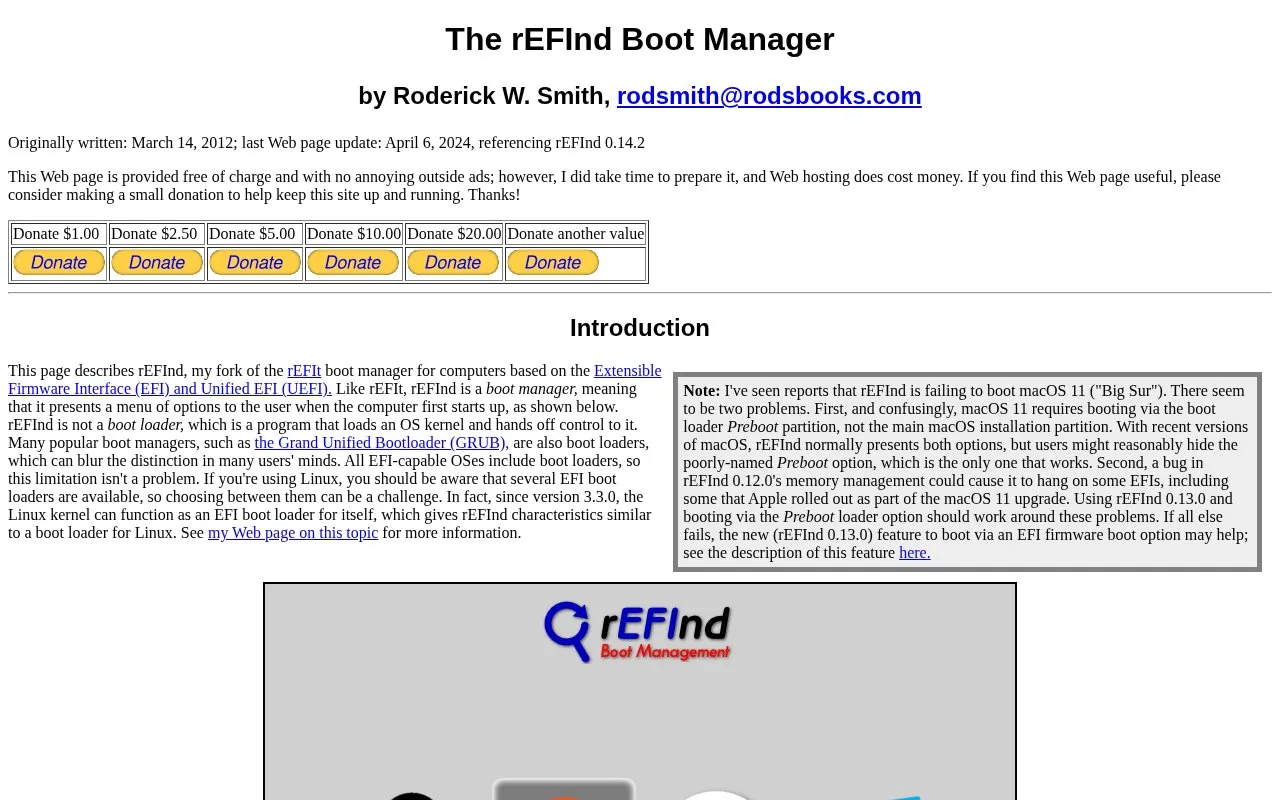
rEFInd is a boot manager for computers using EFI or UEFI firmware. At startup it presents a menu of boot options, letting users choose among installed operating systems such as Linux, macOS, and Windows. It is a fork of the older rEFIt boot manager, whose author now points to rEFInd as the successor project. rEFInd is not itself a boot loader; it hands off to the boot loaders that EFI-capable operating systems already include. The author describes rEFInd as beta-quality software that is nonetheless usable on many systems.
The project's web page is provided free of charge and carries no outside ads, with optional donations requested to cover hosting. The page was last updated April 6, 2024, referencing rEFInd 0.14.2. The author notes reports of rEFInd failing to boot macOS 11 ("Big Sur") and describes workarounds: booting via the Preboot partition rather than the main macOS installation partition, using rEFInd 0.13.0 or later to avoid a memory-management bug in 0.12.0, or using the 0.13.0 feature to boot via an EFI firmware boot option.
Key features
Startup menu for selecting among installed operating systems on EFI/UEFI computers
Fork of rEFIt; rEFIt's author now points to rEFInd as successor
Presents both macOS Preboot and main installation partition boot options
Version 0.13.0 added the option to boot via an EFI firmware boot option
Works alongside existing EFI boot loaders rather than replacing them
Best for: People who multi-boot two or more operating systems, such as Linux, macOS, and Windows, on an EFI- or UEFI-based computer.
Good for
Free to use, with no outside advertising on the project page
Actively maintained, with the page updated in April 2024 referencing rEFInd 0.14.2
Endorsed by rEFIt's author as that project's successor
Watch out for
Not useful on older BIOS-based computers or on systems with other firmware types, such as older PowerPC-based Macs
The author considers rEFInd to be beta-quality software
Reported failures booting macOS 11 (Big Sur), requiring workarounds such as booting via the Preboot partition and using version 0.13.0 or later
It is a boot manager for EFI and UEFI computers, and is most useful on machines that boot multiple operating systems, such as two or more of Linux, macOS, and Windows. It is not useful on older BIOS-based computers or on systems with other firmware types, such as older PowerPC-based Macs. Some modern PCs support both EFI-style and BIOS-style booting via a Compatibility Support Module, so it is worth checking which boot mode is in use.
Is rEFInd a boot loader?
No. rEFInd is a boot manager: it presents a menu of options when the computer starts. A boot loader loads an OS kernel and hands off control to it. All EFI-capable operating systems include boot loaders, so rEFInd does not need to provide that function.
Are there known problems booting macOS 11 (Big Sur)?
The author has seen reports of rEFInd failing to boot macOS 11. macOS 11 requires booting via the Preboot partition rather than the main macOS installation partition, and a bug in rEFInd 0.12.0's memory management could cause hangs on some EFIs. Using rEFInd 0.13.0 and booting via the Preboot loader option should work around these problems, and the 0.13.0 feature to boot via an EFI firmware boot option may help if other approaches fail.
Is something wrong or out of date?
Tell us and an editor will check it.
Own this website?
Claim the listing and suggest updates yourself. An editor checks every claim first.