

SimSwap provides a trained framework for face swapping in images and videos.
Rope
Rope provides a graphical interface for face swapping with the InsightFace inswapper model.
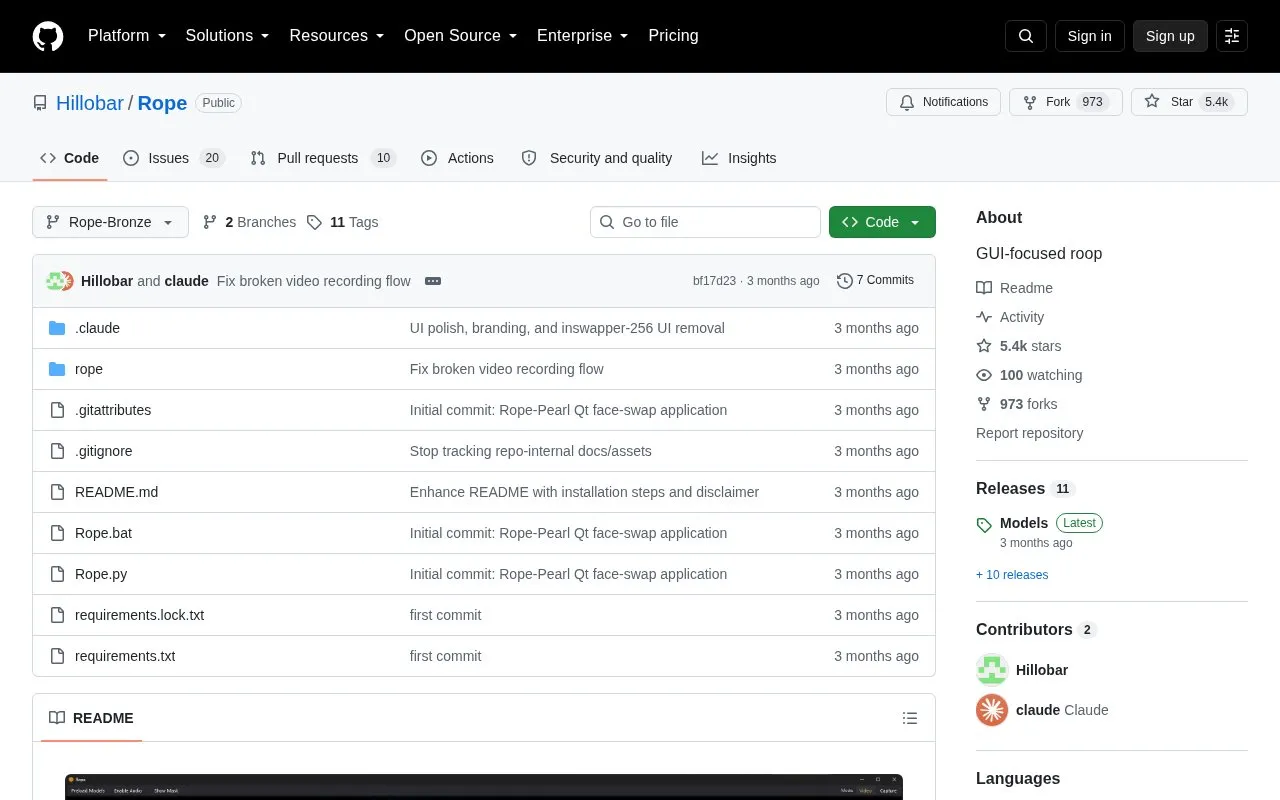
About Rope
Rope is a GitHub-hosted project that implements the InsightFace inswapper_128 face-swapping model behind a graphical interface. The Rope-Bronze version adds a more responsive UI, a TensorRT (TRT) engine and batched inswapper for 256 and 512 modes, a Settings tab for folders, models, threading and benchmarking, likeness/fidelity controls, LAB color matching, an XSeg masker, drag-and-drop embedding reordering, and a Capture mode that swaps whatever appears in a movable desktop window.
The software is installed manually: it requires a Python 3.12 virtual environment, installation from a requirements lock file, and separately downloaded model files that must be unzipped and pointed to in Settings. No pricing or licensing terms are stated on the page, and the author describes Rope as a personal project released to the community. The included disclaimer places responsibility for ethical and legal use, including obtaining consent from people whose likeness is used, entirely on the user.
Key features
- Graphical interface for face swapping with the InsightFace inswapper_128 model
- TensorRT engine and batched inswapper for 256 and 512 mode performance
- Likeness and fidelity settings with LAB color matching
- XSeg masker for masking during swaps
- Embedding management with drag-and-drop reordering
- Capture mode swaps content inside a movable, resizable desktop window
Best for: Users who want a locally run, GUI-driven face-swapping tool built on the InsightFace inswapper_128 model and are willing to set up Python and download the model files themselves.
Good for
- Puts the inswapper_128 model behind a GUI rather than a command-line workflow
- Settings tab for managing folders, models, threading and benchmarking
- Performance features such as TRT engine support and batched inswapper for 256/512 modes
Watch out for
- Models must be downloaded separately from the Rope-Bronze Models Release and unzipped before use
- Setup requires creating a Python 3.12 virtual environment and installing from a requirements lock file
- Users are stated to be solely responsible for consent, legality and ethical use of the output
Rope at a glance
- Website
- github.com/Hillobar/Rope
- Category
- AI & Machine Learning › AI Image Generators
- Type
- Open-source project
- Pricing
- Not confirmed. Check the site
- Open source
- Not stated
- Language
- English
- Last checked
- Oct 6, 2026 · Online when checked
- Listed
- Oct 5, 2026
Rope alternatives
Tools and sites you could use instead, ranked by how closely they match.

The biniou project provides a self hosted web interface for more than 30 generative AI tools and models.
Open source
24 alternatives
ComfyUI is a modular diffusion model interface, API, and backend built around a graph and node workflow.
Open source
24 alternatives
SD.Next is a web interface for AI image and video generation, captioning, and processing.
Open source
24 alternatives
ComfyUI-Zluda adapts a Stable Diffusion interface and backend with ZLUDA enhancements for AMD GPU performance.
Open source
24 alternatives
Deforum is an extension for the AUTOMATIC1111 Stable Diffusion web interface.
Popular in AI Image Generators
Well-known listings from the same topic.
FigureLabsfigurelabs.aiImagePromptGuruimagepromptguru.netAI SVGaisvg.artCGDreamcgdream.aiFlux.1 AIflux1.aiPixraypixray.com


Rope FAQ
What model does Rope use for face swapping?
Rope implements the InsightFace inswapper_128 model and wraps it in a graphical interface.
How do you install Rope?
Create a Python 3.12 virtual environment with 'py -3.12 -m venv venv', activate it, install from requirements.lock.txt, then copy the model files from the Rope-Bronze Models Release to a folder on your drive, unzip them and select that folder in Settings.
What is Capture mode in Rope-Bronze?
Capture mode lets you move and resize a window on your desktop so that whatever is inside it gets swapped.
Is something wrong or out of date?
Tell us and an editor will check it.
Own this website?
Claim this listing
Claim the listing and suggest updates yourself. An editor checks every claim first.