

Retro groove color scheme for Vim with light and dark mode switching.
Open source
24 alternativesSolarized provides dark and light color scheme ports for applications such as terminals and Vim.
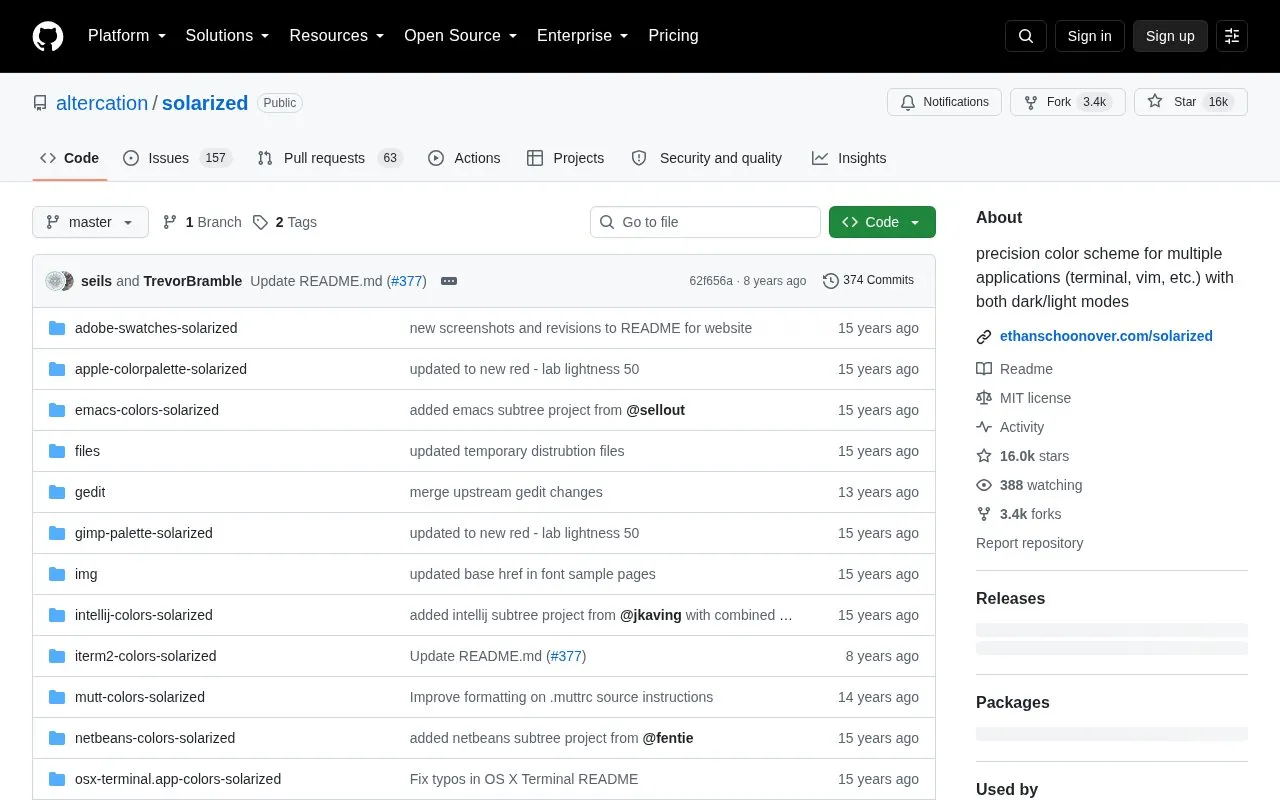
Solarized is a sixteen color palette with eight monotones and eight accent colors for terminal and GUI applications. It uses precise CIELAB lightness relationships and fixed color wheel hues. It reduces brightness contrast while retaining contrasting hues for syntax highlighting, and keeps the same contrast relationships when switching between light and dark modes.
Pricing is not clearly stated.
Tools and sites you could use instead, ranked by how closely they match.
Retro groove color scheme for Vim with light and dark mode switching.
Themix GUI generates color variations for themes including GTK, Cinnamon, GNOME, Openbox, and Xfwm.
Dracula provides a color scheme for code editors, terminal emulators, and other applications.
Aura Theme provides a dark color theme for supported apps, according to its project description.
Generate terminal color palettes in C with Hellwal, a utility modeled on Pywal.
Gruvbox Contrib collects ports and extras for the Gruvbox color scheme.
Well-known listings from the same topic.
Tell us and an editor will check it.
Claim the listing and suggest updates yourself. An editor checks every claim first.


