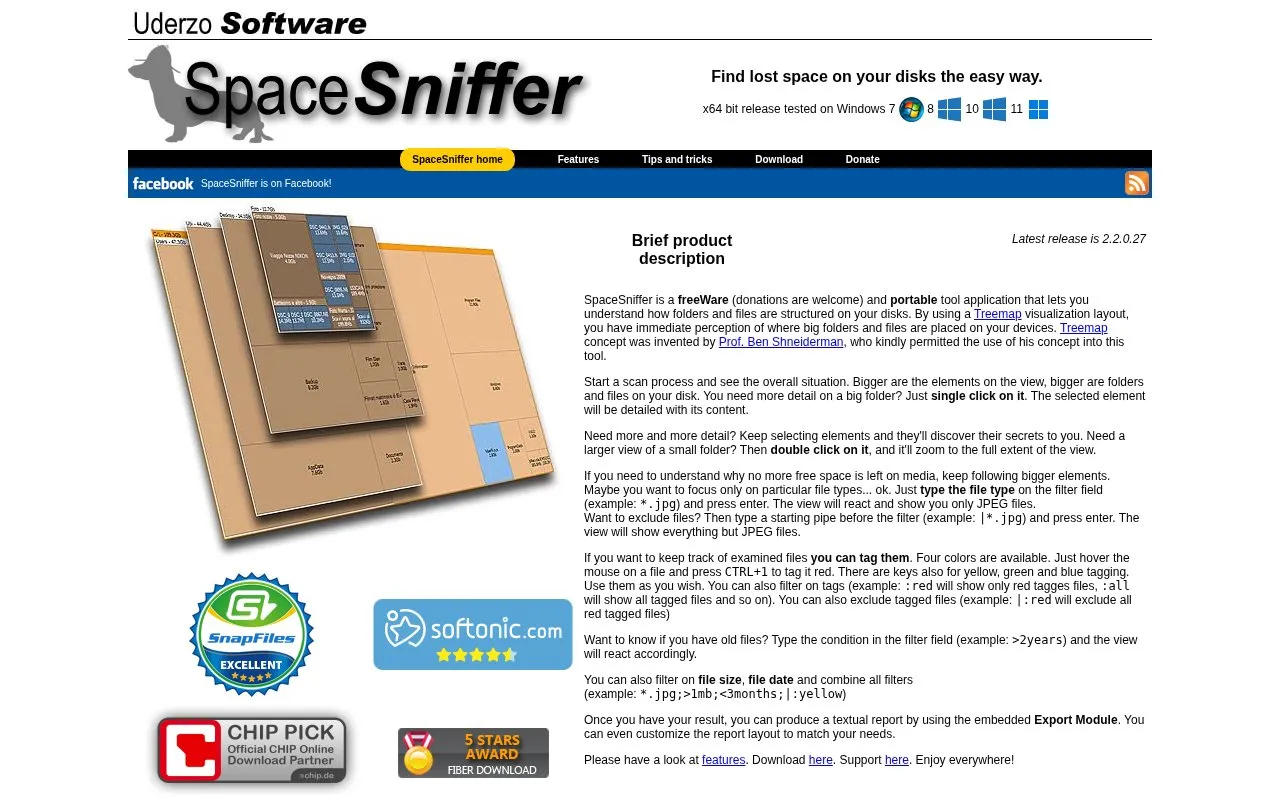
SpaceSniffer is a portable Windows disk-usage analyzer. After a scan, it shows folders and files as a nested treemap, where larger rectangles represent larger items, so users can see where most of the space on a drive is used. Clicking an element shows its contents, and double-clicking zooms it to fill the view.
The tool supports filtering by file type, file size, and file date, and these filters can be combined. Files can be marked with four tag colors to track which items have been reviewed. Results can be exported as a text report, and the report layout can be customized. The homepage describes SpaceSniffer as freeware and says donations are welcome.
Key features
Treemap view that sizes folders and files by their disk usage
Click to inspect an element's contents; double-click to zoom in
Filter field for file types, such as *.jpg, with exclusion using a leading pipe
Filters by file size and file age, such as >1mb or >2years
Four tag colors for marking examined files, with tag-based filtering
Embedded export module for textual reports with customizable layout
Best for: Windows users who need to find which folders and files are using the most space on a disk and want a portable tool that does not need installation.
Good for
Free to use, according to the homepage
Portable application, as described on the homepage
Treemap layout gives a visual overview of where large items are stored