GNOME Disk Usage Analyzer

apps.gnome.org/Baobab System Utilities Online toolFreeOpen source

GNOME’s Disk Usage Analyzer, also called Baobab, shows folder usage in a tree and graphical views.

apps.gnome.org/Baobab
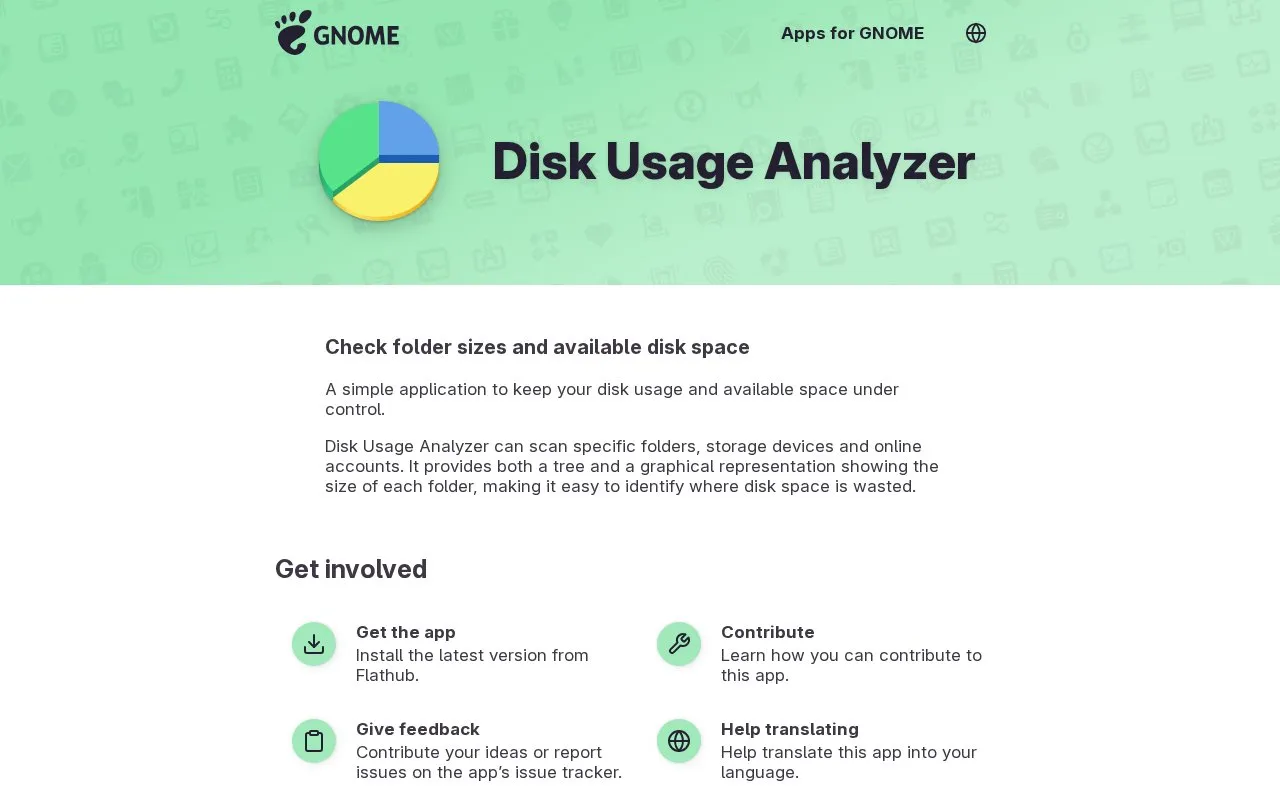
GNOME Disk Usage Analyzer homepage screenshot

About GNOME Disk Usage Analyzer

Disk Usage Analyzer, also called Baobab, is a GNOME application that checks folder sizes and available disk space. It scans specific folders, storage devices, and online accounts. It shows folder sizes in both a tree and a graphical representation, making it easier to identify where disk space is wasted. The application is free and open source.

Key features

  • Check folder sizes and available disk space.
  • Scan specific folders, storage devices, and online accounts.
  • Display tree representation of folder sizes.
  • Display graphical representation of folder sizes.
  • Identify where disk space is wasted.
Best for: Users of GNOME or Linux who need to manage disk space and find large folders.
Good for
  • Free and open source.
  • Offers both tree and graphical views to identify wasted disk space.
  • Can scan online accounts as well as local folders and devices.

GNOME Disk Usage Analyzer at a glance

Type
Online tool
Pricing
Free
Open source
Yes
Last checked
Oct 9, 2026 · Online when checked
Listed
Oct 9, 2026

GNOME Disk Usage Analyzer alternatives

Tools and sites you could use instead, ranked by how closely they match.

GrandPerspective

grandperspectiv.sourceforge.net

A native macOS disk-usage analyzer that displays file and folder sizes in a treemap.

FreeOpen source

SpaceSniffer

uderzo.it/main_products/space_sniffer

A portable Windows disk-usage analyzer with a nested treemap, filters and text-report features.

Free

Popular in System Utilities

Well-known listings from the same topic.

All 202

GNOME Disk Usage Analyzer FAQ

What is the application also called?
Baobab.
What can Disk Usage Analyzer scan?
It can scan specific folders, storage devices, and online accounts.
How does it display disk usage?
It provides both a tree and a graphical representation showing the size of each folder.
Is something wrong or out of date?

Tell us and an editor will check it.

Own this website?

Claim the listing and suggest updates yourself. An editor checks every claim first.

Claim this listing