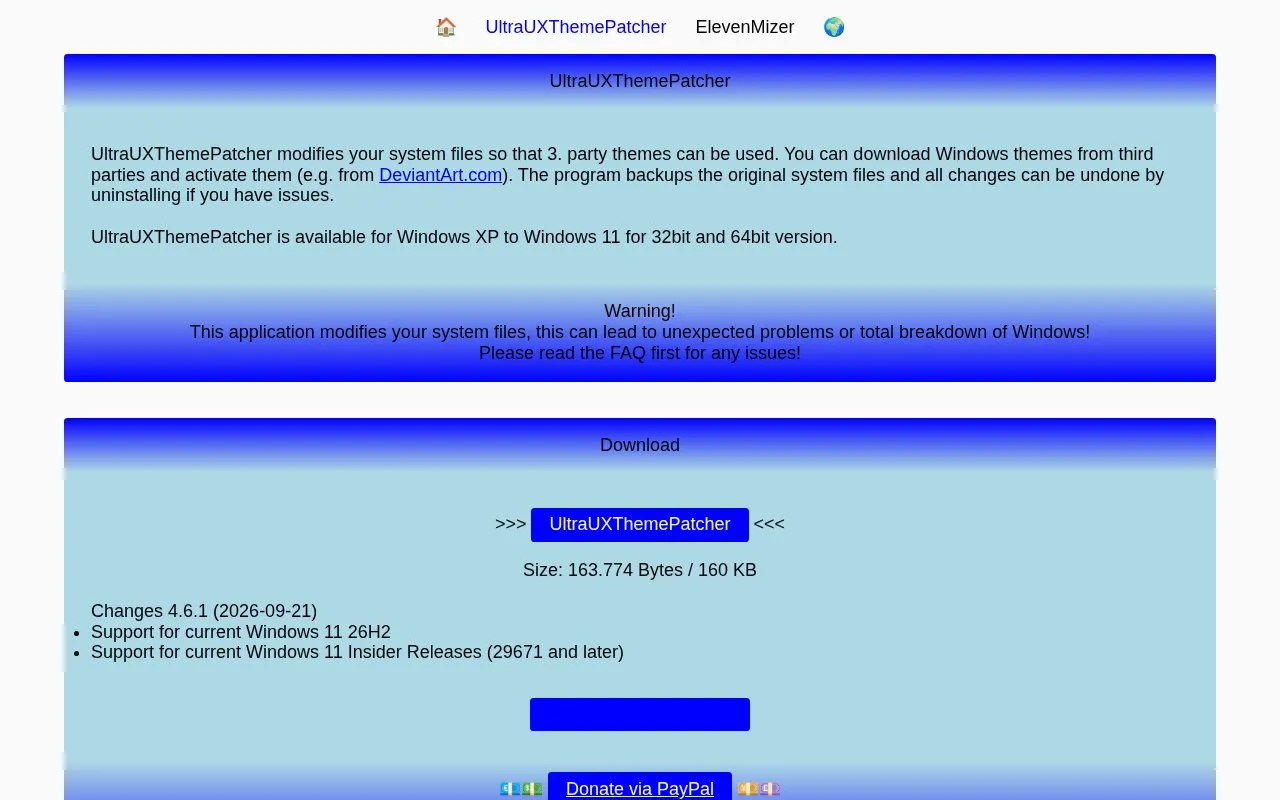
UltraUXThemePatcher modifies Windows system files so third-party Windows themes can be used and activated, including themes downloaded from sites such as DeviantArt.com. It backs up the original system files and restores them when the program is uninstalled.
It is listed for Windows XP to Windows 11 in 32-bit and 64-bit versions. The site warns that modifying system files can lead to unexpected problems or total breakdown of Windows.
Key features
Enables use of third-party Windows themes
Backs up original system files before modification
Restores backups when uninstalled
Supports Windows XP through Windows 11
Available in 32-bit and 64-bit versions
Supports Windows 11 26H2 and recent Insider releases
Best for: Best for Windows users who want to use third-party themes that require patched system files.
Good for
Backs up original files and restores them on uninstall
Supports Windows versions from XP to 11
Provides FAQ troubleshooting for update and login issues
Watch out for
Modifying system files can cause unexpected problems or total breakdown
Windows Updates can leave files unsupported or prevent login
Themes for older Windows versions may not work on latest Windows
What if the patcher runs but nothing is modified after reboot?
Sign in as Administrator, take ownership of uxtheme.dll, uxinit.dll and themeui.dll in c:\windows\system32, grant full authorization, reboot, then run the patcher again as Administrator.
What to do after a Windows Update when files show as not supported?
Run sfc.exe /scannow to restore the system files, reboot, then use the patcher again.
How to completely undo the changes?
Set a standard Windows theme first, then remove the application through software uninstall, which restores the backups.
Is something wrong or out of date?
Tell us and an editor will check it.
Own this website?
Claim the listing and suggest updates yourself. An editor checks every claim first.