

vscode-smart-clicks
Select code between matching brackets or other syntax pairs in VS Code with Smart Clicks.
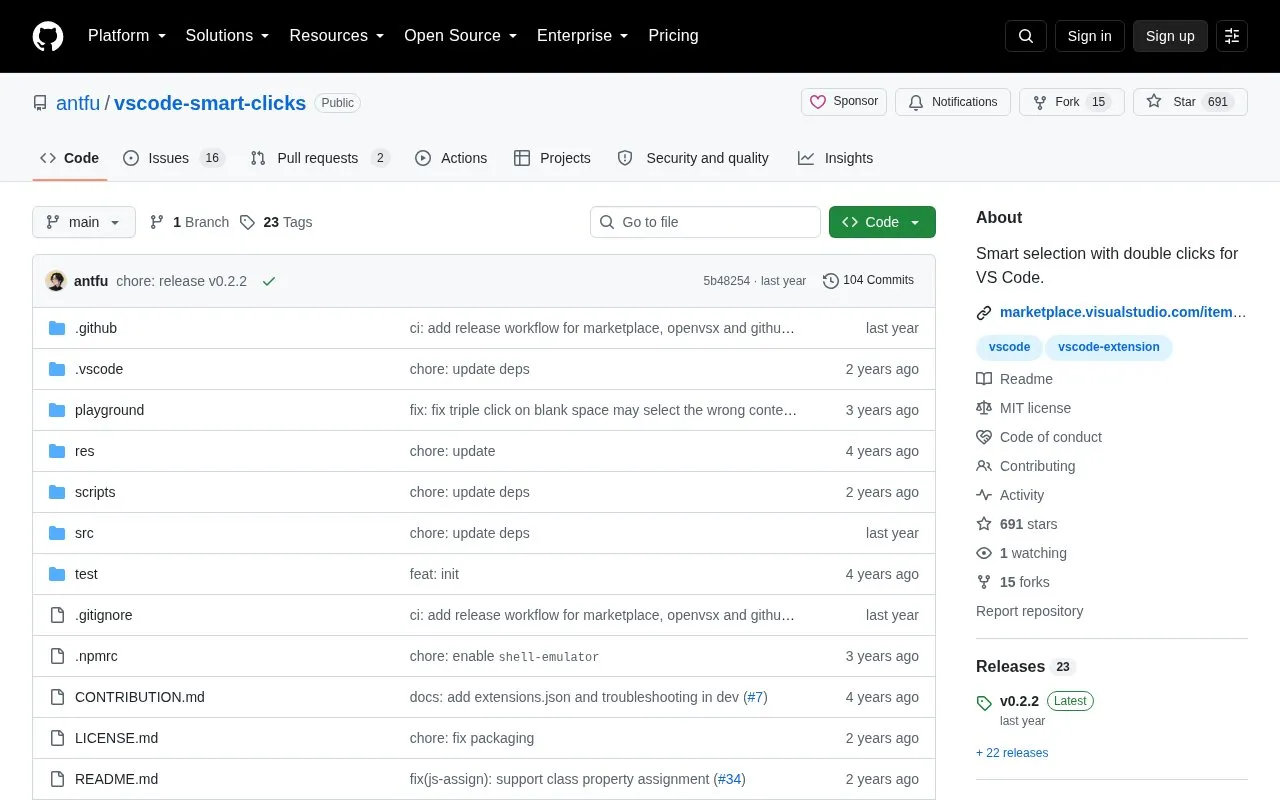
About vscode-smart-clicks
vscode-smart-clicks adds double-click selection rules for VS Code. Double-clicking characters such as brackets, -, =, or : selects the related inner content, identifier, attribute, element, function, or value, including HTML and JSX tag pairs. Rules are controlled through smartClicks.rules in VS Code settings, with the js-block rule disabled by default. The smartClicks.trigger command runs the selection at the current cursor without a mouse click and can be assigned to keyboard shortcuts.
Key features
- Double-click brackets to select inner content
- Double-click dash to select hyphenated identifier
- Double-click equals to select HTML attribute or assignment
- Double-click less-than to select entire HTML element
- Double-click arrow or colon to select function or value
- Trigger selection at cursor without mouse click
Best for: VS Code users who edit bracketed code, HTML, JSX, or JavaScript.
Good for
- Open source with MIT License
- Individual rules can be turned on or off in settings
- Selection can be triggered from command palette or keybinding
Watch out for
- js-block rule is disabled by default
- Vim keybinding example requires the VSCodeVim extension
vscode-smart-clicks at a glance
- Category
- Development › Developer Tools
- Type
- Open-source project
- Pricing
- Not confirmed. Check the site
- Open source
- Yes · Source code
- Language
- English
- Last checked
- Oct 6, 2026 · Online when checked
- Listed
- Oct 5, 2026
Guides for Developer Tools


vscode-smart-clicks alternatives
Tools and sites you could use instead, ranked by how closely they match.

A python library for doing approximate and phonetic matching of strings.
Open source
24 alternatives
Search directories recursively for regular expression matches with ripgrep, while respecting gitignore rules.
Open source
24 alternatives
Syntax highlighting, matching rules and mappings for the original Markdown and extensions.

Images of source code and terminal output can be generated with Freeze.
Open source
24 alternatives
Search code locally by meaning with SeaGOAT, a local-first semantic code search engine.
Open source
24 alternatives
Browse large JSONL, Parquet, and CSV datasets in VS Code with the Bread Dataset Viewer extension.
Open source
24 alternativesPopular in Developer Tools
Well-known listings from the same topic.
AppDevToolsappdevtools.comCommand Not Foundcommand-not-found.comTestFlighttestflight.apple.com/join/A8GwCnq8Sourcegraphabout.sourcegraph.comProject Wallaceprojectwallace.comCarbon Calculatorwebsitecarbon.com


vscode-smart-clicks FAQ
How do I disable a specific selection rule?
Set the rule to false under smartClicks.rules in settings.json.
How do I use Smart Clicks without a mouse?
Run smartClicks.trigger from the command palette or bind it to a keyboard shortcut.
Is the js-block rule enabled by default?
No, the source states this rule is disabled by default.
Is something wrong or out of date?
Tell us and an editor will check it.
Own this website?
Claim this listing
Claim the listing and suggest updates yourself. An editor checks every claim first.