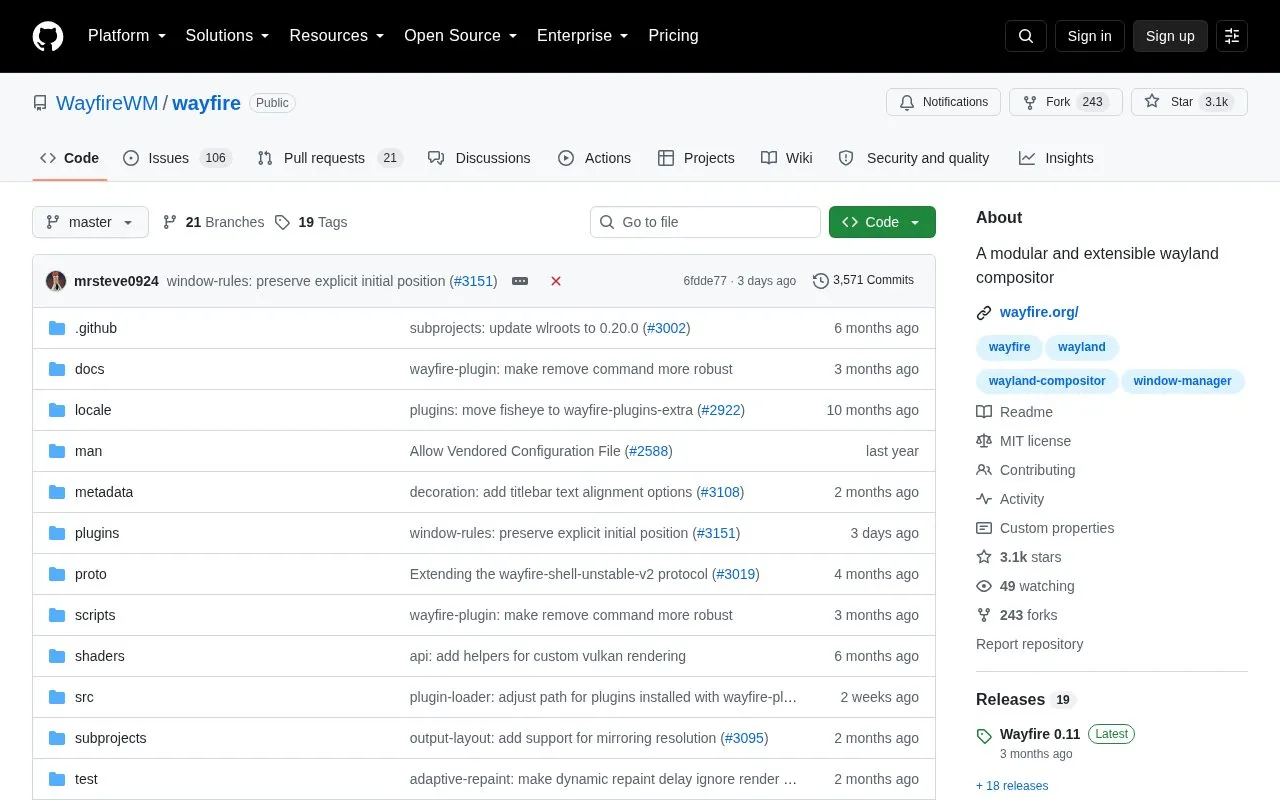
Wayfire is an open-source 3D Wayland compositor inspired by Compiz and built on wlroots. It aims to provide a customizable, extendable and lightweight desktop environment, with behavior controlled through a wayfire.ini configuration file and extended through plugins, including external plugins installed manually or with the wayfire-plugin tool. Installing wf-shell is recommended for a complete desktop experience.
The project is distributed as source and documentation on GitHub under the MIT license, with packages available for Arch Linux, Exherbo, Fedora, FreeBSD, Gentoo, NixOS, Ubuntu/Debian 13 and Void. Building from source uses meson and ninja and requires a set of dependencies, including wlroots and wf-config; XWayland and X11 backends are optional. Wayfire is run from a TTY or through a Wayland-compatible login manager.
Key features
Modular 3D Wayland compositor built on wlroots, inspired by Compiz
Configuration via wayfire.ini in ~/.config/wayfire.ini or ~/.config/wayfire/
Plugin architecture with external plugin installation support
Optional XWayland and X11 backends
Build from source with meson and ninja, or install distro packages
Use the install scripts for Wayfire, wf-shell and WCM, install a distribution package (for example, dnf install wayfire on Fedora or apt install wayfire on Ubuntu/Debian 13), or build from source with meson, ninja and ninja install.
How is Wayfire configured?
Copy wayfire.ini to ~/.config/wayfire.ini or ~/.config/wayfire/wayfire.ini. The Configuration document covers the available options, and the command used to start a terminal may need to be changed before running Wayfire.
Can external plugins be added?
Yes. External plugins can be installed manually or with wayfire-plugin, for example: wayfire-plugin install https://github.com/soreau/pixdecor.
Is something wrong or out of date?
Tell us and an editor will check it.
Own this website?
Claim the listing and suggest updates yourself. An editor checks every claim first.