

Aconvert
Aconvert offers online conversion for document, ebook, image, icon, video, audio, and archive files.
About Aconvert
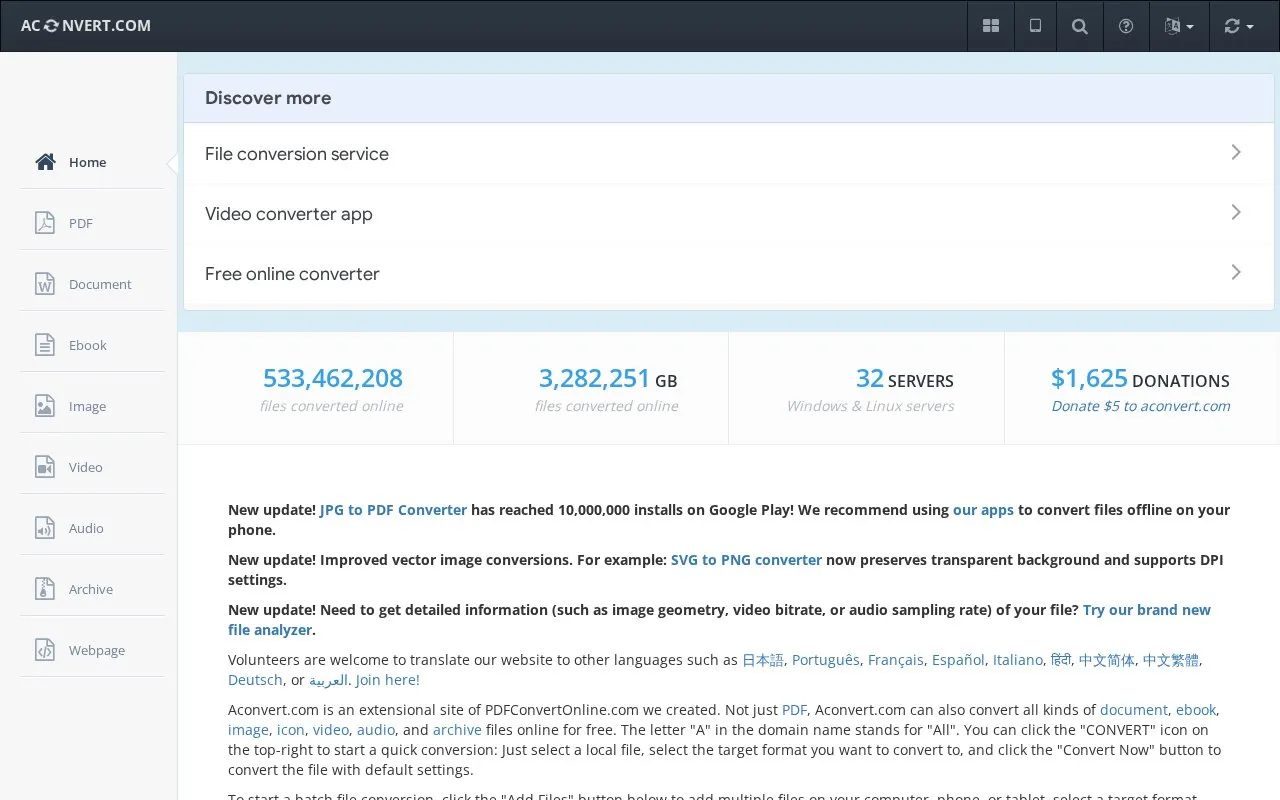
Aconvert is an online converter for document, ebook, image, icon, video, audio, and archive files. Users can convert a single local file with default settings or add multiple files from a computer, phone, or tablet for batch conversion, with outputs listed in a Conversion Results section.
The site also includes a file analyzer for details such as image geometry, video bitrate, or audio sampling rate. It offers mobile apps for offline conversion on phones, and its SVG to PNG conversion preserves transparent backgrounds and supports DPI settings.
Key features
- Convert document, ebook, image, icon, video, audio, archive files online
- Quick single-file conversion using default settings
- Batch conversion of multiple files with results list
- SVG to PNG conversion preserving transparency with DPI settings
- File analyzer showing geometry, bitrate, sampling rate details
- Offline file conversion through mobile apps
Best for: Best for people who need to convert documents, ebooks, images, audio, video, or archives across computers, phones, or tablets.
Good for
- Covers document, ebook, image, icon, video, audio, and archive files in one site
- Supports batch conversion with outputs listed in a Conversion Results section
- Includes a file analyzer for details such as image geometry, video bitrate, and audio sampling rate
Aconvert at a glance
- Website
- aconvert.com
- Category
- Software & Utilities › File Utilities
- Type
- Website
- Pricing
- Not confirmed. Check the site
- Platforms
- Linux, Web, Windows
- Open source
- Not stated
- Language
- English
- Last checked
- Oct 5, 2026 · Online when checked
- Listed
- Oct 5, 2026
Guides for File Utilities
Aconvert alternatives
Tools and sites you could use instead, ranked by how closely they match.

FreeConvert converts files online across audio, image, video, ebook, document, and archive formats.

FoliCon customizes folder icons for movies, shows, games, anime, and music, with ratings and package-manager support listed.
Open source
24 alternativesRemove EXIF, GPS, PDF, Office, ebook, and audio metadata in a browser using Metadata Remover, which lists supported file types.

AnyConv is an online converter for documents, images, video, and audio files, with file uploads processed through its website.
Free
9 alternatives
Convert and compress files from the Windows context menu with File Converter, including multiple files in one action.

ExampleFile provides sample files for testing, including PDF, image, ZIP, MP4, DOCX, JSON, and other formats.
Free
10 alternativesPopular in File Utilities
Well-known listings from the same topic.
SDeletelearn.microsoft.com/en-us/sysinternals/downloa…PowerRenamelearn.microsoft.com/en-us/windows/powertoys/po…robocopylearn.microsoft.com/windows-server/administrat…VERTvert.shNanaZipnanazip.orgPhotonphotondev.netlify.app


Aconvert FAQ
How do I convert a single file?
Select a local file, select the target format, and click "Convert Now" to convert the file with default settings.
How do I convert multiple files at once?
Click "Add Files" to add multiple files from your computer, phone, or tablet, select a target format, and click "Convert Now"; output files are listed in the "Conversion Results" section.
How can I see technical details about a file?
Use the file analyzer to get information such as image geometry, video bitrate, or audio sampling rate.
Is something wrong or out of date?
Tell us and an editor will check it.
Own this website?
Claim this listing
Claim the listing and suggest updates yourself. An editor checks every claim first.