

Wox provides an open-source launcher for Windows, macOS, and Linux, according to its project page.
Open source
24 alternativesBleachBit cleans files to free disk space on Windows and Linux, with privacy maintenance listed in its project description.
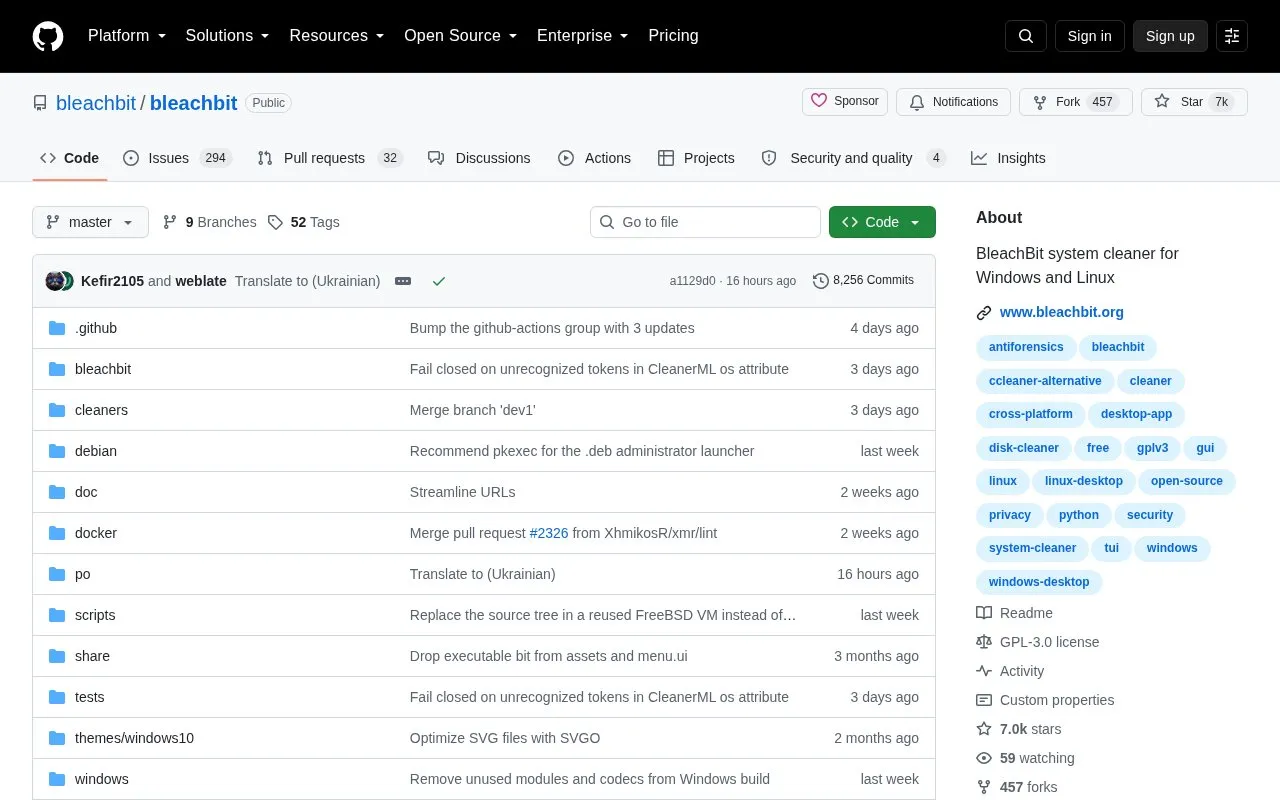
BleachBit is an open-source system cleaner for Windows and Linux that removes unneeded files to free disk space. Its project description also lists maintaining privacy as a purpose.
It can run from Python 3 source after installing system dependencies and building translations. Users review preferences, select cleaning options, preview the files, then delete, and a command-line interface is available.
Tools and sites you could use instead, ranked by how closely they match.
Wox provides an open-source launcher for Windows, macOS, and Linux, according to its project page.
OneClick-macOS provides tools and instructions for setting up a macOS virtual machine in QEMU with KVM acceleration on Linux or Windows.
Winbindex indexes Windows binaries and links to files hosted on Microsoft's public symbol server.
OpenRecall provides an open-source alternative to Windows Recall for accessing digital history, with the project describing it as privacy-first.
RBTray offers a small Windows utility as a maintained fork of the original project; its repository says it is in maintenance mode.
Lenovo Legion Toolkit is a Windows desktop utility for Lenovo gaming laptops that replaces Lenovo Vantage, Legion Zone, and Legion Space.
Well-known listings from the same topic.
Tell us and an editor will check it.
Claim the listing and suggest updates yourself. An editor checks every claim first.


