

OnionHop routes desktop traffic through Tor, with proxy and system-wide VPN modes, bridges, split tunneling, and a kill switch.
ClashMac
Manage proxy connections on macOS with ClashMac, a native client that includes traffic routing views.
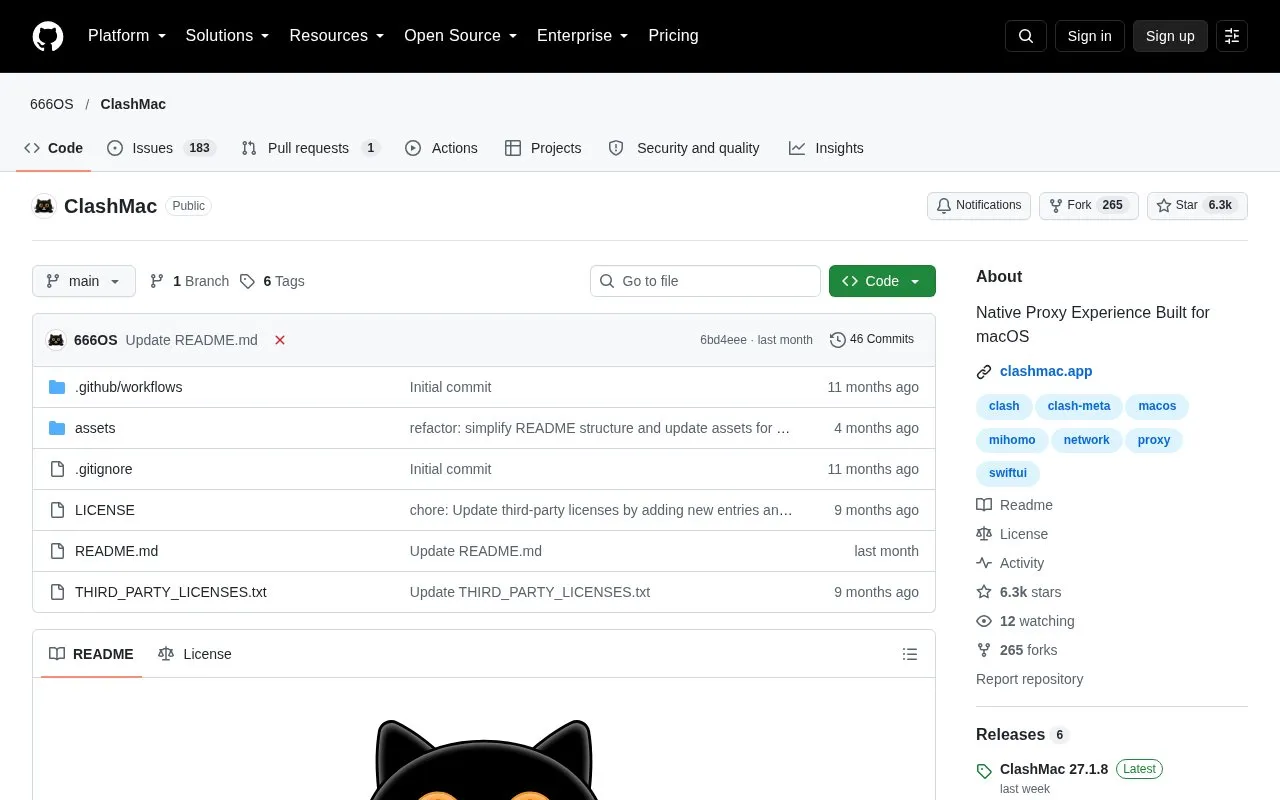
About ClashMac
ClashMac is a native macOS client for managing proxy connections. It provides a live route map, a traffic grid that lists which apps use bandwidth and which routing rules apply, and a real-time dashboard with bandwidth graphs and domain leaderboards. It also includes an anti-detect browser feature that runs separate browser profiles, each with its own proxy endpoint, and can align browser timezone, language, and User-Agent with the active proxy node.
The project states that settings, traffic details, and history stay on the user's Mac, with no data collection, tracking, or logs. This is the project's own statement and has not been independently verified. The app requires macOS 15.0 or later. On first launch, macOS may block it, and the project's README gives manual steps to allow it. The source code is not available, since the project describes ClashMac as proprietary, closed-source software with binary releases in its repository.
Key features
- Live route map showing active proxy traffic, updated every 10 seconds
- Live traffic grid showing apps' bandwidth use, speeds, protocols, and routing rules
- One-click creation of proxy or blocking rules for a browser tab or process
- Upload and download speed graph over a 60-second window
- Separate browser profiles with isolated cookies, cache, and dedicated proxy endpoints
- TUN mode for system-wide proxy capture of UDP and TCP traffic
Best for: macOS users who manage proxy connections and want live views of traffic routing and per-app activity.
Good for
- Built in SwiftUI as a native macOS app that can stay in the menu bar
- Automatically sets up DNS, TUN, and routing parameters out of the box
- States that settings and traffic data are stored locally on the Mac
Watch out for
- Requires macOS 15.0 or later
- Closed-source and proprietary, so the code cannot be reviewed
- On first launch, macOS may block the app, and the README describes manual steps to allow it
ClashMac at a glance
- Website
- github.com/666OS/ClashMac
- Category
- Privacy & Security › Desktop & OS Privacy
- Type
- Open-source project
- Pricing
- Not confirmed. Check the site
- Platforms
- macOS
- Open source
- Not stated
- Language
- English
- Last checked
- Oct 6, 2026 · Online when checked
- Listed
- Oct 5, 2026
ClashMac alternatives
Tools and sites you could use instead, ranked by how closely they match.

View details about kernel modules loaded on macOS with KextViewr, a utility from Objective-See.

Tunnelblick is free, open-source macOS software for controlling OpenVPN connections, with downloads and support information on its site.

Monitor and control outgoing network connections on macOS with LuLu, a free, open-source firewall.

Disroot provides secure email accounts that can be accessed through desktop email clients or its webmail interface.

OPNsense provides open-source firewall and routing software, with project documentation and support information on its site.
Popular in Desktop & OS Privacy
Well-known listings from the same topic.
wBlockapps.apple.com/app/wblock/id6746388723uBO Lite Safariapps.apple.com/app/ublock-origin-lite/id674534…Stayapps.apple.com/app/stay-for-safari/id1591620171Lockdown Privacylockdownprivacy.comTor Browsertorproject.orgFirejailfirejail.wordpress.com


ClashMac FAQ
Which macOS version does ClashMac require?
The project lists macOS 15.0 or later, including Sequoia or later.
Is ClashMac open source?
No. The project describes it as proprietary, closed-source software, with binary releases provided in its repository.
Can ClashMac be run directly from the disk image?
The project advises against this. It says the macOS security sandbox prevents the app from saving settings and installing system network services when run from the .dmg window, so it should be dragged into Applications first.
Is something wrong or out of date?
Tell us and an editor will check it.
Own this website?
Claim this listing
Claim the listing and suggest updates yourself. An editor checks every claim first.