

OnionHop routes desktop traffic through Tor, with proxy and system-wide VPN modes, bridges, split tunneling, and a kill switch.
Gas Mask
Edit and switch between hosts files on macOS with Gas Mask, a hosts file manager.
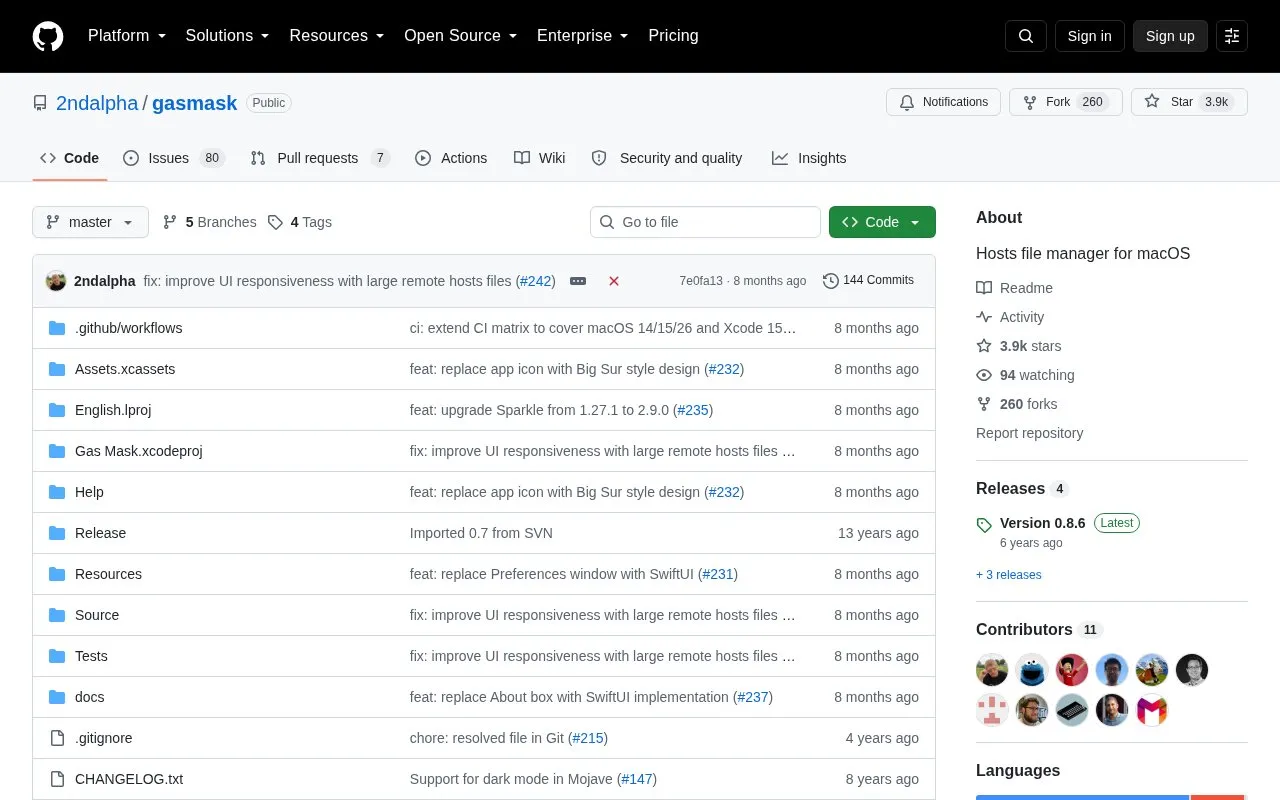
About Gas Mask
Gas Mask is a hosts file manager for macOS that lets users edit, store and switch between multiple hosts files. It automatically updates the system /etc/hosts file with the user's selected active hosts file, and runs in the background with a menu bar icon for quick access. The tool supports local, remote (auto-synced from user-specified URLs) and combined hosts file types, requires macOS 13 (Ventura) or later, and needs administrator privileges to modify the system hosts file.
Key features
- Edit local hosts files directly in the built-in editor
- Switch between active hosts files via menu bar icon
- Sync remote hosts files from user-specified URLs on a schedule
- Support for combined hosts file types
- Runs in background for quick access without opening editor
- Stores custom hosts files in user Library directory
Best for: macOS users who need to edit, manage and switch between multiple hosts files.
Good for
- Supports combined hosts files, a feature the source highlights as superior to other macOS hosts managers
- Automatically applies the selected hosts file to the system /etc/hosts file
- Allows scheduled or on-demand syncing of remote hosts files from user URLs
Watch out for
- Only compatible with macOS 13 (Ventura) and later versions
- Requires administrator privileges to modify the system hosts file
- Remote hosts files cannot be edited, as they are overwritten during sync
Gas Mask at a glance
- Website
- github.com/2ndalpha/gasmask
- Category
- Privacy & Security › Desktop & OS Privacy
- Type
- Open-source project
- Pricing
- Not confirmed. Check the site
- Platforms
- macOS
- Open source
- Not stated
- Language
- English
- Last checked
- Oct 6, 2026 · Online when checked
- Listed
- Oct 5, 2026
Gas Mask alternatives
Tools and sites you could use instead, ranked by how closely they match.

Manage proxy connections on macOS with ClashMac, a native client that includes traffic routing views.

Authorize binary execution and file access on macOS with Santa, a system extension and policy tool.
Open source
24 alternatives
This community guide collects recommendations for improving security and privacy on macOS.
Open source
24 alternatives
Process macOS and iOS disk images or live machines with mac_apt to extract forensic data and metadata.
Open source
24 alternatives
Block ads in Safari on Apple devices with wBlock, an open-source blocker that includes lists, scripts, and styles.
FreeOpen source
24 alternativesPopular in Desktop & OS Privacy
Well-known listings from the same topic.
wBlockapps.apple.com/app/wblock/id6746388723uBO Lite Safariapps.apple.com/app/ublock-origin-lite/id674534…Stayapps.apple.com/app/stay-for-safari/id1591620171Lockdown Privacylockdownprivacy.comTor Browsertorproject.orgFirejailfirejail.wordpress.com


Gas Mask FAQ
Where does Gas Mask store custom hosts files?
Custom hosts files are stored in the ~/Library/Gas Mask directory.
Where can I find the Gas Mask application log?
The application log is located at ~/Library/Logs/Gas Mask.log.
Can I edit remote hosts files directly in Gas Mask?
No, remote hosts files are overwritten during sync and cannot be edited directly.
Is something wrong or out of date?
Tell us and an editor will check it.
Own this website?
Claim this listing
Claim the listing and suggest updates yourself. An editor checks every claim first.