
Deark
Deark decodes certain file types and converts them to modern formats through a portable command-line utility.
About Deark
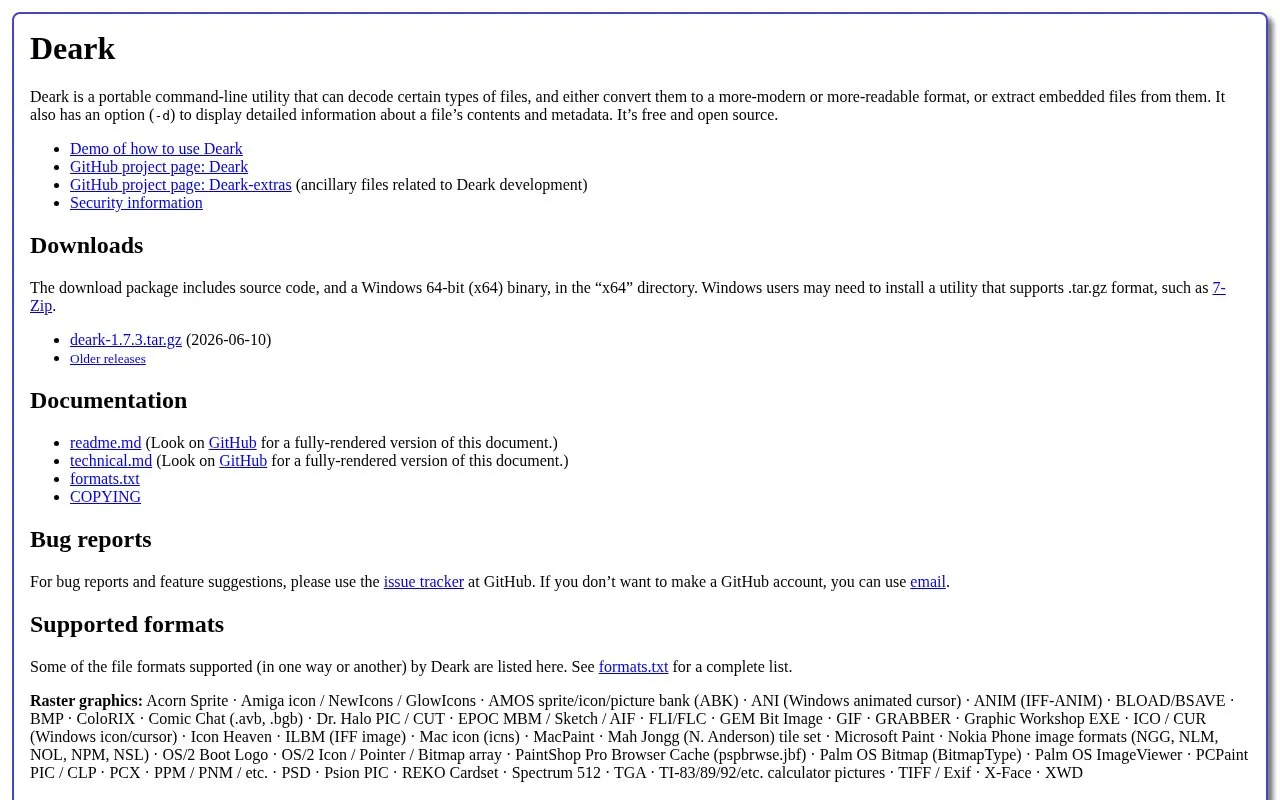
Deark is a portable command-line utility that decodes certain file types, converting them to a more-modern or more-readable format or extracting embedded files from them. It includes a -d option to display detailed information about a file’s contents and metadata.
It supports selected raster graphics, ANSI art, archives, disk images, fonts, compressed executables and other formats, with the complete list in formats.txt. The download package provides source code and a Windows 64-bit binary as a .tar.gz file, which may require additional software such as 7-Zip on Windows.
Key features
- Converts supported legacy files to modern or readable formats
- Extracts embedded files from supported file types
- Shows detailed file contents and metadata via -d option
- Decodes raster graphics such as BMP, GIF, PSD and TIFF
- Handles archives and disk images including ZIP, TAR and ISO 9660
- Processes fonts, compressed executables, audio and document containers
Best for: People working with obsolete or obscure file formats who can use command-line tools.
Good for
- Covers many legacy graphics, archive, font and executable formats
- Includes detailed file information mode with -d option
- Download includes source code and Windows 64-bit binary
Watch out for
- Operates as a command-line utility
- Supports only certain file types, with full coverage in formats.txt
- Windows download uses .tar.gz, which may require additional software like 7-Zip
Deark at a glance
- Website
- entropymine.com/deark
- Category
- Software & Utilities › File Utilities
- Type
- Website
- Pricing
- Not confirmed. Check the site
- Platforms
- Web, Windows
- Open source
- Not stated
- Last checked
- Oct 5, 2026 · Online when checked
- Listed
- Oct 5, 2026
Guides for File Utilities
Deark alternatives
Tools and sites you could use instead, ranked by how closely they match.

Deark analyzes file formats and metadata, extracts data, decompresses content, and decodes image formats through a command-line utility.

Select and format fields from text with tuc, a command-line alternative to cut.
Open source
24 alternatives7-Zip is a free file archiver for creating and extracting archives, with a Windows app and command-line versions for Linux and macOS.
FreeOpen source
11 alternatives
lsd provides a modern alternative to the ls command, according to its repository description.
Open source
24 alternatives
Convertio converts files between more than 300 formats, including documents, images, spreadsheets, ebooks, archives, and presentations.

FreeConvert converts files online across audio, image, video, ebook, document, and archive formats.
Popular in File Utilities
Well-known listings from the same topic.
SDeletelearn.microsoft.com/en-us/sysinternals/downloa…PowerRenamelearn.microsoft.com/en-us/windows/powertoys/po…robocopylearn.microsoft.com/windows-server/administrat…VERTvert.shNanaZipnanazip.orgPhotonphotondev.netlify.app


Deark FAQ
How can I see detailed information about a file?
Use the -d option to display detailed information about a file's contents and metadata.
What is included in the download package?
Source code and a Windows 64-bit binary in the x64 directory, distributed as a .tar.gz file.
Where can I find the complete list of supported formats?
See formats.txt for the complete list; the site lists only some supported formats.
Is something wrong or out of date?
Tell us and an editor will check it.
Own this website?
Claim this listing
Claim the listing and suggest updates yourself. An editor checks every claim first.