

XConvert
XConvert offers online tools to convert, compress, resize, archive, and extract files across video, image, audio, PDF, and document formats.
About XConvert
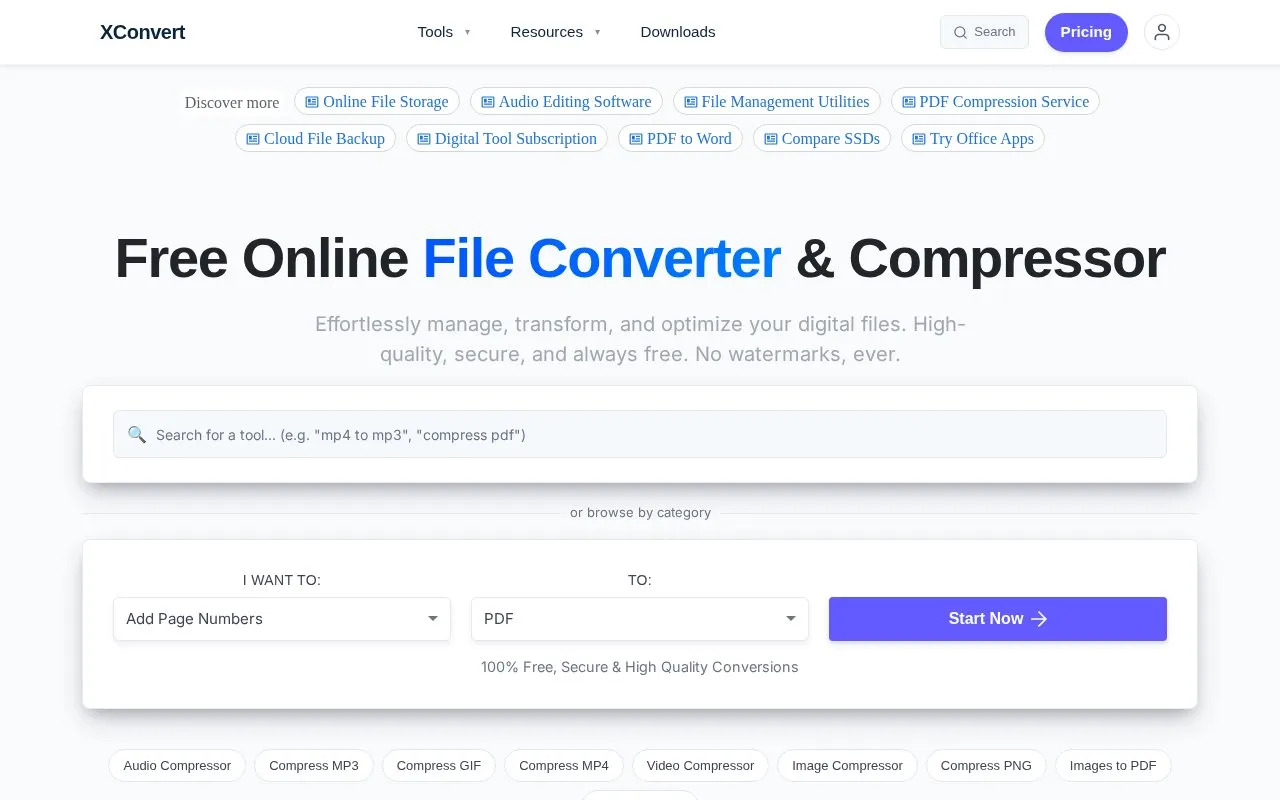
XConvert is a free, web-based set of tools for converting, compressing, resizing, archiving, and extracting files. It covers video, image, audio, PDF, and document formats, and its homepage lists more than 5000 tools in total. The homepage states that files are processed on cloud infrastructure, so uploaded files are sent to external servers. It says that uploads are transferred over SSL and that all uploaded and converted files are automatically deleted from its servers within a few hours. These are the site's own statements and are not independently verified here.
Key features
- Image conversion and resizing for JPG, PNG, HEIC, WebP, and RAW files
- Video format conversion, compression, clip trimming, and audio extraction from MP4, MOV, and AVI
- PDF merging, splitting, compression, and conversion to Word, JPG, and other formats
- Audio conversion between MP3, WAV, and FLAC, plus audio track cutting
- Compression and extraction of Zip, RAR, and 7z archives
- Batch processing of multiple files at once
Best for: People who need to convert, compress, or resize common image, video, audio, PDF, or archive files in a browser without installing software.
Good for
- Free to use, and the homepage states that output has no watermarks
- Covers many file types in one place, from media files to PDFs and archives
- Offers batch processing and customizable conversion settings
Watch out for
- Files are processed on remote cloud servers, so they must be uploaded
- Privacy depends on the site's stated deletion practices, which the site describes but does not guarantee
XConvert at a glance
- Website
- xconvert.com
- Category
- Software & Utilities › File Utilities
- Type
- Website
- Pricing
- Free
- Platforms
- Web
- Open source
- Not stated
- Language
- English
- Last checked
- Oct 6, 2026 · Online when checked
- Listed
- Oct 5, 2026
Guides for File Utilities
XConvert alternatives
Tools and sites you could use instead, ranked by how closely they match.

FreeConvert converts files online across audio, image, video, ebook, document, and archive formats.
PeaZip opens and extracts archive formats including RAR, TAR, and ZIP.

MiConv converts files online across image, document, spreadsheet, presentation, audio, video, eBook, archive, font, CAD, 3D and GIS formats, supporting 250+ formats with batch conversion in the browser.
Free
14 alternatives
VideoUtils provides online converters for video, audio, and images, including tools to compress MP4 files and convert video to grayscale.

Convert and compress files from the Windows context menu with File Converter, including multiple files in one action.

Use WinRAR on Windows to compress and encrypt files, open RAR and ZIP archives, and process other formats.
Popular in File Utilities
Well-known listings from the same topic.
SDeletelearn.microsoft.com/en-us/sysinternals/downloa…PowerRenamelearn.microsoft.com/en-us/windows/powertoys/po…robocopylearn.microsoft.com/windows-server/administrat…VERTvert.shNanaZipnanazip.orgPhotonphotondev.netlify.app


XConvert FAQ
Are uploaded files deleted?
The homepage says all uploaded and converted files are automatically deleted from its servers within a few hours.
Does XConvert add watermarks to converted files?
The homepage states that there are no watermarks.
Is sign-up required to use the tools?
The site's meta description states that no sign-up is needed.
Is something wrong or out of date?
Tell us and an editor will check it.
Own this website?
Claim this listing
Claim the listing and suggest updates yourself. An editor checks every claim first.