
This i3 reference card lists keyboard shortcuts for common window manager actions.
Desktop Environment Comparison
This page compares desktop environments for Linux and Unix, with macOS and Windows included for reference.
About Desktop Environment Comparison
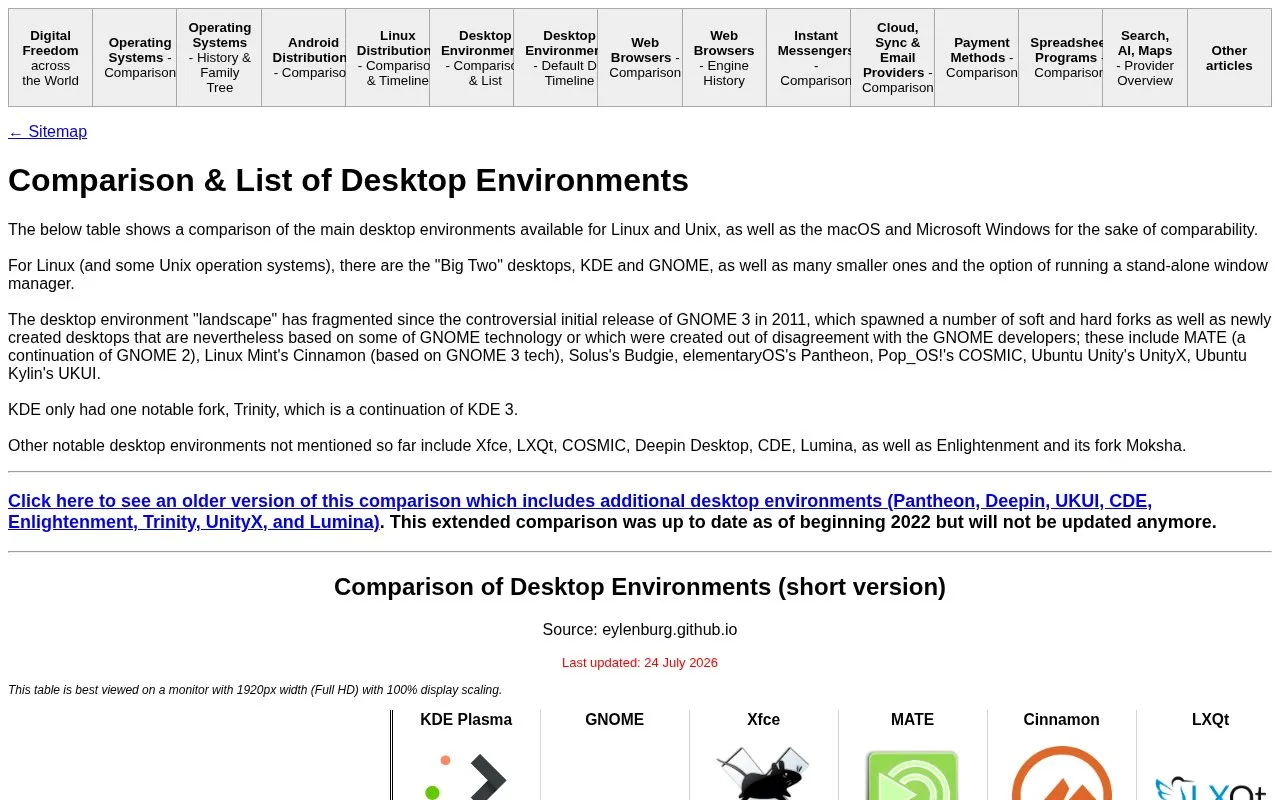
This page compares the main desktop environments for Linux and Unix in a single table. macOS and Windows are included for reference. It covers KDE Plasma, GNOME, Xfce, MATE, Cinnamon, LXQt, COSMIC, Budgie, Aqua (macOS) and the Windows Shell.
For each environment, the table lists license, first release year, the project it was forked from, GUI toolkit, window manager, display manager, bundled applications such as file manager, image viewer and media player, display server support, and support for fractional scaling, HDR and variable refresh rate. The page also describes how the Linux desktop landscape has split since GNOME 3 was released in 2011. An older, longer version of the comparison covers additional environments but has not been updated since the beginning of 2022. The short table is best viewed on a 1920px wide (Full HD) monitor at 100% display scaling.
Key features
- Side-by-side table of ten desktop environments, including KDE Plasma, GNOME and Xfce
- Lists license, first release year and fork origin for each environment
- Compares GUI toolkit, window manager and display manager choices
- Compares bundled file manager, archive, document, image and text editor applications
- Shows X11 or Wayland display server support and fractional scaling for HiDPI monitors
- Shows HDR and variable refresh rate support for each environment
Best for: People choosing a desktop environment for Linux or Unix who want a side-by-side feature comparison.
Good for
- Places Linux and Unix desktop environments beside macOS and Windows for reference
- Puts many technical attributes in one table for direct comparison
Watch out for
- The longer version with more environments was last updated at the beginning of 2022 and will not be updated
- The short table is designed for a 1920px wide monitor at 100% display scaling
Desktop Environment Comparison at a glance
- Category
- Software & Utilities › Desktop Customization
- Type
- Website
- Pricing
- Not confirmed. Check the site
- Platforms
- Linux, macOS, Web, Windows
- Open source
- Not stated
- Language
- English
- Last checked
- Oct 6, 2026 · Online when checked
- Listed
- Oct 5, 2026
Desktop Environment Comparison alternatives
Tools and sites you could use instead, ranked by how closely they match.

This repository contains the source for wearewaylandnow.com, an opinionated site about the Wayland desktop environment.
Open source
24 alternatives
nwg-look edits GTK settings for desktop environments using the wlroots Wayland environment.
Open source
24 alternatives
ExplorerPatcher modifies the Windows environment, according to its project description.
Open source
24 alternatives
OpenRGB controls RGB lighting devices without relying on manufacturer software.
Free
24 alternatives
ScreenPlay provides live wallpapers, widgets, and screensavers through an open-source app for Windows and macOS.
Popular in Desktop Customization
Well-known listings from the same topic.
Chezmoichezmoi.ioawesomewmawesomewm.orgdotfilesdotfiles.github.iobackieeapps.microsoft.com/store/detail/backiee-wallpa…Dynamic Themeapps.microsoft.com/detail/9nblggh1zbkwHydraPaperhydrapaper.gabmus.org


Desktop Environment Comparison FAQ
Which desktop environments are included in the short comparison table?
The short table covers KDE Plasma, GNOME, Xfce, MATE, Cinnamon, LXQt, COSMIC and Budgie, plus Aqua (macOS) and the Windows Shell for reference.
Is the older, extended comparison still updated?
No. The extended version was up to date as of the beginning of 2022 and will not be updated anymore. It adds Pantheon, Deepin, UKUI, CDE, Enlightenment, Trinity, UnityX and Lumina.
What screen setup is recommended for viewing the table?
The page recommends a monitor with 1920px width (Full HD) at 100% display scaling.
Is something wrong or out of date?
Tell us and an editor will check it.
Own this website?
Claim this listing
Claim the listing and suggest updates yourself. An editor checks every claim first.