

Efficient Compression Tool
Efficient Compression Tool optimizes PNG, JPEG, GZIP, and ZIP files through a C++ file-optimization utility.
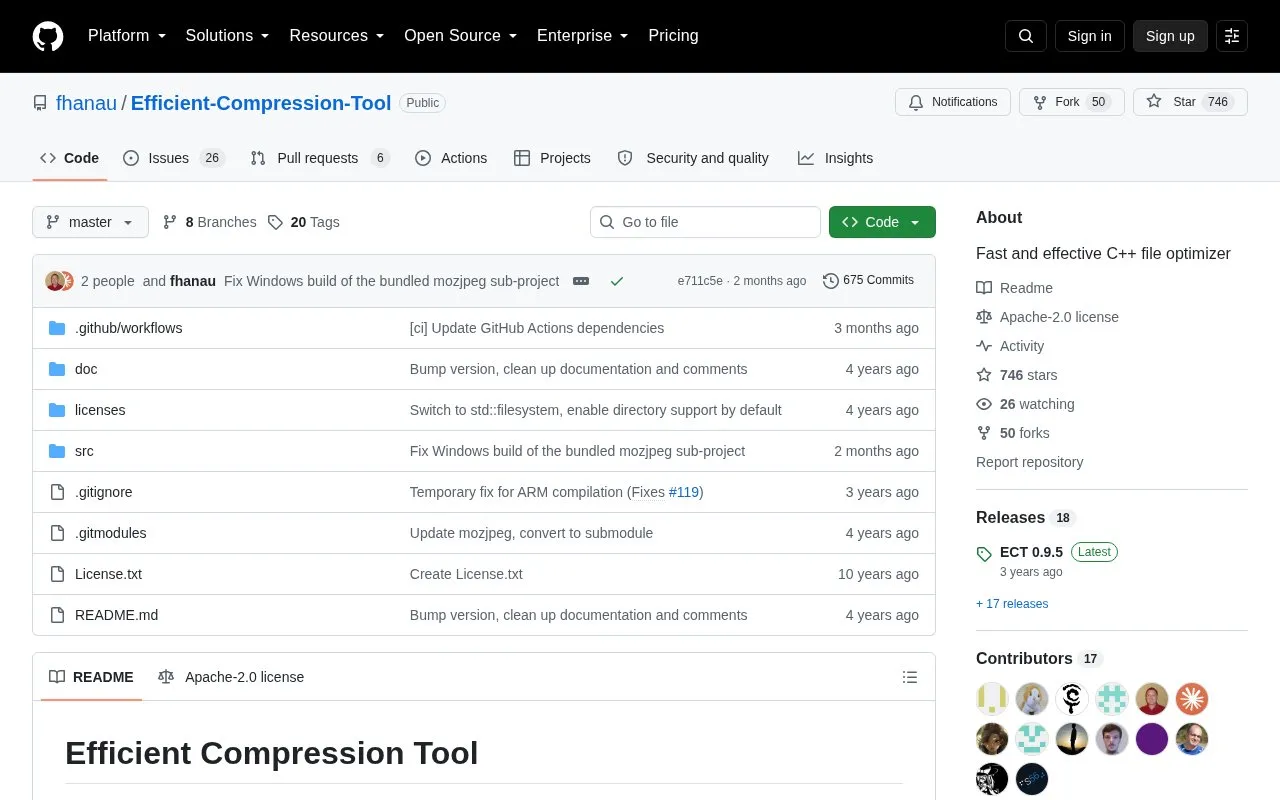
About Efficient Compression Tool
Efficient Compression Tool (ECT) is a C++ command-line file optimizer for PNG, JPEG, GZIP, and ZIP files. It is distributed as open source source code on GitHub under the Apache-2.0 license, and the repository lists macOS as its platform. Users build it from source with cmake, and the repository also documents generating an Xcode project.
The README includes a benchmark run on macOS 12.5 with an Intel i7-7700HQ, using version 0.9.2. In that test, which compressed the 100,000,000-byte enwik8 file into gzip format, ECT at level -9 produced a smaller output than gzip -9 but took about 3 minutes 18 seconds, compared with 5.8 seconds for gzip -9. ECT at level -1 was faster than gzip -9 in the same test but produced a slightly larger file. These results come from one file and one machine, so they may not reflect other workloads.
Key features
- Optimizes PNG, JPEG, GZIP, and ZIP files
- C++ file optimizer built with cmake
- Compression levels from -1 to -9 in benchmark results
- Optional multithreading, which can be disabled at build time
- Xcode project generation using cmake with the -G Xcode option
- Option to disable SIMD assembly files for Xcode builds
Best for: Developers or technical users on macOS who are comfortable building a command-line tool from source and want to optimize PNG, JPEG, GZIP, or ZIP files.
Good for
- Open source under the Apache-2.0 license
- Benchmark shows ECT at level -9 producing a smaller gzip output than gzip -9 in the published test
- Multithreading support can be turned off with a cmake option
Watch out for
- Building requires a recursive git clone, and downloading the archive alone is not enough
- Some users may need to install nasm before building
- Xcode builds need a custom build rule for asm files, or SIMD must be disabled for maximum speed
Efficient Compression Tool at a glance
- Category
- Software & Utilities › File Utilities
- Type
- Open-source project
- Pricing
- Not confirmed. Check the site
- Platforms
- macOS
- Open source
- Yes · Source code
- Language
- English
- Last checked
- Oct 6, 2026 · Online when checked
- Listed
- Oct 5, 2026
Guides for File Utilities
Efficient Compression Tool alternatives
Tools and sites you could use instead, ranked by how closely they match.

Browse and print file contents with bat, a command-line cat alternative documented in this repository.
Open source
24 alternatives
Docling prepares documents for generative AI applications, according to its project description.
Open source
24 alternativeseza replaces the ls file-listing command, is written in Rust, and is described as actively maintained.
Manage files in a terminal with superfile, which lists support for macOS, Linux, and Windows.
Open source
5 alternativesThe Files project is an open-source file explorer for organizing files and folders on Windows.

SCP, SFTP, FTP, S3, SMB, and WebDAV transfers are supported by termscp, a terminal file utility.
Open source
24 alternativesPopular in File Utilities
Well-known listings from the same topic.
SDeletelearn.microsoft.com/en-us/sysinternals/downloa…PowerRenamelearn.microsoft.com/en-us/windows/powertoys/po…robocopylearn.microsoft.com/windows-server/administrat…VERTvert.shNanaZipnanazip.orgPhotonphotondev.netlify.app


Efficient Compression Tool FAQ
Do I need to clone the repository recursively to build ECT?
Yes. The README says you need to clone it recursively, using git clone --recursive, because downloading the repository alone is not enough.
How can I build ECT in Xcode?
Run cmake ../src -G Xcode from a build directory and then run make. The README notes that Xcode does not compile some asm files in mozjpeg, so a custom build rule using nasm is needed. Alternatively, adding -DWITH_SIMD=OFF to the cmake call disables the asm files, though this may reduce speed.
Can I turn off multithreading?
Yes. Add -DECT_MULTITHREADING=OFF to the cmake call.
Is something wrong or out of date?
Tell us and an editor will check it.
Own this website?
Claim this listing
Claim the listing and suggest updates yourself. An editor checks every claim first.