

Termscp
SCP, SFTP, FTP, S3, SMB, and WebDAV transfers are supported by termscp, a terminal file utility.
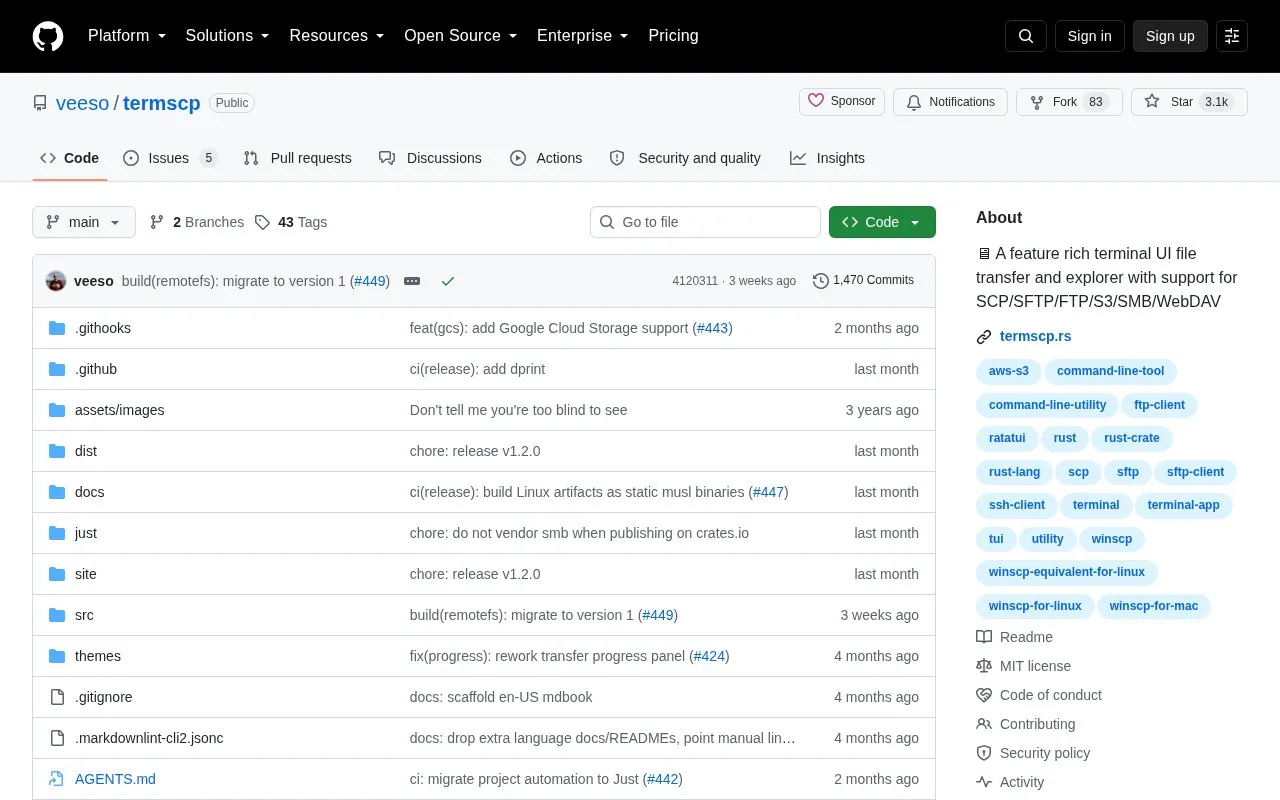
About Termscp
Termscp is an open-source terminal file transfer and file explorer with a text-based user interface. It connects to remote hosts over SCP, SFTP, FTP and FTPS, SMB, WebDAV, S3, Google Cloud Storage, and Kube, and lets users browse and operate on both remote and local file systems from the same interface. Supported operating systems include Linux, macOS, FreeBSD, NetBSD, and Windows.
Within the UI, users can create, remove, rename, search, view, and edit files; manage hosts with bookmarks and recent connections; and open files in external applications. SFTP and SCP support authentication with SSH keys or username/password, passwords can be stored in the operating system key vault, and optional desktop notifications report large file transfers. File changes can be kept synchronized with the remote host, and an embedded terminal runs local system commands. Installation is available through shell and PowerShell scripts, package managers such as Chocolatey, pacman, and pkgin, or by building from source; the official Linux binaries and .deb packages are statically linked against musl and require no runtime dependencies. Some features, such as opening files through an external viewer or using a keyring manager, depend on additional tools being installed.
Key features
- Transfers and browses files over SCP, SFTP, FTP/FTPS, SMB, WebDAV
- Connects to S3, Google Cloud Storage, and Kube
- Local and remote file explorer with create, rename, search, edit
- Bookmarks and recent connections for frequently used hosts
- SSH key or username/password authentication for SFTP and SCP
- Optional desktop notifications and remote file synchronization
Best for: Developers, system administrators, and other command-line users who need to move and manage files across remote servers and cloud storage from a terminal.
Good for
- Supports many transfer protocols in one terminal interface
- Runs on Linux, macOS, FreeBSD, NetBSD, and Windows
- Open source, with themes and configurable file explorer, editor, and sorting
Watch out for
- Interface is terminal-based, so it may not suit users who prefer graphical tools
- Opening files in external viewers and using a keyring manager require additional tools on Linux, FreeBSD, and WSL
- Official Linux binaries and .deb packages target musl and have no runtime dependencies, but building from source requires libraries such as libdbus-1, pkg-config, and libsmbclient
Termscp at a glance
- Website
- github.com/veeso/termscp
- Category
- Software & Utilities › File Utilities
- Type
- Open-source project
- Pricing
- Not confirmed. Check the site
- Open source
- Yes · Source code
- Language
- English
- Last checked
- Oct 6, 2026 · Online when checked
- Listed
- Oct 5, 2026
Guides for File Utilities
Termscp alternatives
Tools and sites you could use instead, ranked by how closely they match.

Blazing fast terminal file manager written in Rust, based on async I/O.
Open source
24 alternatives
F2 batch-renames files and directories through a cross-platform command-line tool written in Go.
Open source
24 alternatives
Browse and print file contents with bat, a command-line cat alternative documented in this repository.
Open source
24 alternatives
mat2 removes metadata from commonly used file formats and is written in Python, according to its repository description.
Open source
24 alternatives
fd provides a simple alternative to the find command, according to its project description.
Open source
24 alternatives
fselect finds files using SQL-like queries, according to its project description.
Open source
24 alternativesPopular in File Utilities
Well-known listings from the same topic.
SDeletelearn.microsoft.com/en-us/sysinternals/downloa…PowerRenamelearn.microsoft.com/en-us/windows/powertoys/po…robocopylearn.microsoft.com/windows-server/administrat…VERTvert.shNanaZipnanazip.orgPhotonphotondev.netlify.app


Termscp FAQ
Which transfer protocols and services does termscp support?
SFTP, SCP, FTP and FTPS, Kube, S3, Google Cloud Storage, SMB, and WebDAV.
Which operating systems can run termscp?
Linux, macOS, FreeBSD, NetBSD, and Windows are listed as compatible.
How can termscp be installed?
Options include a shell script for Linux, FreeBSD, and macOS, a PowerShell script or Chocolatey for Windows, and the pkgin and pacman repositories for NetBSD and Arch Linux; other methods are listed at termscp.rs, and it can also be built from source.
Is something wrong or out of date?
Tell us and an editor will check it.
Own this website?
Claim this listing
Claim the listing and suggest updates yourself. An editor checks every claim first.