Fernflower

Decompile Java bytecode to Java source with Fernflower, used in IntelliJ IDEA.

github.com/fesh0r/fernflower
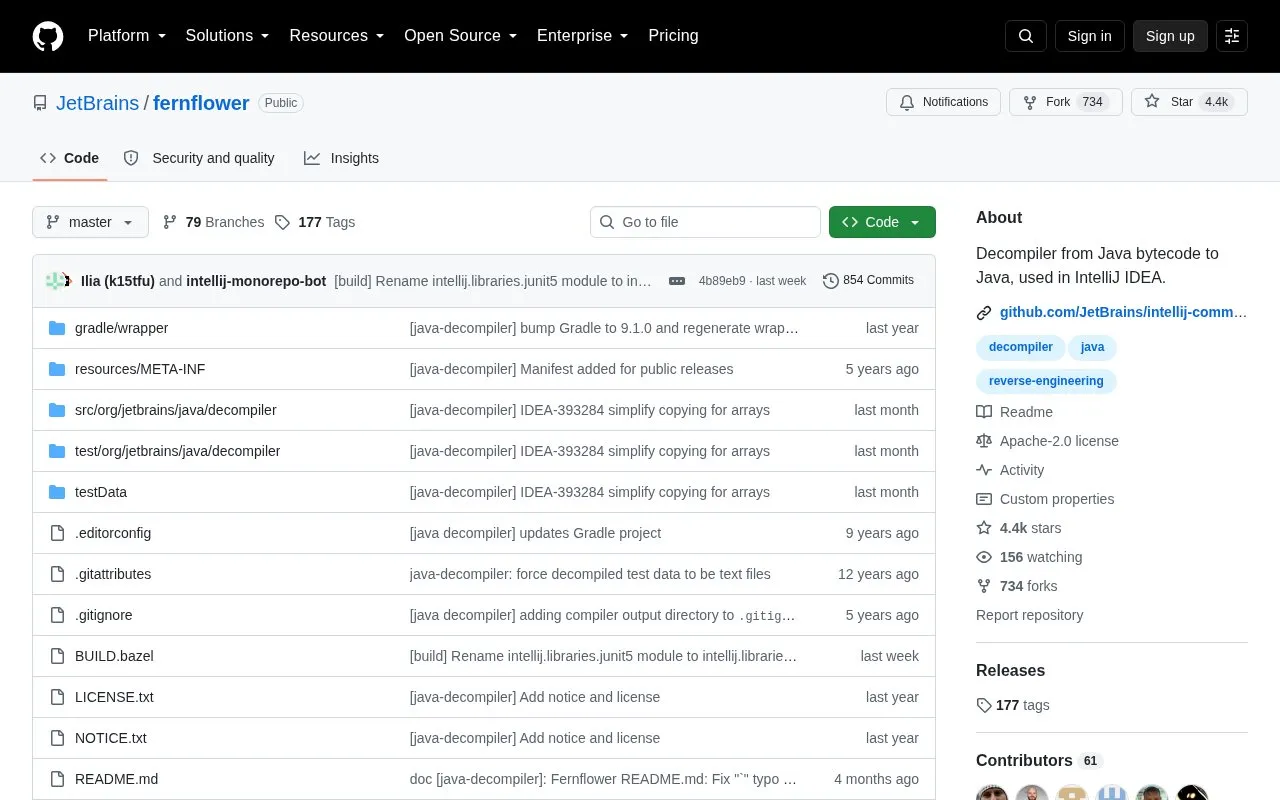
Fernflower homepage screenshot

About Fernflower

Fernflower converts Java bytecode to Java source code. It is bundled in IntelliJ IDEA, where it is used to show Java code when debugging or navigating through class files.

It can also run standalone from the command line, taking class, zip, or jar files or directories as input and writing Java source to a destination directory. Library files can be supplied with -e= to inform analysis without being decompiled.

Key features

  • Decompiles Java bytecode to Java source code
  • Accepts class, zip, and jar files as input
  • Recursively scans directories for files to decompile
  • Supports library files via -e= for analysis context
  • Runs standalone from command line with options
  • Reconstructs variable names from debug information if present
Best for: Developers who need to read Java code from class files when debugging or navigating without source.
Good for
  • Bundled in IntelliJ IDEA for debugging and navigation
  • Runs standalone from the command line
  • Open source repository
Watch out for
  • Input limited to class, zip, and jar files

Fernflower at a glance

Type
Open-source project
Pricing
Not confirmed. Check the site
Open source
Yes · Source code
Language
English
Last checked
Oct 5, 2026 · Online when checked
Listed
Oct 5, 2026

Fernflower alternatives

Tools and sites you could use instead, ranked by how closely they match.

All 24 alternatives

frog

github.com/LanguageMachines/frog

Frog combines memory based NLP modules for Dutch, including tagging, lemmatization, morphology analysis, and dependency parsing.

Open source
24 alternatives

Popular in Programming Languages

Well-known listings from the same topic.

All 66

Fernflower FAQ

How is Fernflower used in IntelliJ IDEA?
It is bundled in IntelliJ IDEA and is primarily used to show Java code when debugging or navigating through class files.
How do you run Fernflower from the command line?
Use java -jar fernflower.jar [-=]* []+ , where source is one or more files or directories and destination is the output directory.
What input files does Fernflower accept?
Class, zip, and jar files. Directories are recursively scanned, and files prefixed with -e= are treated as library files for analysis only.
Is something wrong or out of date?

Tell us and an editor will check it.

Own this website?

Claim the listing and suggest updates yourself. An editor checks every claim first.

Claim this listing