

Run Python with RustPython, an open-source Python 3 interpreter written in Rust.
FreeOpen source
24 alternativesInspect Java source from CLASS files using JD-GUI, a standalone graphical decompiler.
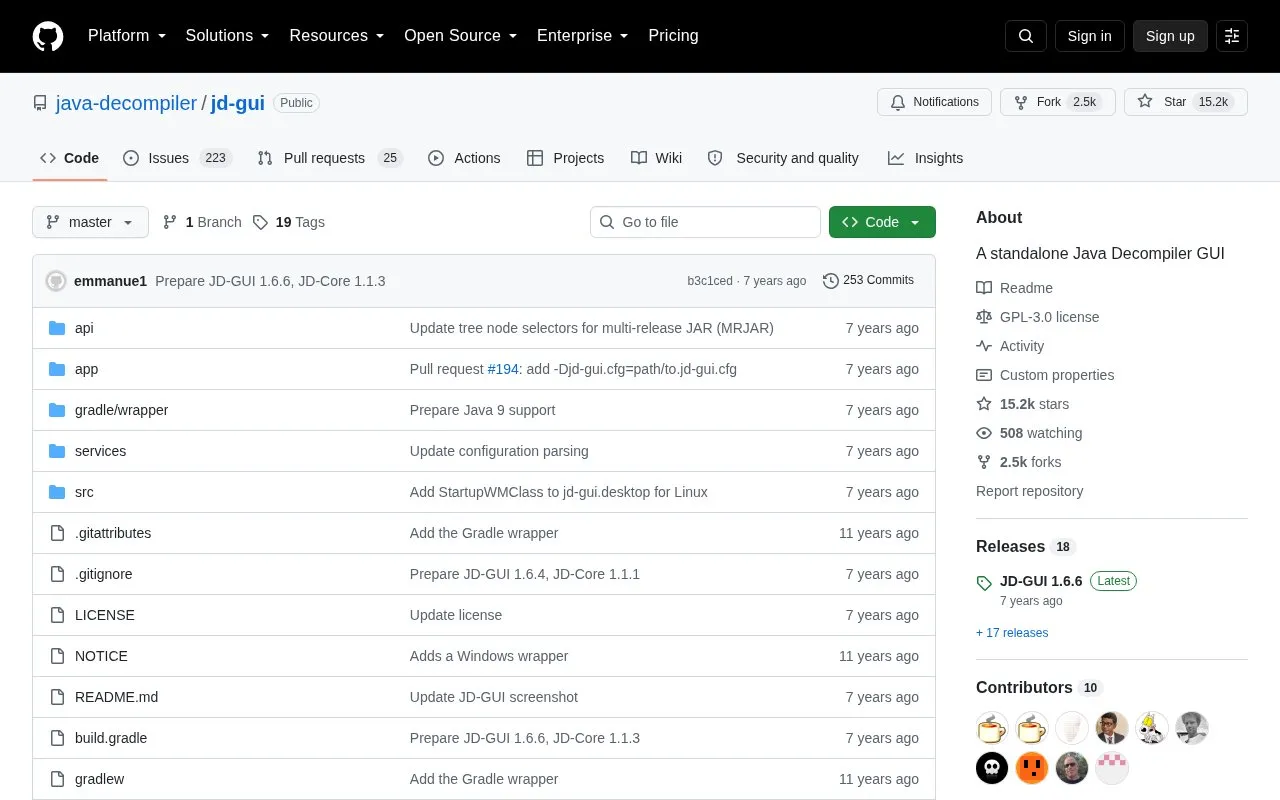
JD-GUI is a standalone graphical utility that displays Java source code reconstructed from compiled .class files. Its main job is letting you browse that code, including methods and fields. The project is released under the GNU GPL v3, and its source code is hosted on GitHub.
Pricing is not clearly stated.
Tools and sites you could use instead, ranked by how closely they match.
Run Python with RustPython, an open-source Python 3 interpreter written in Rust.
Convert Android DEX bytecode into Java source with jadx, a decompiler documented in this project repository.
JEnv for Windows switches the active Java version with a short command.
Decompile Java class and JAR files online to inspect their source code with JavaDecompiler.
The Twitter Text Java library tokenizes and parses text according to platform text requirements.
Decompile Java bytecode to Java source with Fernflower, used in IntelliJ IDEA.
Well-known listings from the same topic.
Tell us and an editor will check it.
Claim the listing and suggest updates yourself. An editor checks every claim first.


