

The sentences command line tool tokenizes text into sentences in multiple languages using Go.
Open source
24 alternativesJEnv for Windows switches the active Java version with a short command.
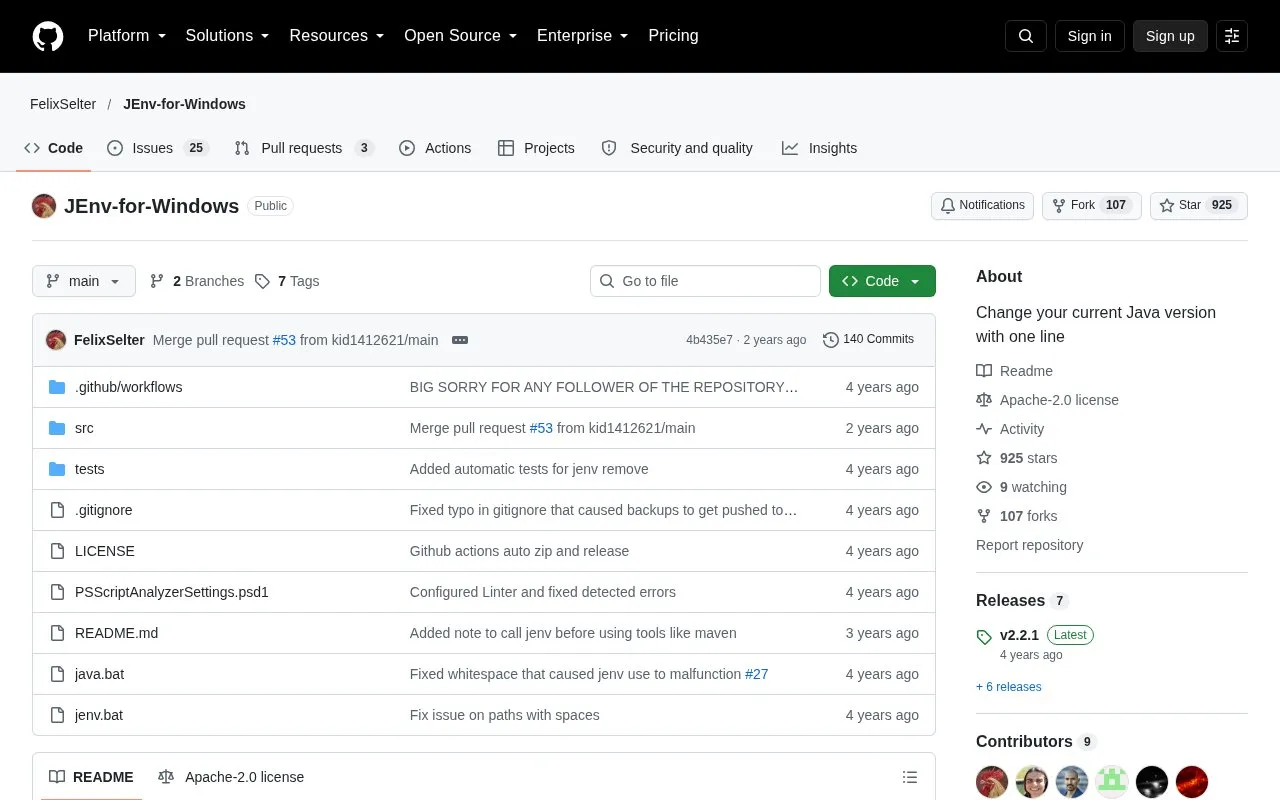
JEnv for Windows is an open source command-line tool that changes the active Java version (JDK) on a Windows machine. It is written in cmd and PowerShell and works on Windows 10 and later. The repository describes it as useful for testing and for projects that need different Java versions. For example, a Gradle project that requires Java 8 can be built without changing environment variables, and the user can then switch back to Java 15.
Users register each JDK by name and path, then select a version for the current session, globally, or for a specific folder. The source notes that adding a JDK requires an absolute path, that some users reported problems when installing JEnv in C:\Programs because of admin rights, and that jenv may need to be called when entering a folder with a local version so that tools such as Maven work correctly.
Tools and sites you could use instead, ranked by how closely they match.
The sentences command line tool tokenizes text into sentences in multiple languages using Go.
The Twitter Text Java library tokenizes and parses text according to platform text requirements.
Decompile Java bytecode to Java source with Fernflower, used in IntelliJ IDEA.
Convert Android DEX bytecode into Java source with jadx, a decompiler documented in this project repository.
Inspect Java source from CLASS files using JD-GUI, a standalone graphical decompiler.
Python bindings for Frog expose Dutch NLP functions such as tagging, lemmatization, named entity recognition, and parsing.
Well-known listings from the same topic.
Tell us and an editor will check it.
Claim the listing and suggest updates yourself. An editor checks every claim first.


