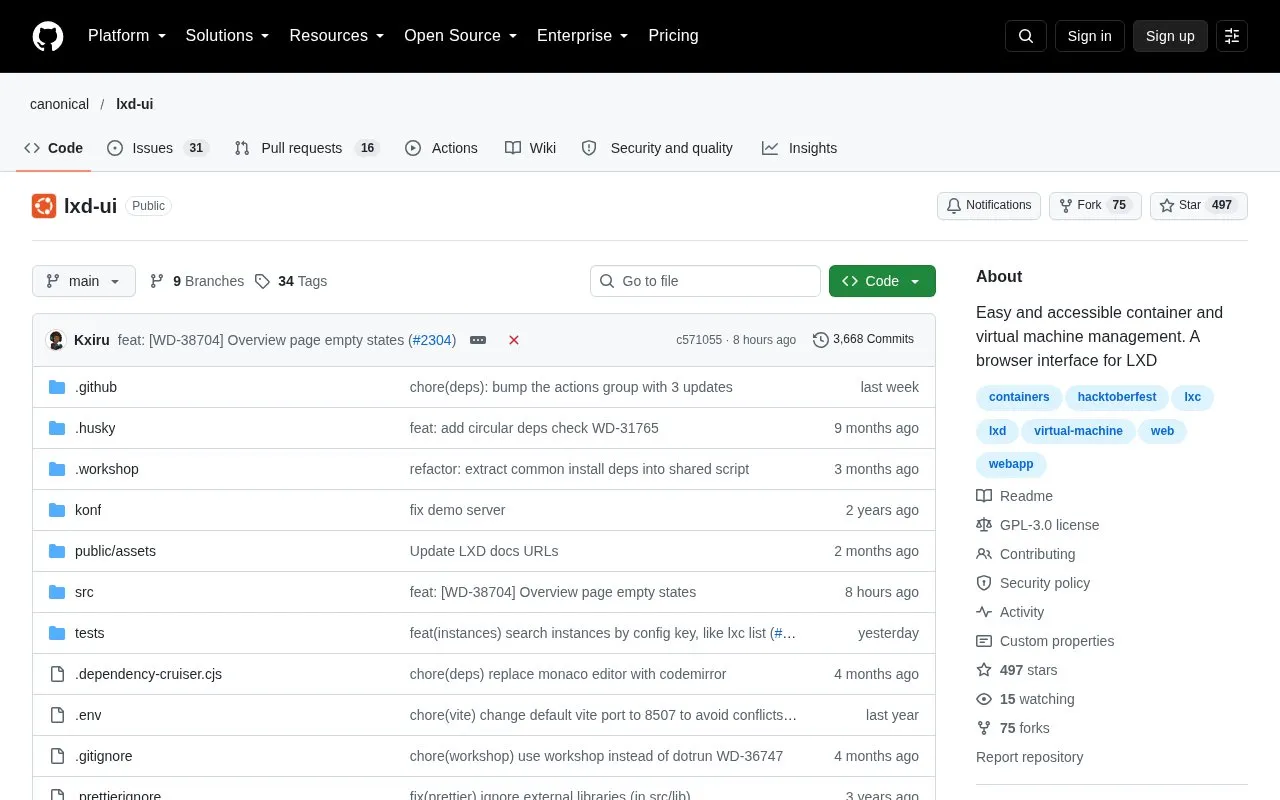
LXD UI is a browser-based frontend for LXD, the system for managing containers and virtual machines. It is intended for managing instances on private clouds of small and large scale. It is an open source project published on GitHub under the GPL-3.0 license.
The interface is a single page application written in TypeScript and React. LXD must be installed and its server must listen on a network address, such as port 8443, before the interface can be reached from a browser. The project also publishes a changelog and a roadmap.
Key features
Create and list container and virtual machine instances
Open an instance terminal and a graphic console in the browser
Manage storage pools and storage volumes
Configure networks and network access control lists
Create groups, assign permissions and manage permission groups
Manage profiles, cluster groups, operations and server settings
Best for: System administrators and teams who run LXD-based private clouds and prefer managing containers and virtual machines through a web browser.
Good for
Open source under the GPL-3.0 license
Intended for both small and large scale private clouds
Install steps are documented using the LXD snap
Watch out for
Requires an existing LXD server; it is a frontend for LXD, not a standalone system
Browser access requires the LXD server to be exposed to the network
Install the LXD snap with sudo snap install lxd, or refresh to the latest stable LTS release. Expose the LXD server to the network, for example with lxc config set core.https_address :8443. Then open the server address in a browser, such as https://127.0.0.1:8443 for localhost.
What license does LXD UI use?
LXD UI is licensed under GPL-3.0, as listed in the repository.
What technology is the interface built with?
The interface is a single page application written in TypeScript and React.
Is something wrong or out of date?
Tell us and an editor will check it.
Own this website?
Claim the listing and suggest updates yourself. An editor checks every claim first.