

Font Manager is a font-management application for GTK desktop environments, according to its repository page.
Open source
24 alternativesMFEKglif views and edits UFO .glif glyph files as a standalone desktop tool.
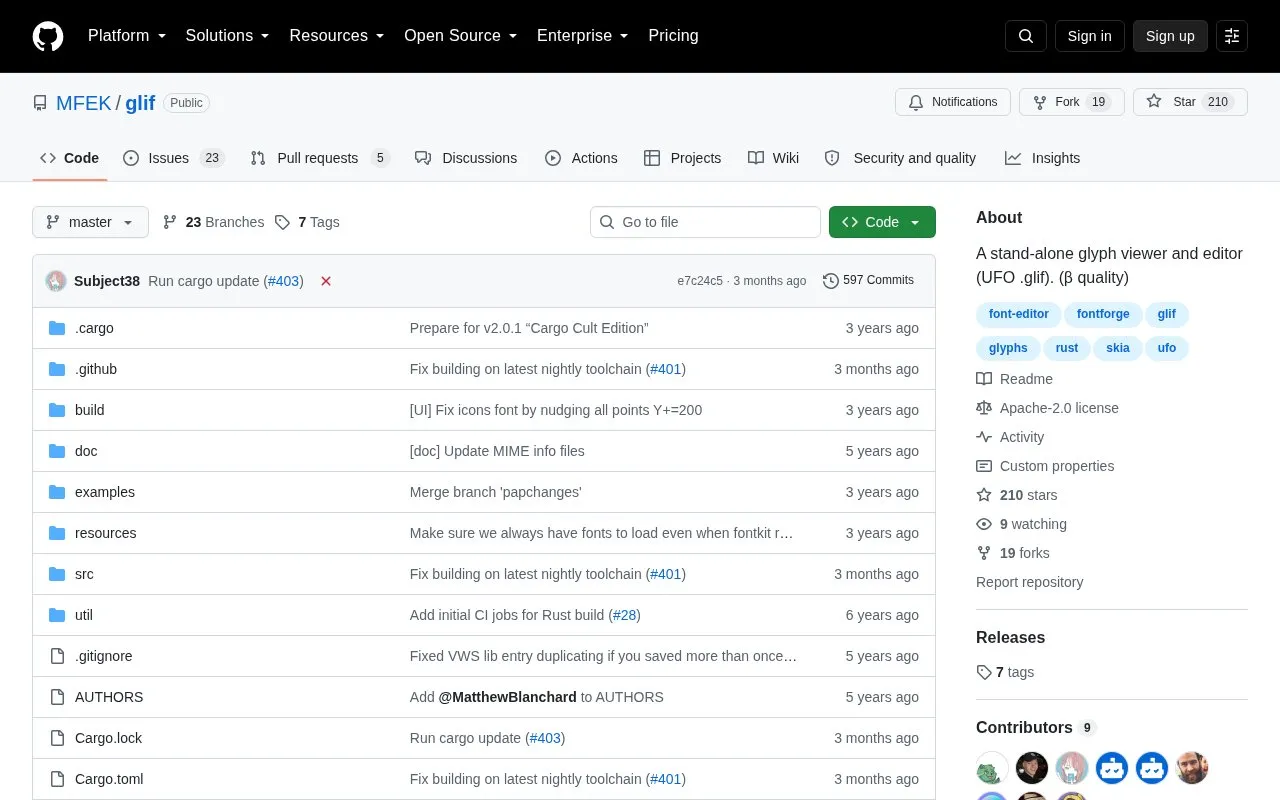
MFEKglif is a standalone desktop program for viewing and editing UFO .glif glyph files. It is part of the Modular Font Editor K project and is described as beta-quality, with the current beta listed as v2.0.0β1.
It opens .glif and .glifjson files, saves multi-layered .glifjson files, can flatten the top layer to a .glif file, and can export layers to separate glyphs directories. Builds are listed for Linux, Windows, and macOS, with the macOS build noted as not notarized and macOS users directed to build from source.
Tools and sites you could use instead, ranked by how closely they match.
Font Manager is a font-management application for GTK desktop environments, according to its repository page.
TikZ Editor provides a visual editor for creating or editing TikZ diagrams in LaTeX.
FontEdit imports, edits, and exports fonts as byte arrays for embedded systems.
Convert files and Office documents to Markdown with MarkItDown, a Python tool.
yq processes YAML, JSON, XML, CSV, TOML, HCL, and properties files from the command line.
WindowTextExtractor retrieves text from operating-system windows, including controls and password fields, according to its project page.
Well-known listings from the same topic.
Tell us and an editor will check it.
Claim the listing and suggest updates yourself. An editor checks every claim first.


