

Nee View
NeeView browses images from folders and compressed files in a book-like layout with configurable options.
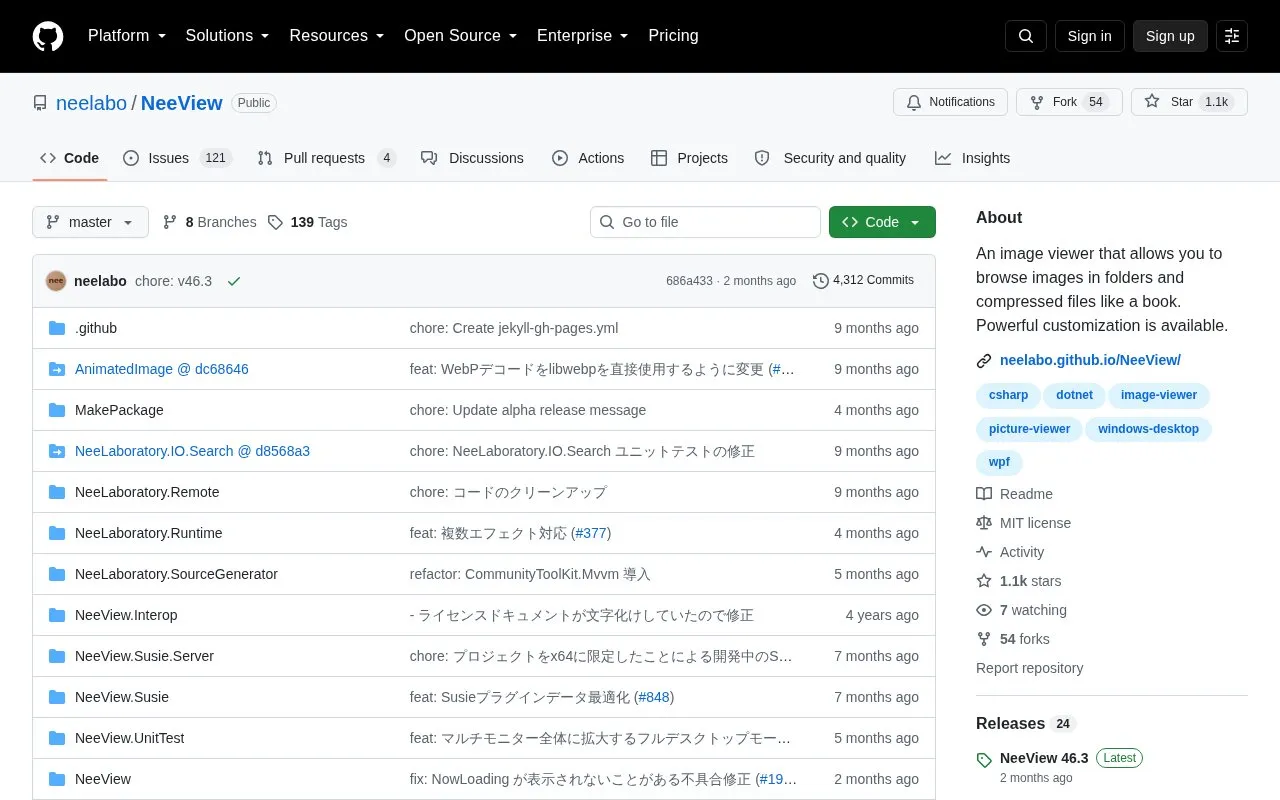
About Nee View
NeeView is an image viewer for Windows that displays images from folders and compressed files in a book-style layout. It opens bmp, jpg, gif, tiff, png, webp, ico and WIC images, archive formats including nested archives, as well as PDF files and video files, with facing-page, full-screen, slideshow and loupe modes.
It supports keyboard customization, mouse gestures, touch operation, dragging to move, rotate and scale, Susie plugins, and script-based command extensions. It requires Windows 10 64-bit or higher.
Key features
- Browse images from folders and compressed files in book layout
- Open bmp, jpg, gif, tiff, png, webp, ico and WIC images
- Open zip, rar, 7z, lzh, cbr, cbz and cb7 archives
- Open nested compressed files, PDF files and video files
- Use facing-page, full-screen, slideshow and loupe modes
- Customize keys, mouse gestures and extend commands with scripts
Best for: People using Windows 10 64-bit or later who want to read folders of images or comic archives in book form.
Good for
- Supports folders, archives, PDFs and video in one viewer
- Offers key, gesture and touch customization plus script extensions
- Distributed as open source under MIT license
Watch out for
- Requires Windows 10 64-bit or higher
- Version 45.0 and later cannot coexist with per-machine installs from 44.1 or earlier
Nee View at a glance
- Website
- github.com/neelabo/NeeView
- Category
- Online Tools › Image Tools
- Type
- Open-source project
- Pricing
- Not confirmed. Check the site
- Open source
- Yes · Source code
- Language
- English
- Last checked
- Oct 5, 2026 · Online when checked
- Listed
- Oct 5, 2026
Guides for Image Tools

Nee View alternatives
Tools and sites you could use instead, ranked by how closely they match.

NeeView browses images in folders and compressed files as pages in a book, with customization options.

GooglePhotosTakeoutHelper Neo organizes a Google Takeout archive into one chronological folder.
Open source
24 alternatives
Google Photos Migrate repairs EXIF data and filenames in Takeout archives, handles duplicates, and preserves albums in folders.
Open source
24 alternatives
Damselfly indexes large image collections for search and retrieval using IPTC keywords, folder names, and file names, with object and face detection.
Open source
24 alternatives
Up1 encrypts images, text, and other data in the browser before hosting them, and can display short videos and downloadable files.
Open source
24 alternatives
TagStudio manages photos and files, with project topics covering organization, metadata, and tagging.
Open source
24 alternativesPopular in Image Tools
Well-known listings from the same topic.
CamScannerapps.apple.com/us/app/camscanner-pdf-scanner-a…BeeRefbeeref.orgGreenshotgetgreenshot.orgLightshotapp.prntscr.comnomacsnomacs.orgConverseenconverseen.fasterland.net


Nee View FAQ
Which Windows versions does NeeView require?
Windows 10 64-bit or higher.
Can an older per-machine install remain when installing version 45.0 or later?
No. Per-machine installations from version 44.1 or earlier must be uninstalled first. User data is carried over.
What is the official NeeView website?
The official site is neelabo.github.io/NeeView. Other sites featuring NeeView as their main content may be imposters.
Is something wrong or out of date?
Tell us and an editor will check it.
Own this website?
Claim this listing
Claim the listing and suggest updates yourself. An editor checks every claim first.