

Notes
Format notes in the browser with Notes, which also supports password-protected end-to-end encrypted notes.
About Notes
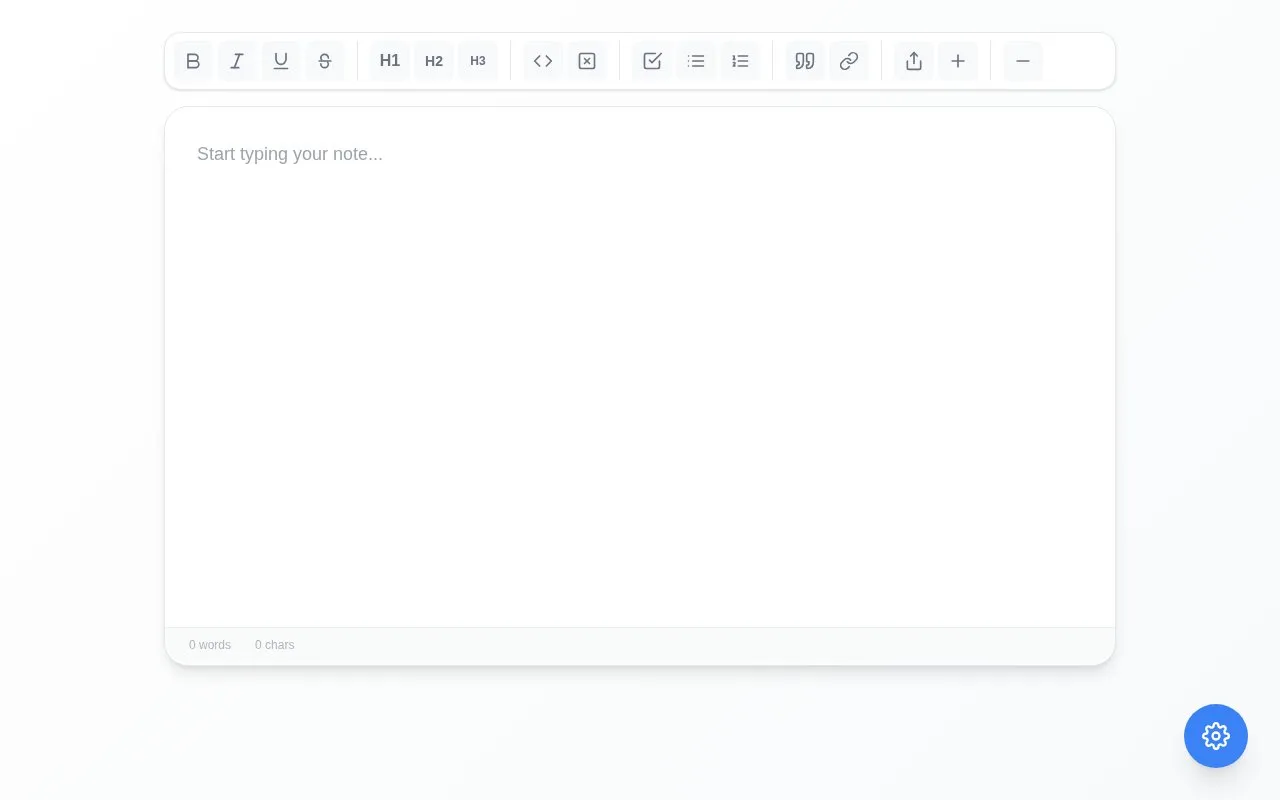
Notes is a browser-based app for writing and formatting notes. It supports text styles such as bold, italic, underline and strikethrough, along with headings, lists, quotes, code, links and horizontal rules, and displays word and character counts.
Users can create multiple notes, set a password to encrypt a note end-to-end, and generate share links with expiration times and read-only or editable access.
Key features
- Format text with bold, italic, underline, and strikethrough
- Create headings, quotes, links, and horizontal rules
- Insert inline code and code blocks
- Make task, bullet, and numbered lists
- Password-protect notes for end-to-end encryption
- Share notes via links with expiration and permission options
Best for: People who want to format notes in a browser with optional password encryption and link sharing.
Good for
- Notes can be encrypted end-to-end with a password
- Shared links offer expiration times and read-only or editable access
- Includes headings, lists, code formatting, quotes and links
Notes at a glance
- Website
- notes.xtra.wtf
- Category
- Software & Utilities › Text Editors
- Type
- Website
- Pricing
- Not confirmed. Check the site
- Platforms
- Web
- Open source
- Not stated
- Language
- English
- Last checked
- Oct 5, 2026 · Online when checked
- Listed
- Oct 5, 2026
Guides for Text Editors

Notes alternatives
Tools and sites you could use instead, ranked by how closely they match.

EncryptPad is a text editor and binary encryptor that uses the OpenPGP format and can protect files with passwords or key files.

Lunatask combines an encrypted to-do list, habit tracker, journal, life tracker, and notes app.
Popular in Text Editors
Well-known listings from the same topic.
Google Docsgoogle.com/docs/aboutProton Docsproton.me/drive/docsVertex42vertex42.comNotepad++notepad-plus-plus.orgLibreOfficelibreoffice.orgSublime Textsublimetext.com


Notes FAQ
How do I open a password-protected note?
Enter the password when prompted to unlock the encrypted note.
What expiration options are available for shared links?
Links can be set to never expire or to expire in 1 hour, 1 day, or 1 week.
What is the difference between read-only and editable share links?
Read-only links do not allow viewers to edit, while editable links allow anyone with the link to edit.
Is something wrong or out of date?
Tell us and an editor will check it.
Own this website?
Claim this listing
Claim the listing and suggest updates yourself. An editor checks every claim first.