

Erdtree analyzes disk usage across filesystems and supports gitignore and hidden file rules.
Open source
24 alternativesNVTOP monitors GPU and accelerator processes across hardware from AMD, Apple, Huawei, Intel, NVIDIA, and Qualcomm.
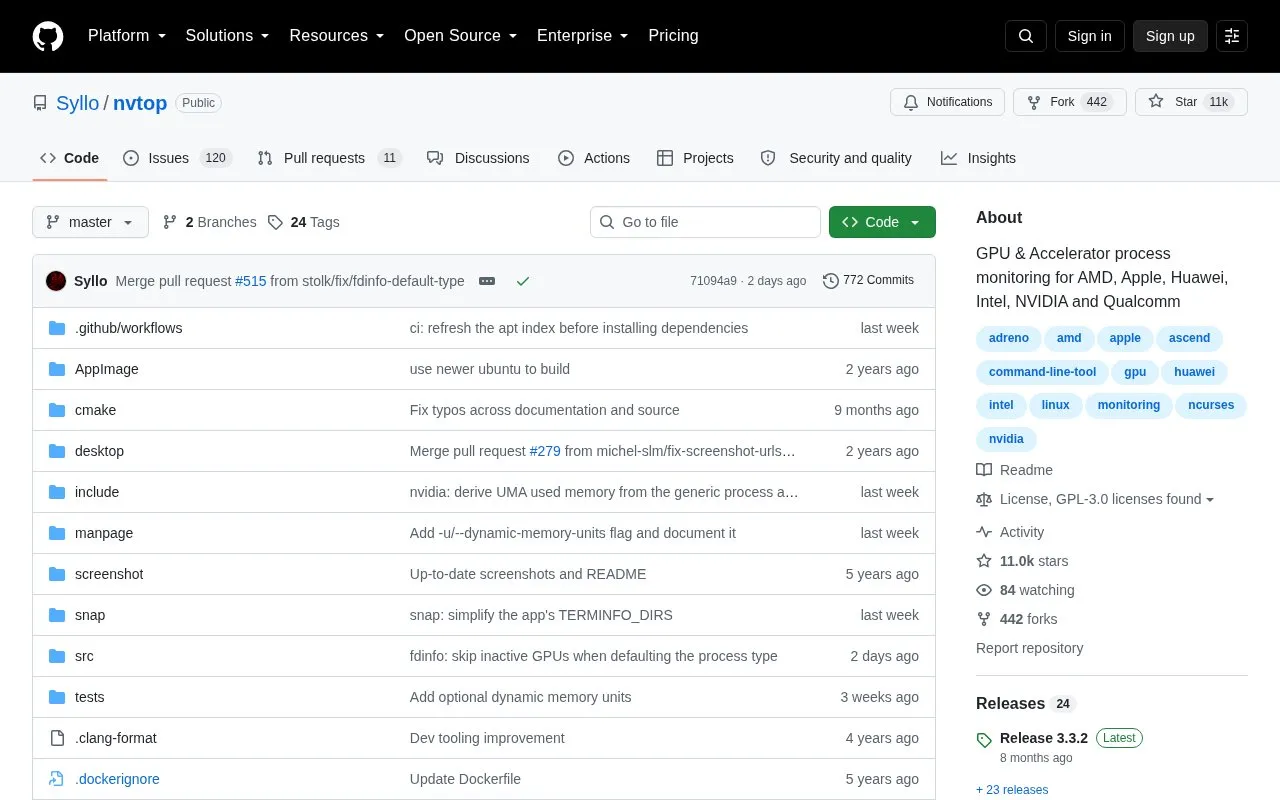
NVTOP (Neat Videocard TOP) is a command-line task monitor for GPUs and accelerators, presented in a style familiar to users of htop. It handles multiple GPUs at once and reports information about them from the terminal. Supported vendors include AMD (amdgpu and legacy radeon), Apple (limited M1 and M2 support), Huawei Ascend, Intel (i915/Xe), NVIDIA (Linux proprietary drivers), Qualcomm Adreno (msm), Broadcom VideoCore (v3d), Rockchip, MetaX, Enflame, Iluvatar CoreX and Tenstorrent. Seeing per-process GPU usage depends on the driver and kernel: AMD requires kernel 5.14 or newer, Intel 5.19 or newer, and Adreno 6.0 or newer. Intel also requires CAP_PERFMON or CAP_SYS_ADMIN capabilities to read total memory usage and an accurate GPU frequency. On NVIDIA, NVML does not support some queries for GPUs older than the Kepler microarchitecture; anything from GeForce 600, GeForce 800M and later should work.
Tools and sites you could use instead, ranked by how closely they match.
Erdtree analyzes disk usage across filesystems and supports gitignore and hidden file rules.
Fastfetch displays system information through a feature-rich utility described as an alternative to neofetch.
Display Driver Uninstaller removes NVIDIA, AMD, or Intel display drivers from a Windows system.
novideo_srgb calibrates monitors to sRGB and other color spaces on NVIDIA GPUs using EDID data or ICC profiles.
Libre Hardware Monitor tracks computer temperature sensors, fan speeds, voltages, load, and clock speeds.
CrystalDiskInfo monitors HDD and SSD information, with support for some USB, Intel RAID, and NVMe devices.
Well-known listings from the same topic.
Tell us and an editor will check it.
Claim the listing and suggest updates yourself. An editor checks every claim first.


