

Run a self-hosted HTML5 internet speed test with LibreSpeed, which supports multiple server configurations.
Open source
24 alternativesBenchmark HTTP and HTTPS endpoints with Plow, which displays results in a web UI or terminal.
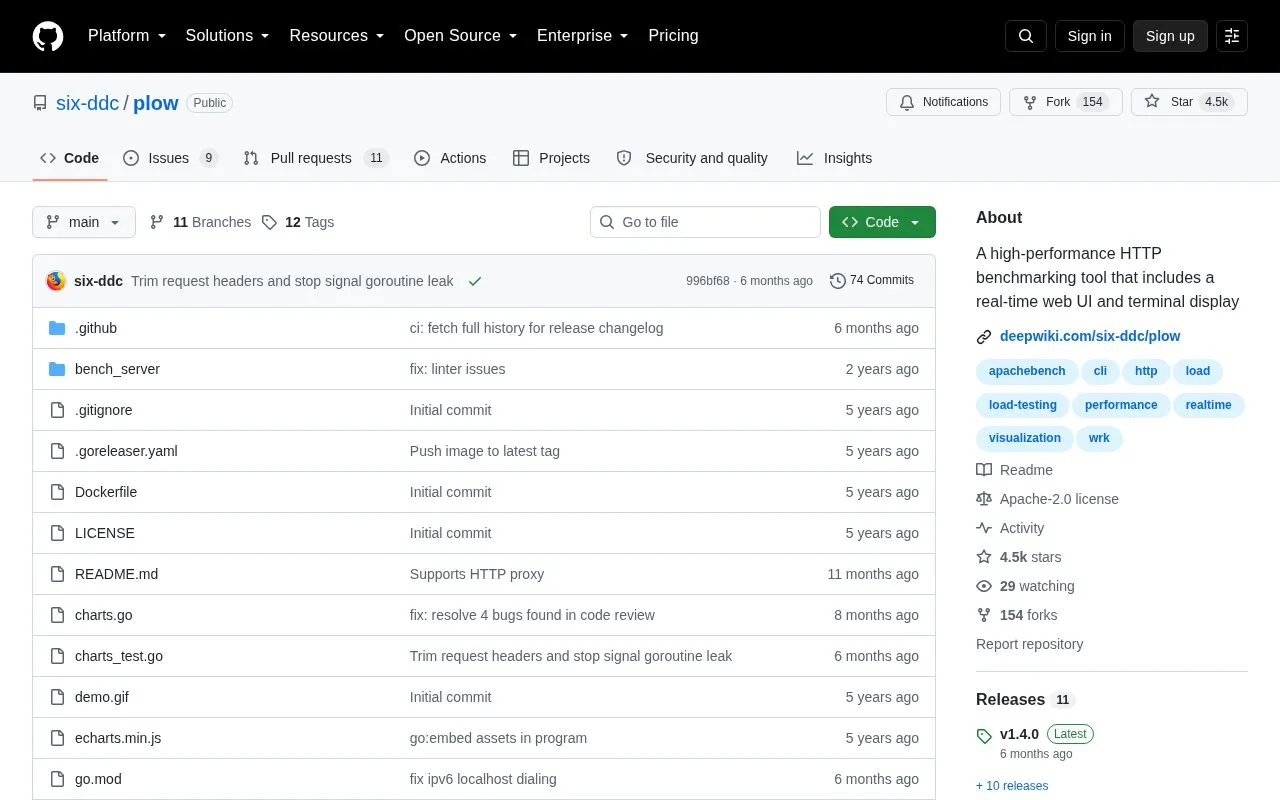
Plow is an open-source tool for benchmarking HTTP and HTTPS endpoints. It sends concurrent requests to a URL and records summary statistics, a latency histogram, and percentiles, showing them in the terminal and on a web UI. It can run for a fixed number of requests, a set duration, or until interrupted with Ctrl-C. It supports settings for concurrency, request rate, method, headers, body, timeouts, proxies, and TLS options, and is available via Go, Homebrew, Docker, and release binaries.
Tools and sites you could use instead, ranked by how closely they match.
Run a self-hosted HTML5 internet speed test with LibreSpeed, which supports multiple server configurations.
Run Cloudflare’s internet speed test from a terminal and view results in a text interface.
ngrok routes and secures traffic to applications, APIs, and AI models running locally or in production.
High-performance HTTP reverse proxy applications can be developed with YARP, a toolkit.
HTTP requests can be sent from the command line using xh, a fast tool inspired by HTTPie.
Measure network performance with OpenSpeedTest, an open-source HTML5 speed test built with browser APIs.
Well-known listings from the same topic.
Tell us and an editor will check it.
Claim the listing and suggest updates yourself. An editor checks every claim first.


