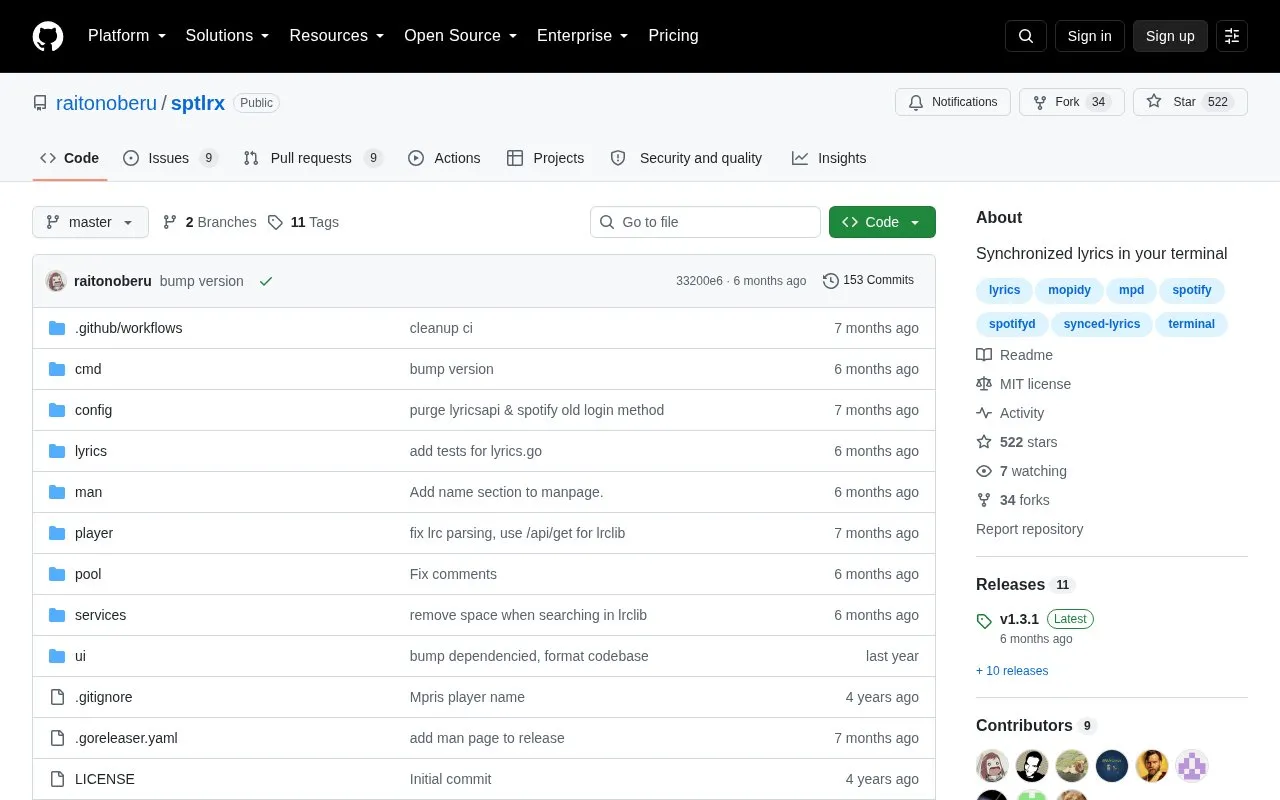
sptlrx is an open-source tool that displays synchronized song lyrics in a terminal window. It reads playback position from a supported music source, including Spotify, MPD, Mopidy, MPRIS players on Linux, and browsers through an extension, and it can also load lyrics from .lrc files in a local folder.
The tool is configured through a YAML file that is created on first launch. Spotify use requires creating a developer app, supplying a Client ID and Client Secret, and logging in once, after which the credentials are saved to a local file. Installation options are listed for Arch Linux, Debian and Ubuntu, and NixOS, and binaries are available for other systems.
Key features
Displays synchronized lyrics in a terminal window
Connects to Spotify, MPD, Mopidy, MPRIS players, and browsers via an extension
Scans a local folder for .lrc lyric files
Customizable text colors, alignment, and styles through a YAML config file
Pipes lyrics to standard output with optional line length and overflow settings
Handles long lines and Unicode characters; distributed as a single binary
Best for: Terminal users who play music from Spotify, MPD, Mopidy, or another supported player and want lyrics shown in sync with playback.
Good for
Open source, with the source code available on GitHub
Supports several music sources through one tool
Appearance and output can be adjusted in a config file
Watch out for
MPRIS support is available on Linux only
Spotify use requires creating a developer app and supplying Client ID and Client Secret
Browser use requires installing a separate browser extension
The homepage lists Spotify, MPD, Mopidy, MPRIS (Linux only), and browsers. Browser use requires installing a browser extension.
What is needed to use Spotify with sptlrx?
Create a new app at developer.spotify.com, set the redirect URI to http://127.0.0.1:8888/callback, and run sptlrx login with your Client ID and Client Secret. You only need to do this once. The credentials are then saved to $XDG_STATE_HOME/sptlrx/spotify-auth.json.
Is something wrong or out of date?
Tell us and an editor will check it.
Own this website?
Claim the listing and suggest updates yourself. An editor checks every claim first.