

TagSpaces
TagSpaces organizes files and folders with tags and supports notes, with apps listed for desktop and web use.
About TagSpaces
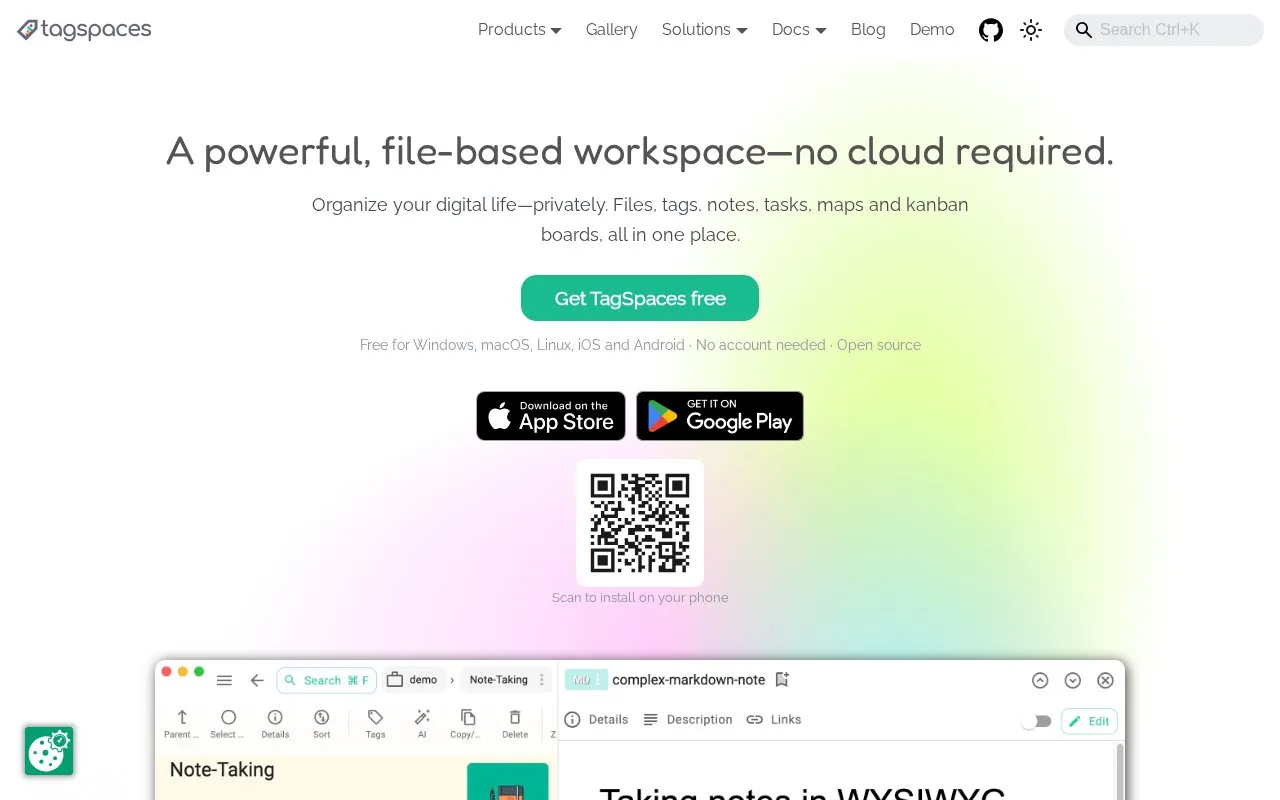
TagSpaces is a file organizer for Windows, macOS, Linux, and the web, with Android and iOS also listed in the directory. It lets users add color-coded tags, descriptions, and custom thumbnails to files and folders. According to the homepage, the tags are stored beside the files rather than in a central database. Users can write notes in Markdown, HTML, or plain text, which are saved as standard files. The app can preview more than 50 file formats, and a Web Clipper browser extension saves web pages, screenshots, and bookmarks as local files.
Some features depend on other tools or services. The optional local AI features use separately installed engines such as Ollama, llama.cpp, or LM Studio. Syncing and encryption rely on third-party tools the user chooses, such as Google Drive, Dropbox, Syncthing, or Cryptomator. The homepage also describes S3-compatible cloud storage access and a Kanban board view in TagSpaces Pro, but it does not state which plans include each feature. Pricing is not confirmed in the source.
Key features
- Color-coded tags, descriptions, and custom thumbnails for files and folders
- Notes written in Markdown, HTML, or plain text, saved as standard files
- Web Clipper for Chrome, Firefox, and Edge saves pages, screenshots, and bookmarks
- Previews more than 50 file formats, including images, PDFs, audio, and video
- Optional local AI chat and tagging through Ollama, llama.cpp, or LM Studio
- Browse, tag, and edit files in S3-compatible object storage without downloading
Best for: People who want to organize local files with tags and keep their data as plain files without creating an account.
Good for
- Tags, descriptions, and colors are stored beside documents in plain, readable files.
- The homepage states the app runs on the device with no account and no required cloud service.
- Local AI features can run offline when a local model engine is installed.
Watch out for
- The Web Clipper extension is listed only for Chrome, Firefox, and Edge.
- AI features require separately installed local engines such as Ollama, llama.cpp, or LM Studio.
- Sync, encryption, and cloud storage depend on third-party tools or services the user chooses, and the Kanban board is listed under TagSpaces Pro.
TagSpaces at a glance
- Website
- tagspaces.org
- Category
- Software & Utilities › File Utilities
- Type
- Website
- Pricing
- Not confirmed. Check the site
- Platforms
- Android, iOS, Linux, macOS, Web, Windows
- Open source
- Not stated
- Language
- English
- Last checked
- Oct 6, 2026 · Online when checked
- Listed
- Oct 5, 2026
Guides for File Utilities
TagSpaces alternatives
Tools and sites you could use instead, ranked by how closely they match.
The Files project is an open-source file explorer for organizing files and folders on Windows.
Bulk Rename Utility batch-renames files and folders on Windows, with a downloadable utility listed on its site.
Free
10 alternatives
Delapp deletes files and folders on Windows, with Windows 7 or later listed as a requirement.
Open source
24 alternatives
FoliCon customizes folder icons for movies, shows, games, anime, and music, with ratings and package-manager support listed.
Open source
24 alternativesPopular in File Utilities
Well-known listings from the same topic.
SDeletelearn.microsoft.com/en-us/sysinternals/downloa…PowerRenamelearn.microsoft.com/en-us/windows/powertoys/po…robocopylearn.microsoft.com/windows-server/administrat…VERTvert.shNanaZipnanazip.orgPhotonphotondev.netlify.app


TagSpaces FAQ
Does TagSpaces work without an internet connection?
The homepage states that it works offline, and that users can work without an internet connection. Optional syncing and cloud features need a connection.
Where are tags stored?
The homepage says tags, descriptions, and colors are stored right beside the documents themselves, not in a centralized database.
Is something wrong or out of date?
Tell us and an editor will check it.
Own this website?
Claim this listing
Claim the listing and suggest updates yourself. An editor checks every claim first.