Touchégg

github.com/JoseExposito/touchegg Linux Apps Open-source projectOpen source

Touchégg recognizes multi-touch gestures on Linux, according to its repository description.

github.com/JoseExposito/touchegg
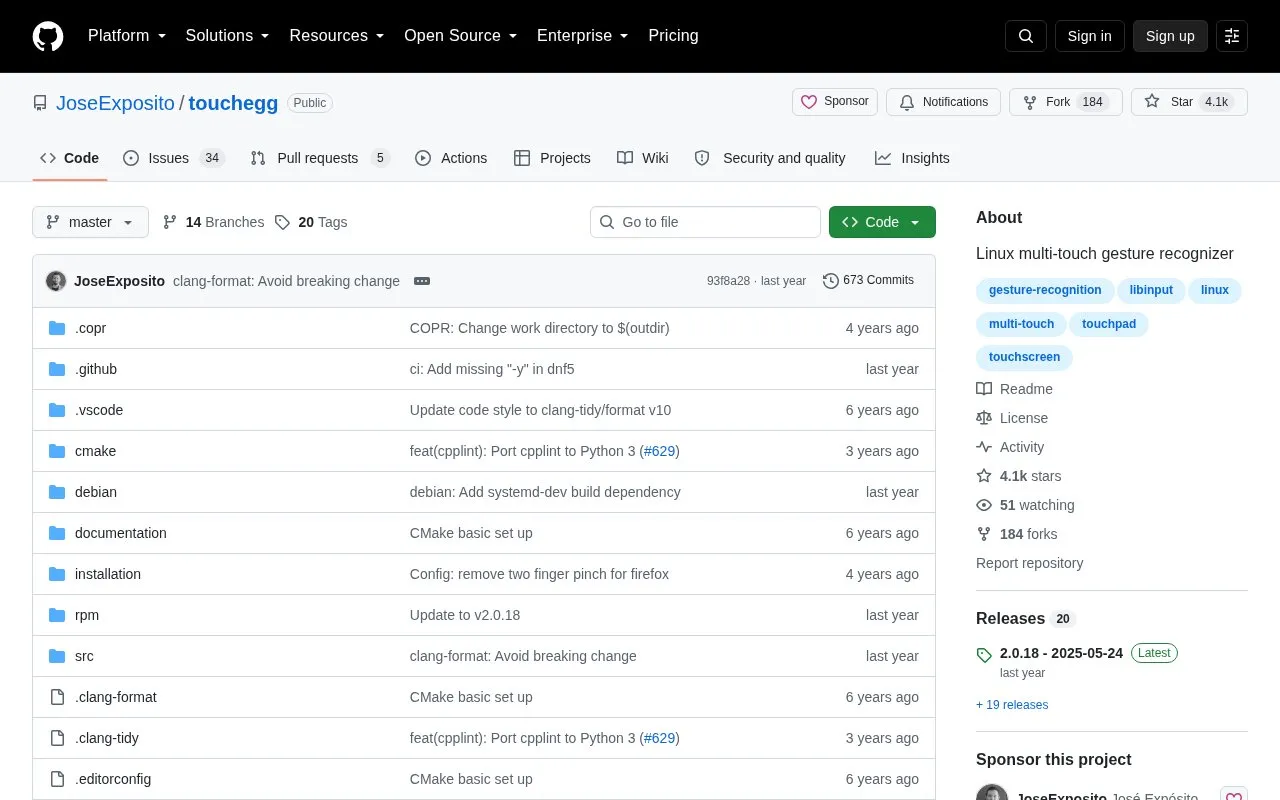
Touchégg homepage screenshot

About Touchégg

Touchégg is a background app for Linux that turns touchpad and touchscreen gestures into desktop actions, such as using a three-finger swipe to maximize a window or a four-finger swipe to switch workspaces.

It recognizes swipe, pinch and tap gestures for window control, workspace switching, keyboard shortcuts, mouse clicks and custom commands, with configurable settings. Packages are available for several distributions or it can be compiled from source, and manual service setup may be needed on some systems.

Key features

  • Runs in background to map touchpad gestures to desktop actions
  • Supports touchscreen gestures in addition to touchpad input
  • Recognizes swipe, pinch, and tap multi-finger gestures
  • Controls windows: maximize, minimize, tile, fullscreen, or close
  • Switches workspaces and shows desktop with gestures
  • Triggers keyboard shortcuts, mouse clicks, or custom commands
Best for: Linux users who want configurable touchpad and touchscreen gestures for window and workspace control.
Good for
  • Source code is openly available
  • Provides packages for multiple Linux distributions
  • Works with both touchpads and touchscreens
Watch out for
  • Only works on Linux
  • Requires manual service start or reboot on some distributions
  • Ubuntu PPA setup can fail temporarily and need retries

Touchégg at a glance

Type
Open-source project
Pricing
Not confirmed. Check the site
Platforms
Linux
Open source
Yes · Source code
Language
English
Last checked
Oct 5, 2026 · Online when checked
Listed
Oct 5, 2026

Touchégg alternatives

Tools and sites you could use instead, ranked by how closely they match.

All 24 alternatives

Popular in Linux Apps

Well-known listings from the same topic.

All 222

Touchégg FAQ

How do I install Touchégg on Ubuntu?
Add the official PPA and install with apt using ppa:touchegg/stable, then apt update and apt install touchegg.
How do I start Touchégg after installing on Fedora or Arch?
Enable and start the service with systemctl, or run the touchegg command manually or reboot to get started.
What if there is no package for my distribution?
Check the releases page for a package, otherwise compile the source code following the HACKING.md file.
Is something wrong or out of date?

Tell us and an editor will check it.

Own this website?

Claim the listing and suggest updates yourself. An editor checks every claim first.

Claim this listing