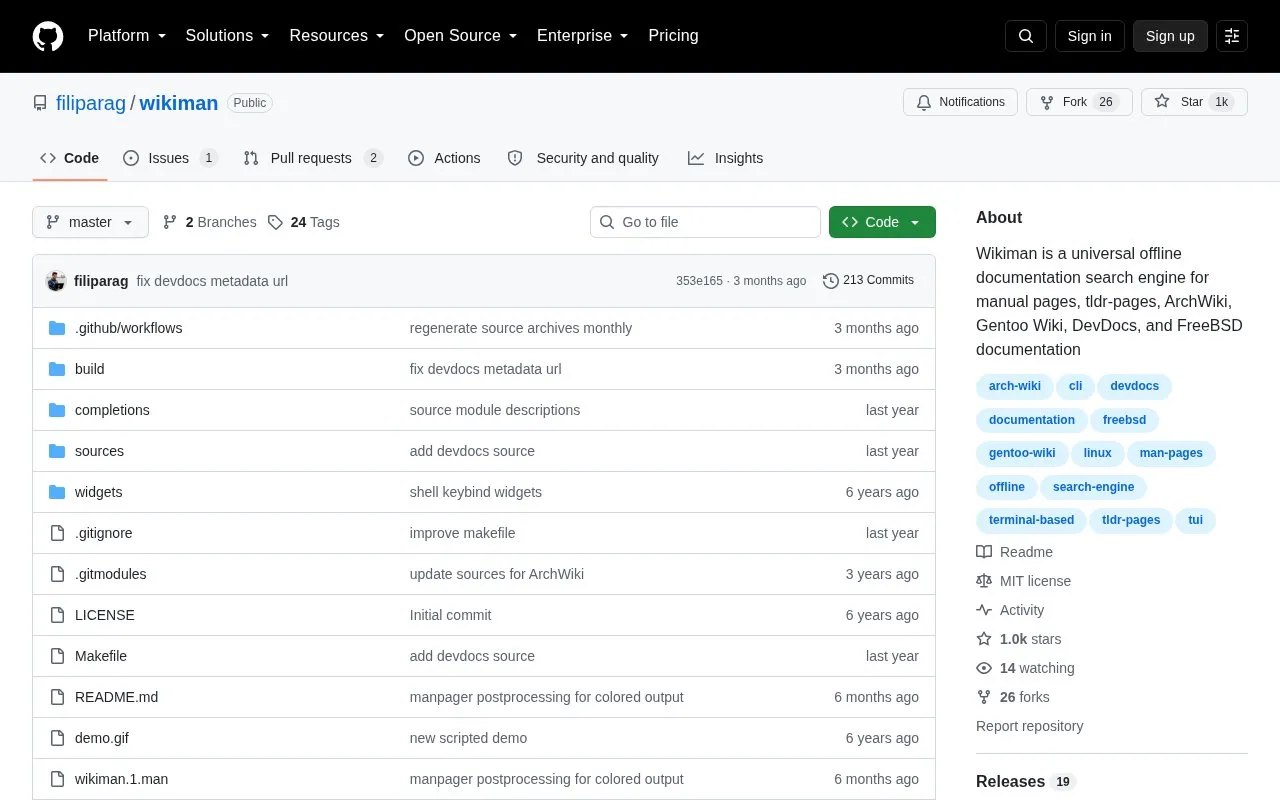
Wikiman is an open-source, command-line search tool for offline documentation. It searches system manual pages by default and can also include tldr-pages, ArchWiki, Gentoo Wiki, DevDocs, and FreeBSD documentation. It uses full-text search for wikis, partial name and description matching for man pages, and fuzzy filtering for results, so queries do not need to be exact.
By default, only manual pages are searched. Optional sources are not bundled and must be downloaded and installed separately. The DevDocs source provides documentation for hundreds of projects organized into books, but returns no results until books are selected. Wikiman is available for Linux and BSD, with packages for Arch Linux, Ubuntu/Debian, Fedora/openSUSE, and FreeBSD, plus manual installation.
Key features
Searches manual pages, tldr-pages, and optional ArchWiki, Gentoo Wiki, FreeBSD, and DevDocs sources
Uses full-text wiki search, partial man page matching, and fuzzy result filtering
Works offline and accepts inexact queries without internet access
Provides options for language, sources, fuzzy finder, AND mode, and preview
Lists available sources with -S and prints shell widget code with -W
Supports quick search mode and keeping results open after viewing
Best for: Command-line users on Linux or BSD who need to search installed manual pages and optional offline documentation sources without an internet connection.
Good for
Works offline without an internet connection.
Handles imprecise queries using fuzzy filtering and partial matching.
Supports multiple documentation sources and multiple search languages.
Watch out for
By default only searches manual pages; optional wiki sources require separate download and setup.
DevDocs returns no results until specific books are selected with =book.
Manual installation requires dependencies such as man, fzf, ripgrep, awk, w3m, coreutils, and parallel.
Yes. It is an offline documentation search engine and can browse documentation without an internet connection.
Which documentation sources does Wikiman search by default?
By default it only searches manual pages. Optional sources such as ArchWiki, DevDocs, FreeBSD Documentation, Gentoo Wiki, and TLDR Pages must be downloaded and enabled separately.
How do I select DevDocs books?
Prepend queries with =book, for example =c,cpp,python. By default no books are selected, so DevDocs returns no results.
Is something wrong or out of date?
Tell us and an editor will check it.
Own this website?
Claim the listing and suggest updates yourself. An editor checks every claim first.