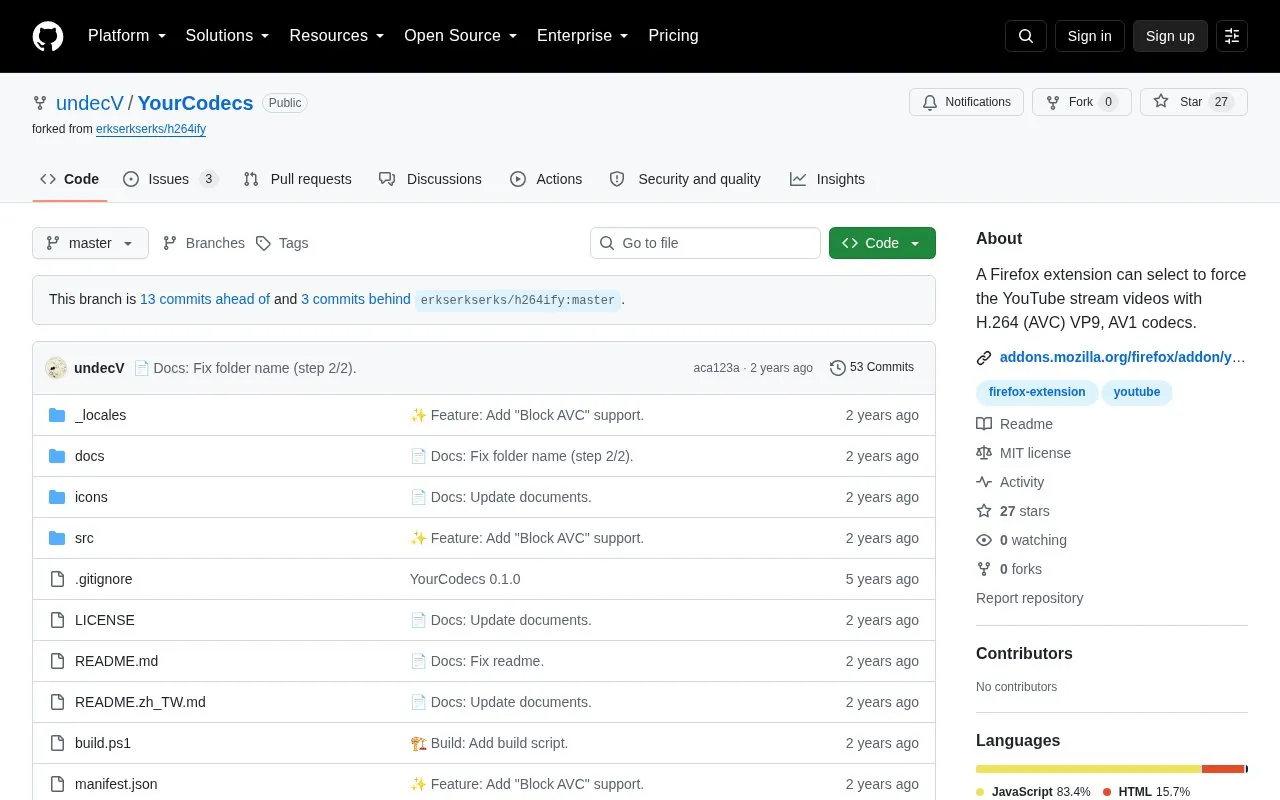
YourCodecs is a Firefox extension that lets users select which video codecs YouTube uses. It can block AVC, VP8, VP9, and AV1, optionally block 60 FPS, and force playback with H.264 (AVC), VP9, or AV1. It has a dark UI, supports English and Chinese (Taiwan), and is released under the MIT License. If all codecs are blocked, YouTube will display "Your browser can't play this video." To enforce AV1, the VP9 and AV1 options need to be allowed (unchecked); the project says the reason is unknown. A hard refresh (Ctrl+F5) may be required. The author notes the VP8 option is untested because no VP8 videos were found, and the UserScript version works with ViolentMonkey rather than GreaseMonkey.
Key features
Select which YouTube video codecs to block: AVC, VP8, VP9, or AV1
Force YouTube playback with H.264 (AVC), VP9, or AV1
Optionally block 60 FPS videos
Dark UI
English and Chinese (Taiwan) language support
Best for: Firefox users who want to control which video codec YouTube uses, especially on older or less powerful computers where unsupported codecs may cause software decoding and heavy CPU use.
Good for
Lets Firefox users choose which codec YouTube plays instead of relying on automatic selection.
Can block codecs and 60 FPS, giving users control over playback codec selection.
Includes dark UI and English and Chinese (Taiwan) language support.
Watch out for
If all codecs are blocked, YouTube will display "Your browser can't play this video."
To enforce AV1, the VP9 option must also be allowed (unchecked); the reason is unknown.
The VP8 option is untested by the author, and a hard refresh (Ctrl+F5) may be required.
Right-click the YouTube player and select "Stats for nerds"; the codecs for video and audio are shown, with VP9 and AV1 possibly marked as VP09 and AV01.
How do I force AV1?
The VP9 and AV1 options need to be allowed (unchecked); the project says the reason is unknown.
What happens if I block all codecs?
YouTube will tell you "Your browser can't play this video," which the project says works as expected.
Is something wrong or out of date?
Tell us and an editor will check it.
Own this website?
Claim the listing and suggest updates yourself. An editor checks every claim first.