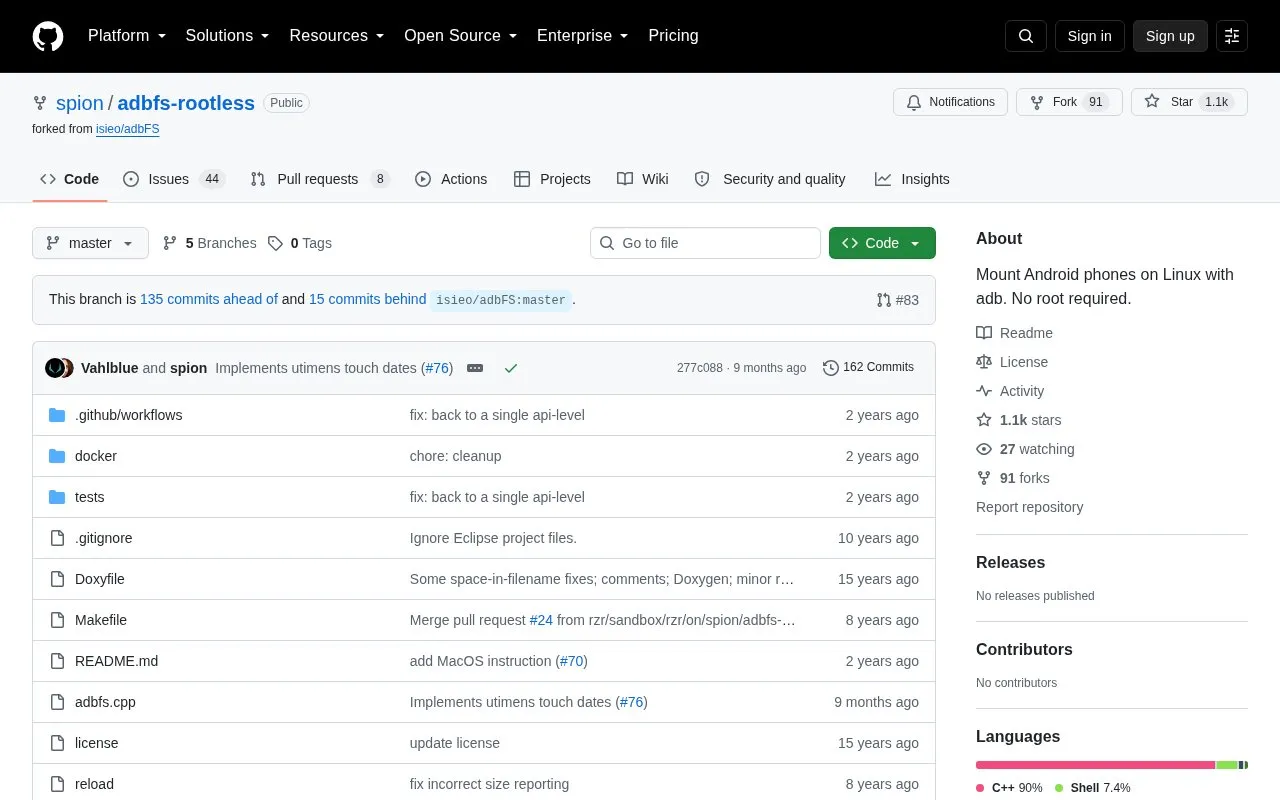
adbfs-rootless mounts an Android phone as a filesystem directory using adb, without requiring root access on the phone. It is built from source and mounted to a user-created folder, with an optional -o rescan flag to trigger a media rescan after every operation. Setup instructions are given for Ubuntu and macOS.
Use requires dependencies such as libfuse-dev, adb, and build tools, plus FUSE support on macOS. The phone must have USB Debugging enabled and authorize the computer over adb, and connection errors may require unmounting and restarting adb before retrying.
Key features
Mount Android device via adb without phone root access
Mount to user-created directory such as ~/droid
Optional rescan mode after every file operation
Build from source with make on Linux and macOS
Use adb from platform-tools directory or PATH
Includes steps for USB Debugging and offline-device errors
Best for: Linux and macOS users who want filesystem access to an Android phone over adb without rooting it.
Good for
Works without root access on the phone
Provides setup steps for both Linux and macOS
Offers optional media rescan after file operations
Watch out for
Requires manual build with dependencies such as libfuse-dev and adb
Requires USB Debugging enabled and adb authorization on the phone
Connection errors may require manual unmount and adb restart