

Yattee plays video on iOS, tvOS, and macOS, with its project describing a privacy-oriented design.
Open source
24 alternativesClipPocket keeps a copy history on macOS and detects clipboard content types, according to its project description.
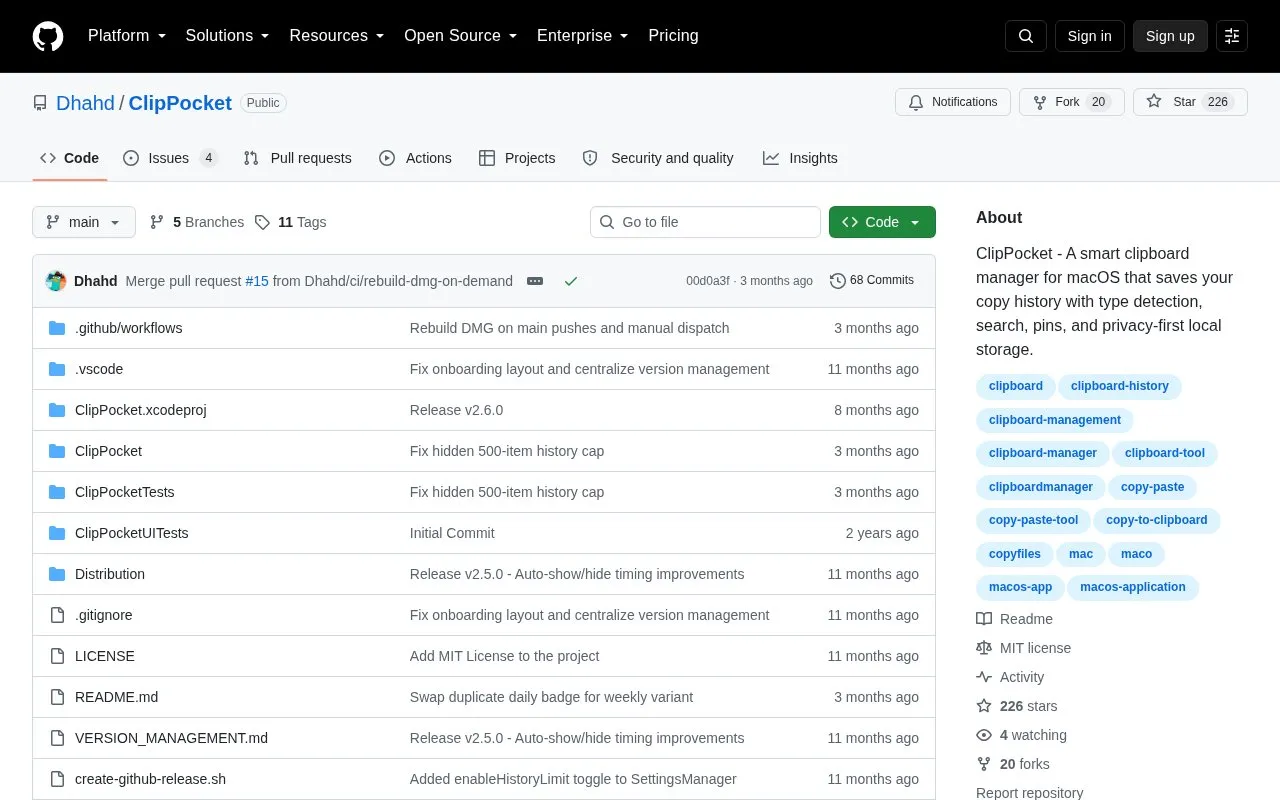
ClipPocket is a clipboard manager for macOS that saves copy history and identifies content types such as URLs, colors, code, files, and images. It includes search by text or type, pinning by right-click, Finder file reference copying, and access from a menu bar icon or Cmd+Shift+V.
The project describes storage as local-only with no cloud sync or external servers, with an incognito mode to pause recording and an option to clear history. It requires macOS 13.5 Ventura or later on Apple Silicon or Intel Macs.
Tools and sites you could use instead, ranked by how closely they match.
Yattee plays video on iOS, tvOS, and macOS, with its project describing a privacy-oriented design.
Better Shot captures screenshots and screen recordings on macOS and includes video editing features.
Maccy keeps clipboard history available on macOS through a lightweight clipboard manager.
ClipBook stores copied items in a clipboard history on Mac for later retrieval.
yabai tiles and manages windows on macOS using binary space partitioning.
Nuage provides a native SoundCloud client for macOS built with SwiftUI.
Well-known listings from the same topic.
Tell us and an editor will check it.
Claim the listing and suggest updates yourself. An editor checks every claim first.


