

Pi provides an agent toolkit with a unified model API, agent loop, terminal UI, and coding command line.
Open source
24 alternativesThe Codex CLI repository provides a lightweight coding agent that runs in a terminal.
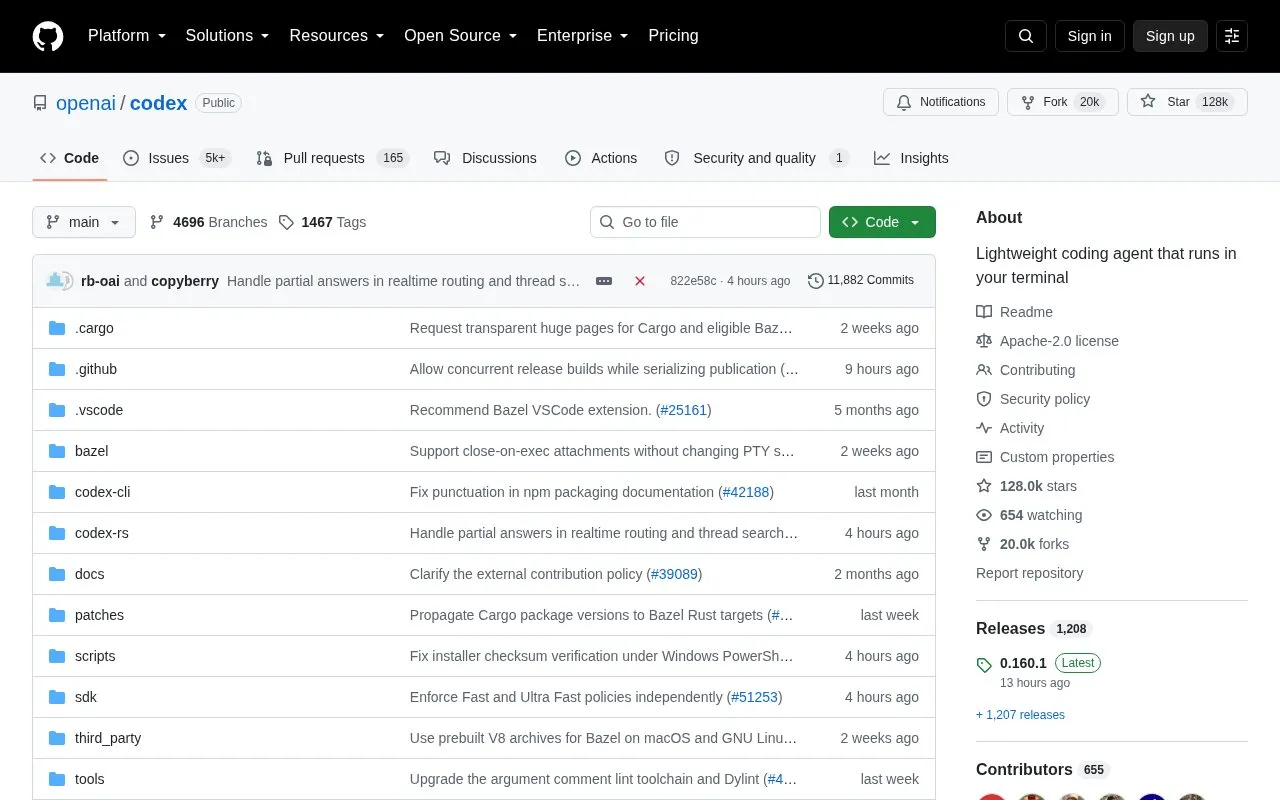
Codex CLI is an open-source coding agent from OpenAI that runs locally on a computer through a terminal. It can be installed with install scripts, npm, Homebrew, or downloadable binaries for macOS and Linux.
It can be used by signing in with a ChatGPT Plus, Pro, Business, Edu, or Enterprise plan, or with an API key that requires additional setup. Separate options are described for supported code editors, a desktop app, and a cloud-based web version.
Tools and sites you could use instead, ranked by how closely they match.
Pi provides an agent toolkit with a unified model API, agent loop, terminal UI, and coding command line.
The Devika repository describes an open source project for an agentic software engineer.
Aider provides AI pair programming from a terminal for software development tasks.
Cline provides open-source AI coding support with Plan and Act modes, MCP integration, and terminal workflows.
Use Open Interpreter as a coding agent with open language models for development work.
Continue offers developers an open-source coding agent for software development tasks.
Well-known listings from the same topic.
Tell us and an editor will check it.
Claim the listing and suggest updates yourself. An editor checks every claim first.


