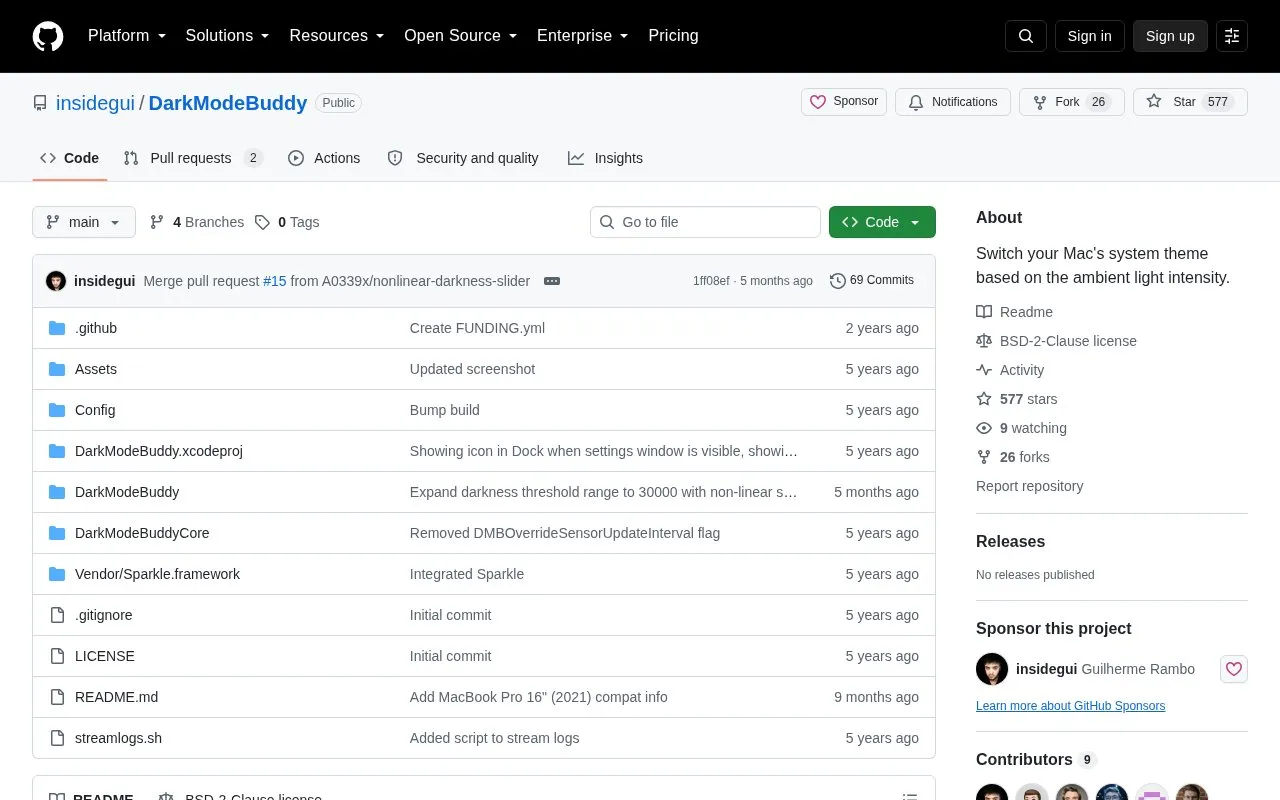
DarkModeBuddy is a small, open-source macOS app that runs in the background and reads the Mac's built-in ambient light sensor — the same sensor used to adjust screen brightness — to switch the system between Light and Dark modes. When ambient light falls below a configured value, it switches the Mac to Dark Mode; when the level rises above that value, it returns to Light Mode. To prevent flickering, the change in light level must persist for a configurable amount of time before the theme switches.
The app requires macOS Catalina or later and a Mac with a built-in ambient light sensor; external displays with ambient light sensors are not currently supported. A non-exhaustive list of verified MacBook Air, MacBook Pro and iMac models is given in the README, and pull requests adding support for other hardware are welcomed.
Key features
Switches the macOS system theme using readings from the built-in ambient light sensor
Configurable ambient light threshold for switching to Dark Mode and back
Configurable persistence time so brief light changes don't cause flickering
Runs in the background and changes the theme automatically
Open source under a BSD-2-Clause license
Free download, with an optional pay-any-amount contribution to support development
Best for: Mac users with a built-in ambient light sensor who want the system theme to follow room lighting rather than the time of day.
Good for
Open source under a BSD-2-Clause license
Free to download, with an optional pay-any-amount contribution
Verified to work on a range of MacBook Air, MacBook Pro and iMac models
Watch out for
Requires macOS Catalina or later
Needs a Mac with a built-in ambient light sensor; external displays with ambient light sensors are not supported
The verified model list is non-exhaustive, so some hardware may not be supported
How does it differ from macOS's built-in Auto mode?
The built-in Auto mode is based on time of day and will not switch the Mac to Dark Mode while it is being used. DarkModeBuddy instead reads the ambient light sensor and can switch during active use.
What does it require to run?
macOS Catalina or later and a Mac with a built-in ambient light sensor. External displays with ambient light sensors are not currently supported.
How much does it cost?
It is free and open source, and users can optionally pay any amount to support the developer's work. The latest build is available on Gumroad.
Is something wrong or out of date?
Tell us and an editor will check it.
Own this website?
Claim the listing and suggest updates yourself. An editor checks every claim first.