

ModernFlyouts replaces older Windows 10 flyouts with an open-source interface based on Fluent Design.
Fluent Flyout
Fluent Flyout brings media flyouts and taskbar widgets to Windows 11 with Fluent 2 design principles.
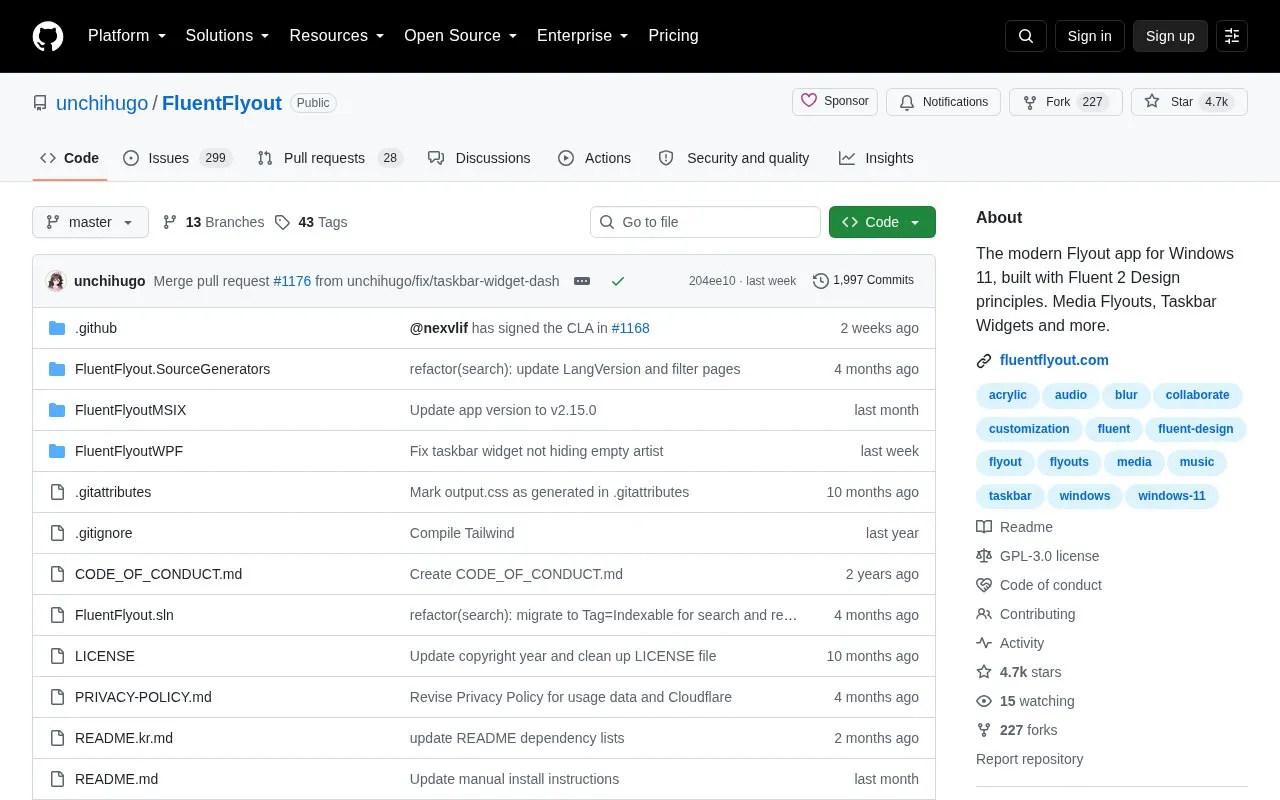
About Fluent Flyout
Fluent Flyout is an open-source Windows 11 app that adds media flyouts and taskbar widgets styled with Fluent 2 design principles, so the interface blends with the system. It shows cover art, title, artist and media controls in a flyout, offers an "Up Next" flyout when a track ends, a lock keys flyout, and a taskbar widget that displays media information directly on the Windows taskbar. Appearance options include Light and Dark mode, Windows Mica blur, matching the device color theme, customizable flyout positions, and smooth animations; playback options include Repeat All, Repeat One and Shuffle. The app sits in the system tray and targets Windows 11. Builds from GitHub are free, open source and fully featured, but installation and updates are manual, while the Microsoft Store version provides one-click installation and automatic background updates, with a small set of optional features unlocked by a one-time purchase (€2.99, varies by region).
Key features
- Audio flyout with cover art, title, artist and media controls
- "Up Next" flyout showing the next track when a song ends
- Lock keys flyout displaying lock key status at a glance
- Taskbar widget showing media info on the Windows taskbar
- Fluent 2 styling with Mica blur and light/dark theme matching
- Customizable flyout positions plus repeat all, repeat one and shuffle
Best for: Windows 11 users who want native-looking media and lock-key flyouts and a taskbar media widget without giving up an open-source option.
Good for
- Free and open source, with the full feature set available from GitHub builds
- Blends with Windows 11 using Fluent 2 components, Mica blur and device color theme matching
- Microsoft Store version adds one-click installation and automatic background updates
Watch out for
- Limited to Windows 11
- A few optional features require a one-time purchase (€2.99, varies by region) in the Microsoft Store version
- The free GitHub version requires manual installation and manual updates
Fluent Flyout at a glance
- Category
- Software & Utilities › Desktop Customization
- Type
- Open-source project
- Pricing
- Not confirmed. Check the site
- Platforms
- Windows
- Open source
- Yes · Source code
- Language
- English
- Last checked
- Oct 6, 2026 · Online when checked
- Listed
- Oct 5, 2026
Fluent Flyout alternatives
Tools and sites you could use instead, ranked by how closely they match.

WinDynamicDesktop brings macOS Mojave-style dynamic desktop wallpapers to Windows, with themes and scheduling.
Open source
24 alternatives
Aerial brings an Apple TV-style screensaver to Windows computers, according to its project description.
Open source
24 alternatives
A lightweight utility that makes the Windows taskbar translucent/transparent.
Open source
24 alternatives
AeroThemePlasma offers a KDE Plasma shell with a design based on the Windows 7 desktop.
Open source
24 alternatives
RetroBar replaces the modern Windows taskbar with classic styles from Windows 95 through Vista.
Open source
24 alternativesPopular in Desktop Customization
Well-known listings from the same topic.
Chezmoichezmoi.ioawesomewmawesomewm.orgdotfilesdotfiles.github.iobackieeapps.microsoft.com/store/detail/backiee-wallpa…Dynamic Themeapps.microsoft.com/detail/9nblggh1zbkwHydraPaperhydrapaper.gabmus.org


Fluent Flyout FAQ
Is Fluent Flyout free?
The GitHub version is free and open source with the full feature set. The Microsoft Store version includes a few optional features unlocked by a one-time payment of €2.99 that varies by region.
How can Fluent Flyout be installed?
Through the Microsoft Store (recommended), or manually from the website's download page using the manual installer (FluentFlyout_Installer.bat), or via the .msixbundle installer after installing the provided .cer certificate.
What is the difference between the GitHub and Microsoft Store versions?
The GitHub build is free, fully featured and open source but updates and installation are manual. The Microsoft Store version offers one-click installation and automatic background updates, with a small set of optional features unlocked by a one-time purchase.
Is something wrong or out of date?
Tell us and an editor will check it.
Own this website?
Claim this listing
Claim the listing and suggest updates yourself. An editor checks every claim first.