

Flyleaf
Flyleaf provides a .NET media player library for WinUI 3, WPF, and WinForms, supporting audio, video, images, playlists, and protocols.
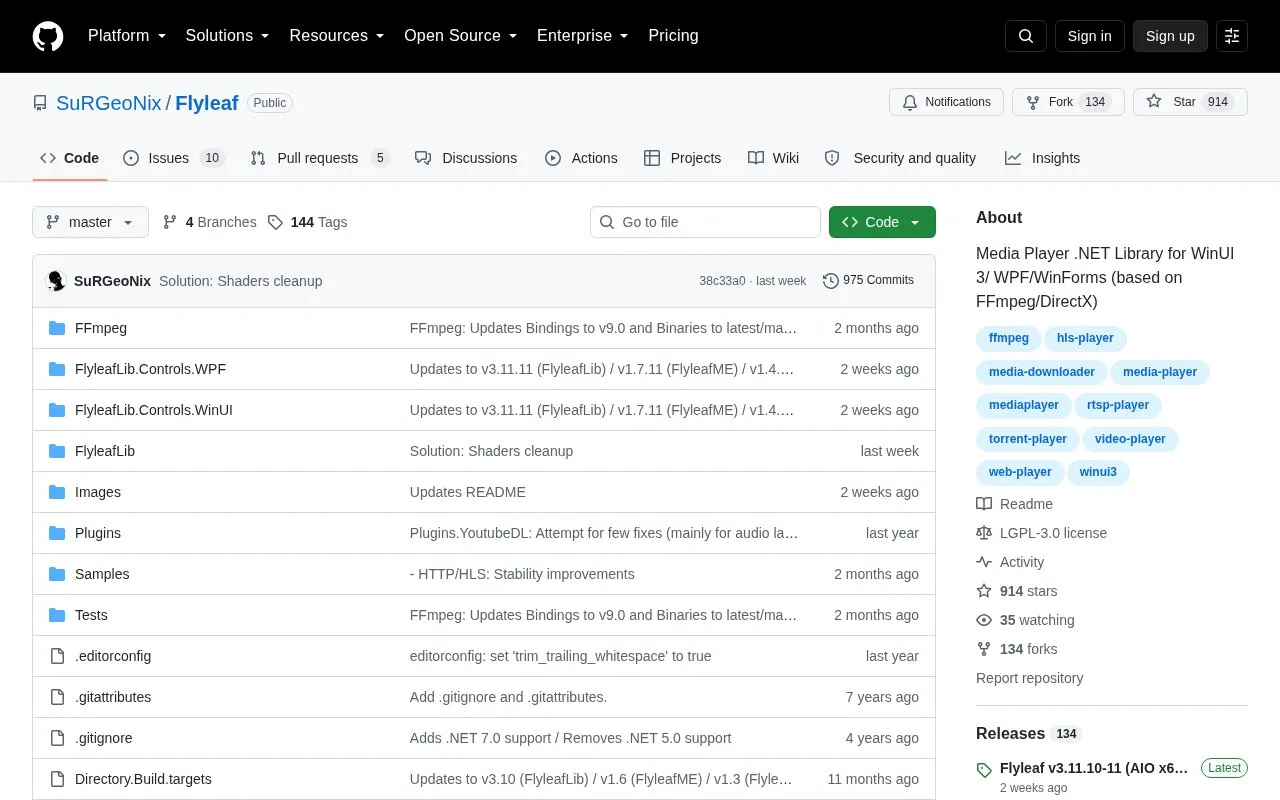
About Flyleaf
Flyleaf is an open-source .NET media player library for WinUI 3, WPF and WinForms, based on FFmpeg and DirectX. It plays audio, video, images and playlists over supported protocols; plugins such as YoutubeDL and TorrentBitSwarm extend format and protocol coverage, and custom I/O streams or plugins can handle non-standard sources. Playback controls include open, play, pause, stop, seek to time, frame or chapter, frame stepping, speed and reverse, along with video processing options such as deinterlacing, HDR handling, aspect ratio and filters.
For integration, Flyleaf provides FlyleafHost, a DPI-aware hardware-accelerated Direct3D surface that can be hosted as a normal control so developers can build their own overlay content above it. A WPF-only control set, FlyleafME, adds a bar, settings dialog and popup menu with style and template customization. WinForms support for the host control is partial. Releases are published on NuGet, compiled samples on GitHub releases, and documentation on the Wiki and the samples in the solution.
Key features
- Plays audio, video, images and playlists over supported protocols via FFmpeg
- Plugins extend coverage: YoutubeDL for web media, TorrentBitSwarm for torrents
- Accepts custom I/O streams and plugins for non-standard protocols and formats
- FlyleafHost Direct3D surface for hosting playback and building overlays
- WPF FlyleafME control with bar, settings dialog and popup menu
- Playback controls including seek to time, frame or chapter and frame stepping
Best for: .NET developers adding media playback and an embeddable video surface to WinUI 3, WPF or WinForms applications.
Good for
- Open source, with releases on NuGet and compiled samples on GitHub releases
- Supports custom I/O streams and plugins for non-standard protocols and formats
- Built for high resolutions such as 8K and HDR using FFmpeg and DirectX acceleration
Watch out for
- WinForms support for the FlyleafHost UI control is partial
- The FlyleafME control set with bar, settings and popup menu is WPF only
- Some video features are limited by processor choice, such as HDR formats on FlyleafVP or super resolution on D3D11VP
Flyleaf at a glance
- Website
- github.com/SuRGeoNix/Flyleaf
- Category
- Software & Utilities › Media Players & Servers
- Type
- Open-source project
- Pricing
- Not confirmed. Check the site
- Open source
- Yes · Source code
- Language
- English
- Last checked
- Oct 6, 2026 · Online when checked
- Listed
- Oct 5, 2026
Guides for Media Players & Servers
Flyleaf alternatives
Tools and sites you could use instead, ranked by how closely they match.

Rise Media Player brings together playback for videos, music, discs, and streaming services in a WinUI application.
Open source
24 alternatives
Control MPD from a configurable terminal client with rmpc, which supports album art via terminal image protocols.
Open source
24 alternatives
tuliprox processes and proxies IPTV playlists, with support for M3U, Xtream Codes, HDHomeRun, Plex, Emby, and Jellyfin.
Open source
24 alternatives
xTeVe proxies M3U playlists for Plex DVR and Emby Live TV, with options to merge and update M3U and XMLTV files.
Open source
24 alternatives
MPC-BE is a Windows player for audio and video files, derived from Media Player Classic code.
Open source
24 alternatives
Streamlink pipes streams from supported services into a media player through its command-line utility and Python library.
Open source
24 alternativesPopular in Media Players & Servers
Well-known listings from the same topic.
Ampacheampache.orgAIMPaimp.ruXbox Kodiapps.microsoft.com/detail/9nblggh4t892Pasta Toolpastatool.comMuseeksmuseeks.ioCaracal Clubcaracal.club


Flyleaf FAQ
Which application frameworks does Flyleaf target?
It is a .NET media player library for WinUI 3, WPF and WinForms, based on FFmpeg and DirectX.
Where are Flyleaf releases and samples distributed?
Releases are on NuGet, compiled samples are on GitHub releases, and documentation is on the Wiki and in the samples included in the solution.
Can Flyleaf play web or torrent media that is not directly accessible over HTTP?
Yes, through plugins such as YoutubeDL for web media and TorrentBitSwarm for playing media from a torrent without fully downloading it.
Is something wrong or out of date?
Tell us and an editor will check it.
Own this website?
Claim this listing
Claim the listing and suggest updates yourself. An editor checks every claim first.