

Audio tags can be viewed and modified in tone, a cross-platform metadata editor supporting MP3, M4B, and FLAC.
Open source
24 alternativesfre:ac is a free, open-source audio converter that supports multiple formats.
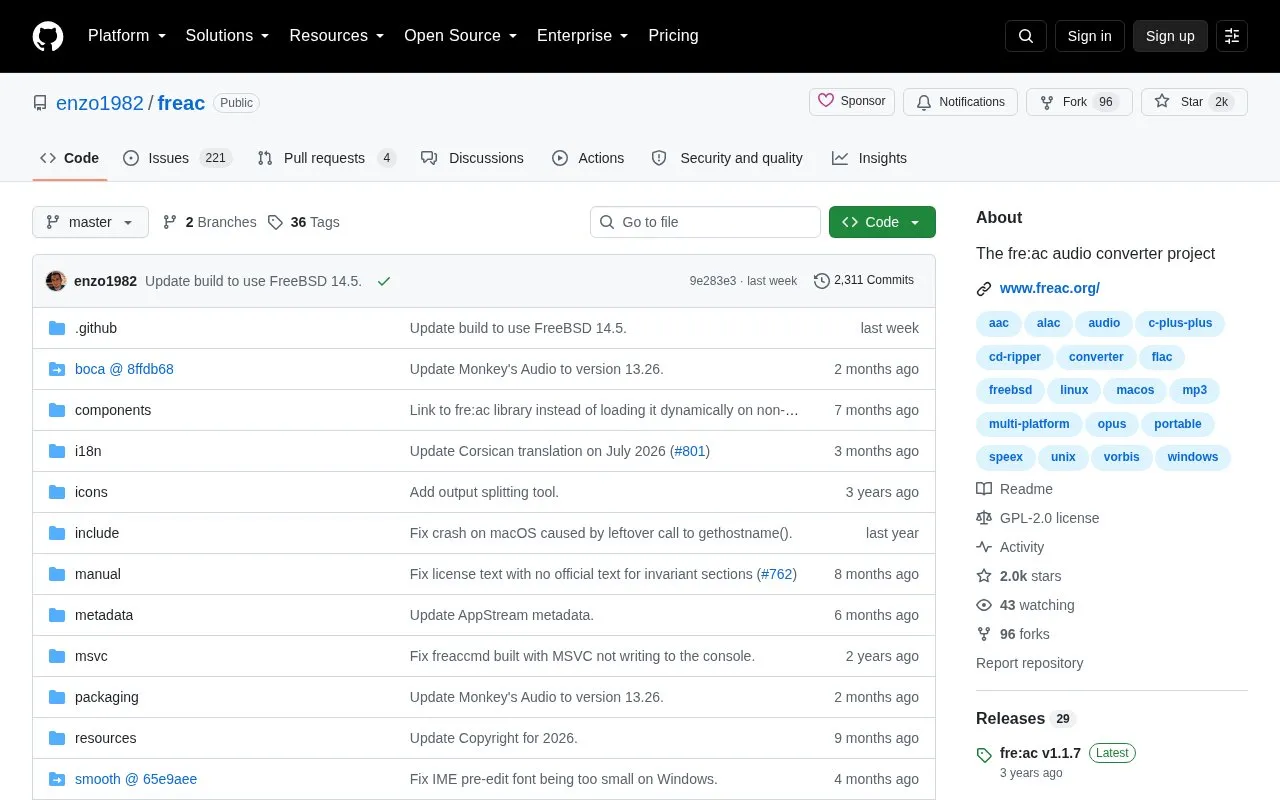
fre:ac is a free and open source audio converter for converting between audio file formats. It also rips audio CDs and includes a tag editor. Pre-built packages are available for Windows, macOS, Linux and FreeBSD from freac.org.
Pricing is not clearly stated.
Tools and sites you could use instead, ranked by how closely they match.
Audio tags can be viewed and modified in tone, a cross-platform metadata editor supporting MP3, M4B, and FLAC.
sptlrx displays synchronized song lyrics in a terminal and works with Spotify, MPD, browsers, and other players.
Phiola plays, records, and converts audio on Linux, macOS, and other supported platforms.
FreeConvert converts audio between file formats through an online audio converter.
Lofi pairs a mini Spotify player with WebGL visualizations for a visual music listening experience.
FlicFlac converts WAV, FLAC, MP3, OGG, and APE files using a small portable Windows application.
Well-known listings from the same topic.
Tell us and an editor will check it.
Claim the listing and suggest updates yourself. An editor checks every claim first.


