

Convert animated GIFs into animated SVGs with FrameSVG through its web app, command-line tool, or Python library.
Open source
24 alternativesGifski converts video frames into animated GIFs using palette and dithering techniques, with command-line and library use described.
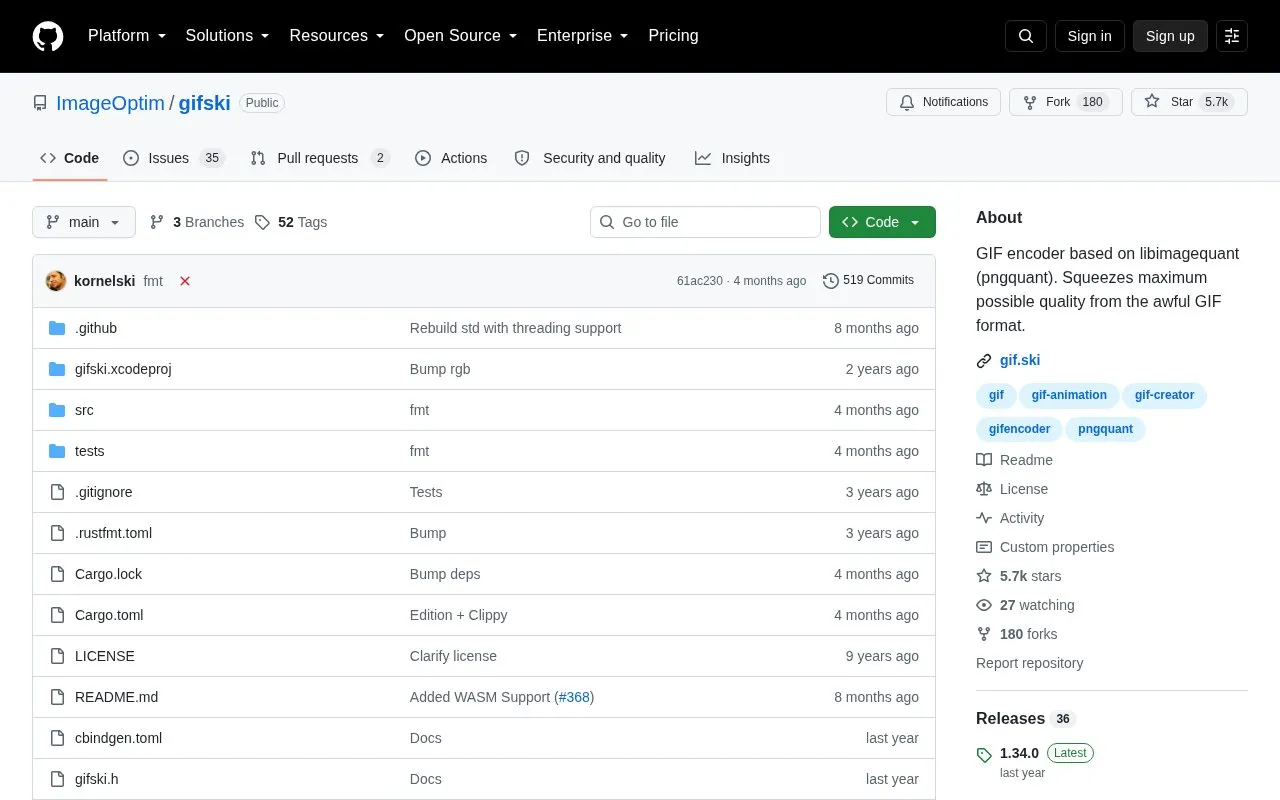
Gifski is a command-line GIF encoder built on libimagequant (pngquant). It converts video frames or a directory of PNG frames into animated GIFs, using cross-frame palettes and temporal dithering so each frame can use thousands of colors. It can also be compiled as a C library for use inside other applications.
Tools and sites you could use instead, ranked by how closely they match.
Convert animated GIFs into animated SVGs with FrameSVG through its web app, command-line tool, or Python library.
Palettum recolors images, GIFs, and videos with a custom palette using either a web app or command-line tool.
Use Gifsicle from the command line to work with animated GIFs, with source code and documentation available.
Pixel Art Village converts images to pixel art in a browser, with palette controls, dithering, and support for common image formats.
Rembg removes backgrounds from images through a command-line tool and software library.
Use resdet, a command-line tool, to detect the source resolution of images and videos that have been upscaled.
Well-known listings from the same topic.
Tell us and an editor will check it.
Claim the listing and suggest updates yourself. An editor checks every claim first.


