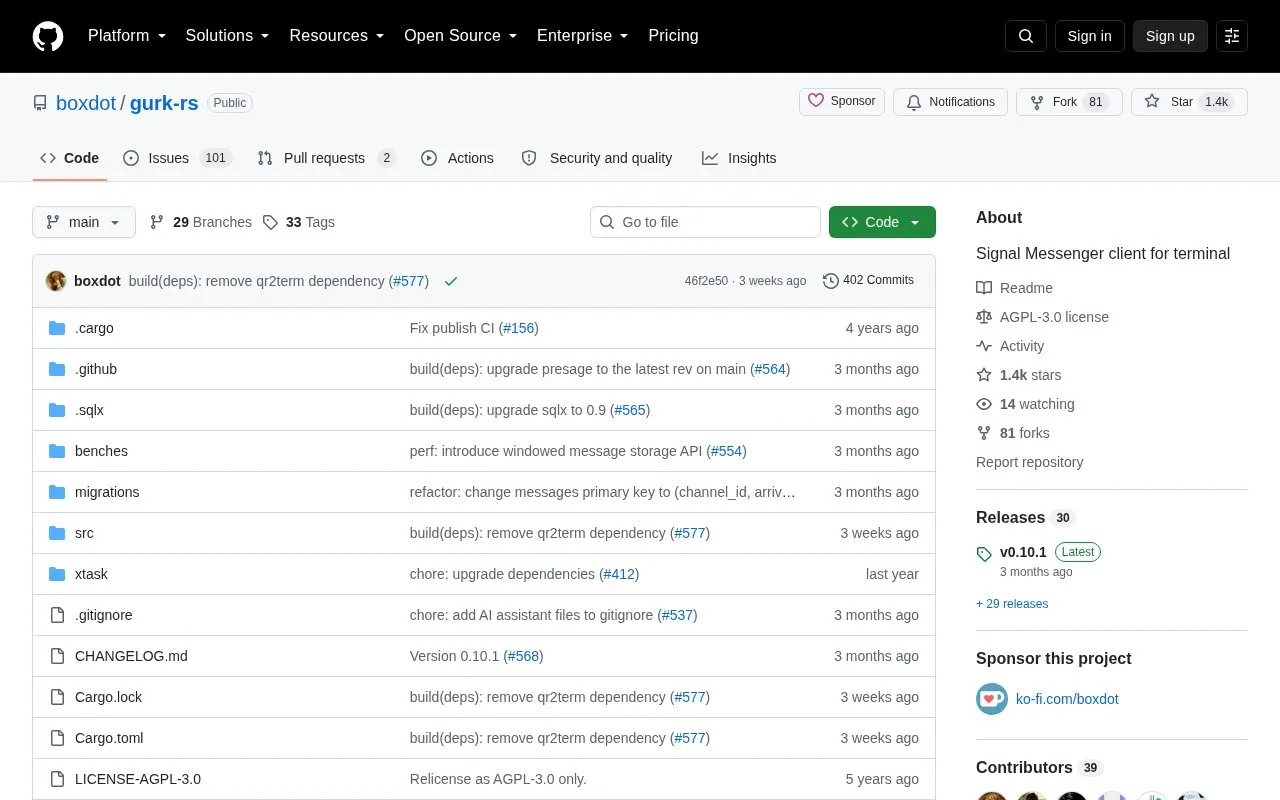
gurk-rs is a terminal client for Signal Messenger. On first run it opens a QR code in an image viewer to link as a new device and creates a configuration file. It handles messaging with keyboard navigation, channel selection, file uploads by path and clipboard uploads, with configurable keybindings, config file location, and data directory. Building from source requires the protoc compiler and perl, and the binary is not distributed through crates.io.
Key features
Terminal interface for Signal messaging with keyboard navigation
Link as new device via QR code on first run
Upload files via file:///path/to/file syntax
Upload clipboard content via file://clip syntax
Custom keybindings through gurk.toml configuration
Set config and data directories via flags or environment variables
Best for: Terminal users who want to use Signal with keyboard controls and file-based configuration.
Good for
Available as pre-compiled binary and through Arch, Nix, and FreeBSD packaging
Supports custom keybindings and configurable config and data locations
Supports file uploads and clipboard content uploads
Watch out for
Binary cannot be published on crates.io due to Signal library dependencies
Building from source requires protoc compiler and perl
First run opens QR code in an image viewer to link device
Run gurk. On the first run it opens a QR code in your image viewer to link the client as a new device and creates a configuration file.
How do I upload a file or clipboard content?
Type file:///path/to/file to upload a file, or file://clip to upload the content of the clipboard.
How do I change the config or data location?
Use -c/--config and --data-dir options, or the GURK_CONFIG and GURK_DATA_DIR environment variables. Without them, gurk checks XDG locations, platform directories, and $HOME/.gurk.toml.
Is something wrong or out of date?
Tell us and an editor will check it.
Own this website?
Claim the listing and suggest updates yourself. An editor checks every claim first.