

Use IceCubesApp to connect to a Mastodon instance, browse timelines, interact with users, and post through a SwiftUI client.
Open source
24 alternativesSuwayomi-VaadinUI connects to Suwayomi as a Java manga reader client built with the Vaadin framework.
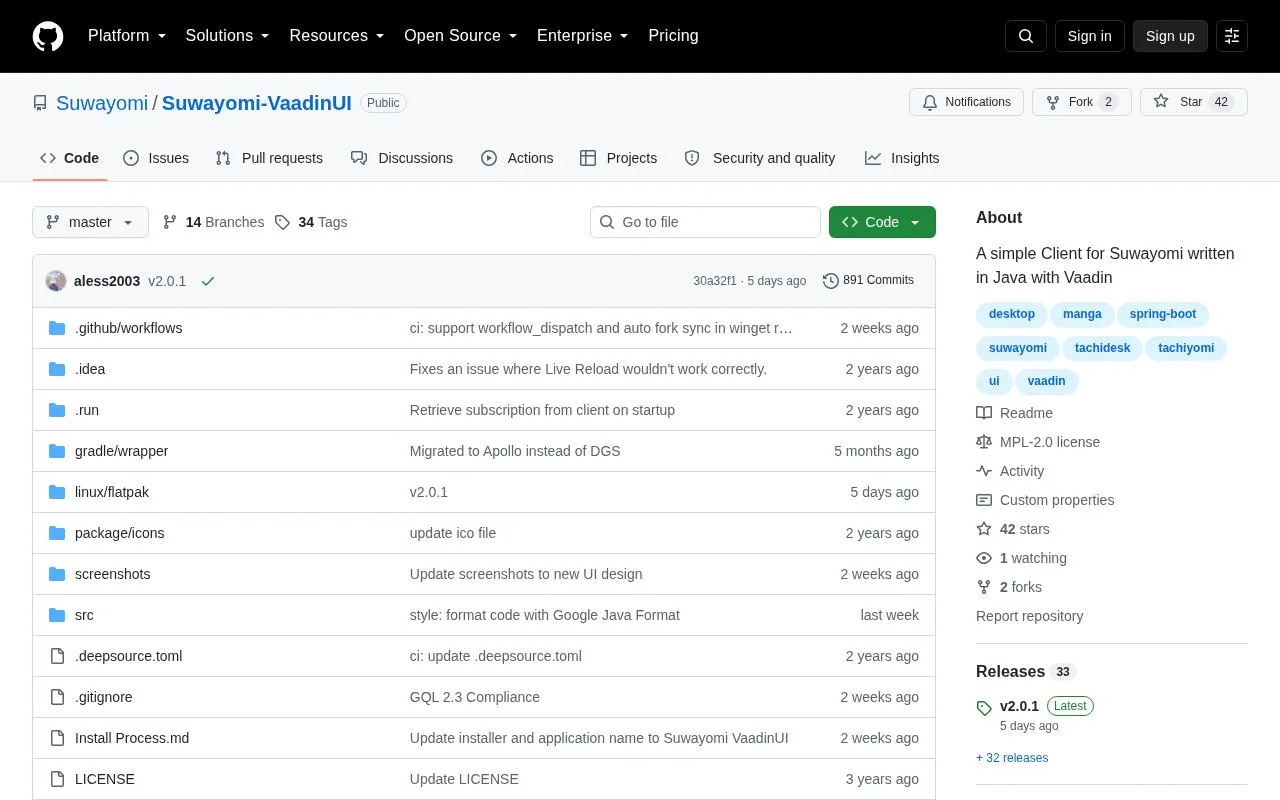
Suwayomi-VaadinUI is a free and open source Java client built with the Vaadin framework that connects to a Suwayomi server, referred to in the repository as Tachidesk-Server. It handles extension management, source browsing and manga search, chapter reading and downloading, and library and category management.
It also supports external server instances and AniList tracking and search. The project states it is usable but welcomes bug reports, and it is distributed through release installers, Winget, and Flatpak and runs locally on port 3901.
Tools and sites you could use instead, ranked by how closely they match.
Use IceCubesApp to connect to a Mastodon instance, browse timelines, interact with users, and post through a SwiftUI client.
dodo provides a graphical email client built on notmuch, with its project describing the client as hackable.
gurk-rs provides a terminal-based Signal Messenger client, according to its repository title and description.
JDSP4Linux processes audio for PipeWire and PulseAudio clients, according to its repository description.
BlockTheSpot installs a Spotify client modification for blocking ads on Windows, according to its repository description.
Plex MPV Shim sends media from Plex mobile and web apps to the mpv player through an unofficial client.
Well-known listings from the same topic.
Tell us and an editor will check it.
Claim the listing and suggest updates yourself. An editor checks every claim first.


