

Ren'Py Translator translates Ren'Py projects using services including Google, Youdao, DeepL, and offline AI, according to its repository.
Open source
24 alternativesTranslate text captured from applications running on your computer with this desktop interpreter tool.
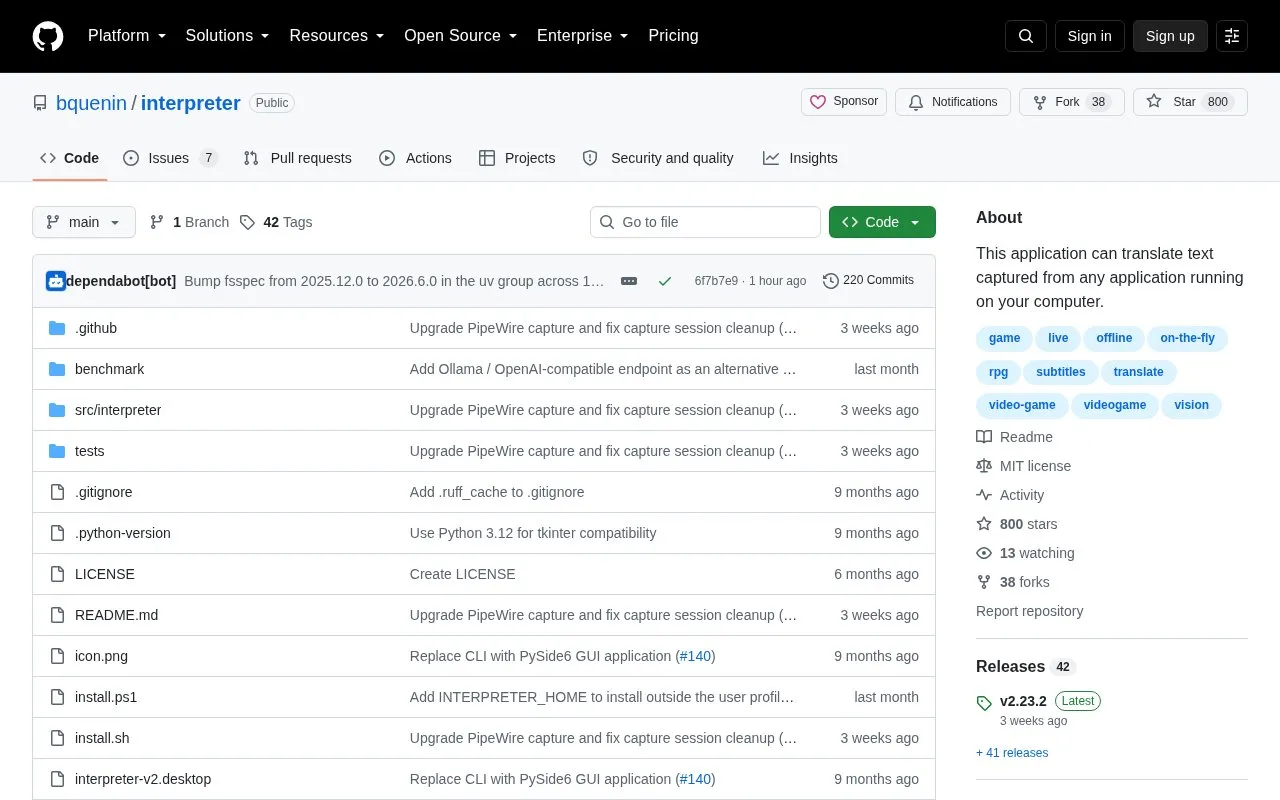
Interpreter is a desktop screen translator for Japanese retro games. It captures text from a selected window, runs OCR, translates the text to English, and shows the result in a floating overlay with banner or inplace modes.
It is described as working offline after setup with local processing and translation caching. It requires Windows 10 version 1903 or later, macOS, or Linux, with at least 6 GB of free disk space, and has additional display and library requirements on Linux.
Tools and sites you could use instead, ranked by how closely they match.
Ren'Py Translator translates Ren'Py projects using services including Google, Youdao, DeepL, and offline AI, according to its repository.
LibreTranslate is a self-hosted, open-source machine translation API that can operate offline.
Translate Web Pages translates webpages in real time using Google, Bing, or Yandex, with Firefox versions listed for desktop and Android.
Mozhi provides an alternative interface to multiple translation engines, according to its Codeberg repository description.
Translate Shell offers command-line translation through Google, Bing, and Yandex services.
Translumo translates text on screen, including game text, hardcoded video subtitles, and static text, according to its project description.
Well-known listings from the same topic.
Tell us and an editor will check it.
Claim the listing and suggest updates yourself. An editor checks every claim first.


