

Neodisk shows where your disk space went with interactive treemap and sunburst views. Read-only by design: it never deletes your files.
FreeOpen source
Neodisk visualizes Mac disk usage with read-only treemap and sunburst views.
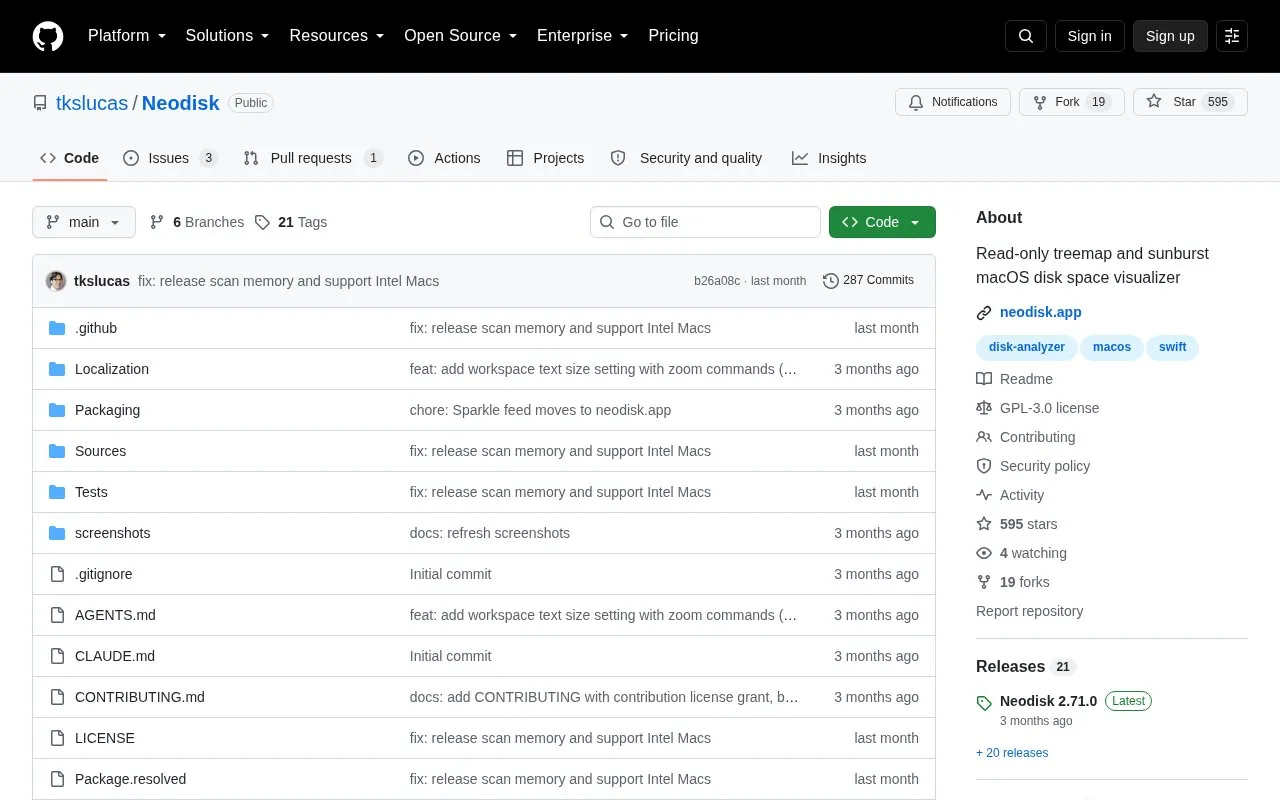
Neodisk is an open source disk space visualizer for macOS and Linux. It scans a drive or folder and shows how space is used in treemap and sunburst views. The app is read-only: it never modifies or deletes files. The only file actions are Reveal in Finder (Show in Files on Linux), Open, and Copy Path. To remove anything, the user deletes it in a file manager.
The macOS app requires macOS 14 (Sonoma) or later, on Apple silicon or Intel, and is available as a DMG or through Homebrew. The Linux app is a GTK 4 application distributed as an AppImage for x86_64 or ARM64, or built from source. It needs GTK 4.14 and libadwaita 1.5 or newer. The Linux app covers the core views, but the duplicate finder, the changes tab, cloud-drive scanning, and incremental rescans are macOS-only. On Linux, every rescan is a full scan. A Windows version is planned but not yet available. The project is licensed under GPL-3.
Tools and sites you could use instead, ranked by how closely they match.
Neodisk shows where your disk space went with interactive treemap and sunburst views. Read-only by design: it never deletes your files.
yabai tiles and manages windows on macOS using binary space partitioning.
1Piece adds Mac window and Space controls, including window lists, Hot Corner switching, and resizing or repositioning windows.
Nuage provides a native SoundCloud client for macOS built with SwiftUI.
VirtualBuddy runs macOS 12 and later in virtual machines on Apple Silicon Macs.
NearDrop provides a partial macOS implementation of Google's Nearby Share and Quick Share.
Well-known listings from the same topic.
Tell us and an editor will check it.
Claim the listing and suggest updates yourself. An editor checks every claim first.


