

Obs Studio
github.com/obsproject/obs-studio
Screen Recording & Streaming Tools
Open-source projectFreeOpen source
OBS Studio's official source repository contains free, open-source software for video recording and live streaming, with Windows, macOS and Linux builds.
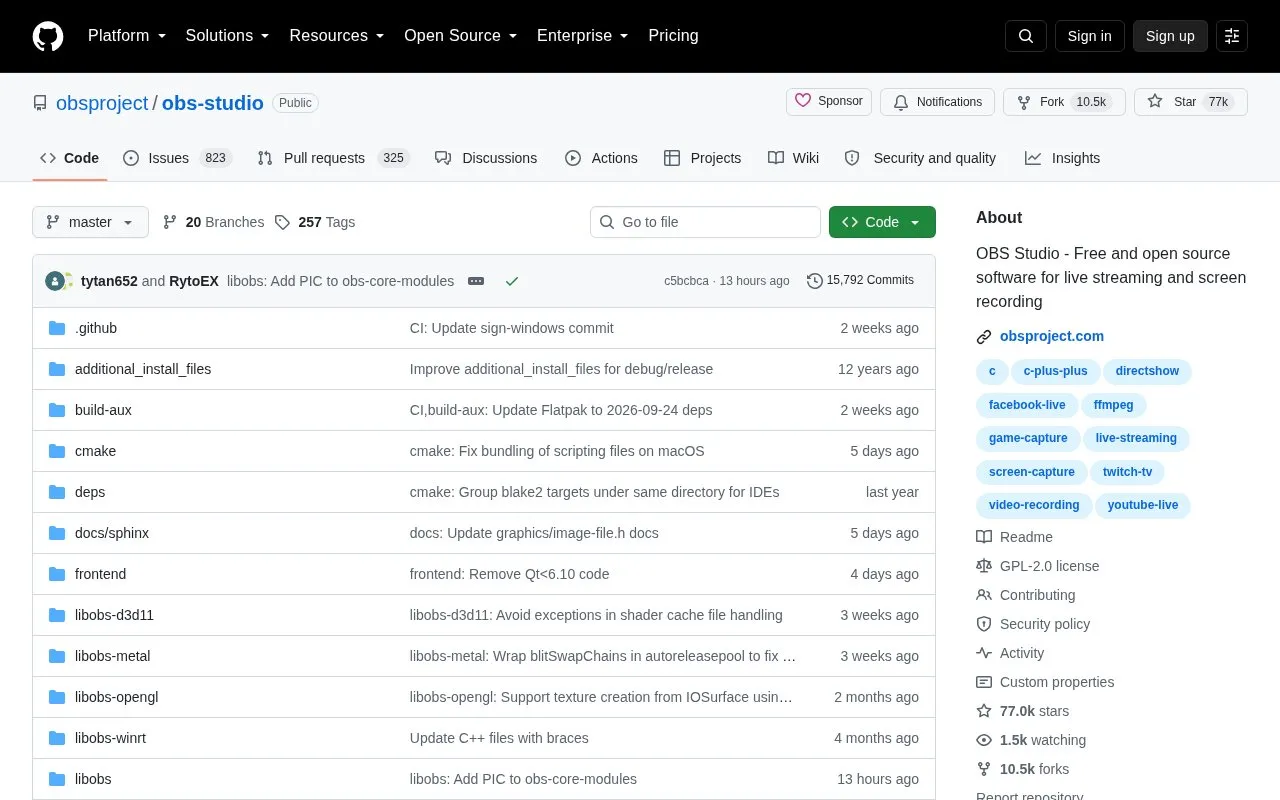
About Obs Studio
This is the official source repository for OBS Studio, free, open-source software for recording video and live streaming. The repository contains the code, build information and issue tracker; the OBS website provides app downloads for Windows, macOS and Linux. Build instructions and developer documentation are available for people who want to change or extend the software.
In OBS Studio, you build scenes from sources such as a screen or window capture, webcam, image and text. Switching scenes lets you change the view during a recording or broadcast. The audio mixer has per-source filters, and Studio Mode previews a scene before you send it live. Choose the correct capture sources and audio devices, then use the Auto-Configuration Wizard as a starting point for your hardware and, for streaming, your connection. A short test recording helps confirm the picture and sound before a longer session. Capture options vary by operating system; the dedicated Game Capture source is available on Windows.
Key features
- Record video or send a live stream
- Combine capture devices, windows, images and text in scenes
- Switch scenes with transitions or hotkeys
- Mix audio with per-source filters
- Preview scenes before broadcasting with Studio Mode
- Browse source code, build instructions and issues in the repository
Best for: People recording demonstrations or producing live video with several sources, and developers who want to inspect or extend OBS Studio.
Good for
- Free, open-source app with Windows, macOS and Linux builds
- Scenes and Studio Mode allow control over what the audience sees
- The setup wizard provides a starting point based on hardware and connection
Watch out for
- Capture sources and audio devices need configuration and a test run
- Some capture options differ by operating system; Game Capture is Windows only
Obs Studio at a glance
- Type
- Open-source project
- Pricing
- Free
- Platforms
- Linux, macOS, Windows
- Details verified
- Oct 20, 2026 · Official source
- Open source
- Yes · Source code
- Language
- English
- Last checked
- Oct 6, 2026 · Online when checked
- Listed
- Oct 5, 2026
Guides for Screen Recording & Streaming Tools
Obs Studio alternatives
Tools and sites you could use instead, ranked by how closely they match.

Chat Downloader retrieves chat messages from livestreams, videos, clips, and past broadcasts without authentication, with Python installation options.
Open source
24 alternatives
This OBS Lua script adds real-time cursor zoom with smooth animation and customizable controls.

FFmpeg provides libraries and tools for processing audio, video, subtitles, and related multimedia data and formats.

LiveStreamDVR automatically records livestreams, according to its repository description.
Open source
24 alternatives
real-url retrieves stream addresses and live chat from dozens of streaming platforms for use in players such as PotPlayer and flv.js.
Open source
24 alternatives
LiveDraw lets users draw or mark over the screen in real time while presenting dynamic content, according to its repository description.
Open source
24 alternativesPopular in Screen Recording & Streaming Tools
Well-known listings from the same topic.
StreamElementsstreamelements.comStreamlabsstreamlabs.comStreamer.botstreamer.botAwesome Streaminggithub.com/juancarlospaco/awesome-streaming-to…VDO.Ninjavdo.ninjaStreamrecorderstreamrecorder.io


Obs Studio FAQ
Do I need to build this repository to use OBS Studio?
No. The official OBS website provides desktop app downloads. The repository is for source code, development and build information.
Can I record without broadcasting a live stream?
Yes. OBS has separate Start Recording and Start Streaming controls, so you can make a local recording without starting a broadcast.
Why is Game Capture missing on my operating system?
The dedicated Game Capture source is Windows only. Use the capture source documented for your system, such as macOS Screen Capture or display and window capture on Linux.
Is something wrong or out of date?
Tell us and an editor will check it.
Own this website?
Claim this listing
Claim the listing and suggest updates yourself. An editor checks every claim first.