

Omniclip
Omniclip offers an open-source web video editor, with its next version currently in development.
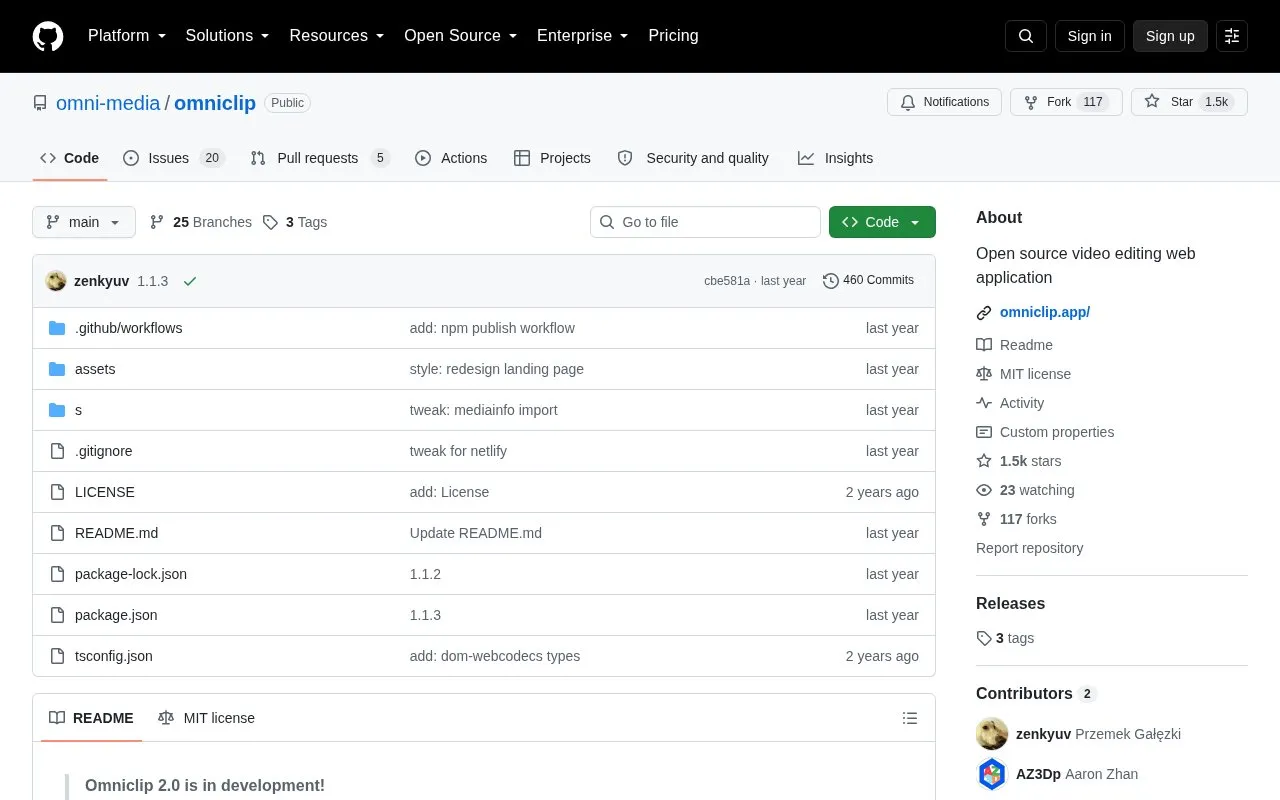
About Omniclip
Omniclip is a free, open-source video editor that runs in the web browser. Its project page states that it requires no accounts, stores project files on the user's device, and does not upload files. It is designed for editing without cloud services or subscriptions, and its components can be used directly or embedded in other web projects.
Omniclip uses modern browser APIs such as WebCodecs for rendering. The project notes that it may not work properly on older browsers or devices that lack support for these newer technologies. A next version, Omniclip 2.0, is in development, and a related automation engine called Omni Tools is described as still in early development.
Key features
- Trimming and splitting of video clips
- Support for text, audio, video (including mp4 and mov), and images
- Clip editing on the preview, including rotating, resizing, and text styling
- Undo and redo
- Rendering in multiple resolutions, up to 4K
- Project manager for choosing among several saved projects
Best for: Developers and creators who want a free, browser-based video editor and developers who want to embed its editing components in their own web applications.
Good for
- Free and open source, licensed under the MIT License
- Runs in the browser and, per the project page, requires no accounts and does not upload files
- Components can be installed from npm and added to other web projects
Watch out for
- May not work properly on older browsers or devices that lack support for newer technologies such as WebCodecs
- Omni Tools, the planned automation engine, is still in early development
- Omniclip 2.0, the next version, is still in development
Omniclip at a glance
- Category
- Design & Creative › Video Editing & Animation
- Type
- Open-source project
- Pricing
- Not confirmed. Check the site
- Open source
- Yes · Source code
- Language
- English
- Last checked
- Oct 6, 2026 · Online when checked
- Listed
- Oct 5, 2026
Guides for Video Editing & Animation

Omniclip alternatives
Tools and sites you could use instead, ranked by how closely they match.

LosslessCut edits video and audio without re-encoding, with the project source available on GitHub.
Open source
24 alternatives
Motion design for the web is supported by Theatre, an editor for creating animations.
Open source
24 alternatives
Kdenlive's source repository contains a free, open-source video editor with multitrack editing, effects and transitions. The app is available for Linux, Windows and macOS.
FreeOpen source
24 alternatives
ffmpeg-web provides web and desktop interfaces for converting video, audio, and images with FFmpeg or ffmpeg.wasm.
Open source
24 alternatives
ffmpeg.wasm runs FFmpeg inside browsers through WebAssembly and JavaScript for video and audio recording, conversion, and streaming.
Open source
24 alternatives
Create pixel graphics and sprite animations in Poxil, a desktop-focused web editor.
Open source
24 alternativesPopular in Video Editing & Animation
Well-known listings from the same topic.
Animakeranimaker.com8mb.video8mb.videoASM Lessonsgithub.com/FFmpeg/asm-lessonsCuttrcuttr.inVideo Cuttervideo-cutter-js.comMotionPlacesmotionplaces.com


Omniclip FAQ
Do I need an account to use Omniclip?
The project page states that Omniclip requires no accounts.
Are my files uploaded when I edit a video?
The project page states that Omniclip stores everything on the user's device and never uploads files.
How can I contribute to the project?
Contributors can choose an issue to work on and submit a pull request. The project page also invites people to join its Discord server to discuss the project.
Is something wrong or out of date?
Tell us and an editor will check it.
Own this website?
Claim this listing
Claim the listing and suggest updates yourself. An editor checks every claim first.