

Owncast
Owncast is self-hosted livestreaming software with video and chat, allowing users to run their own streaming service.
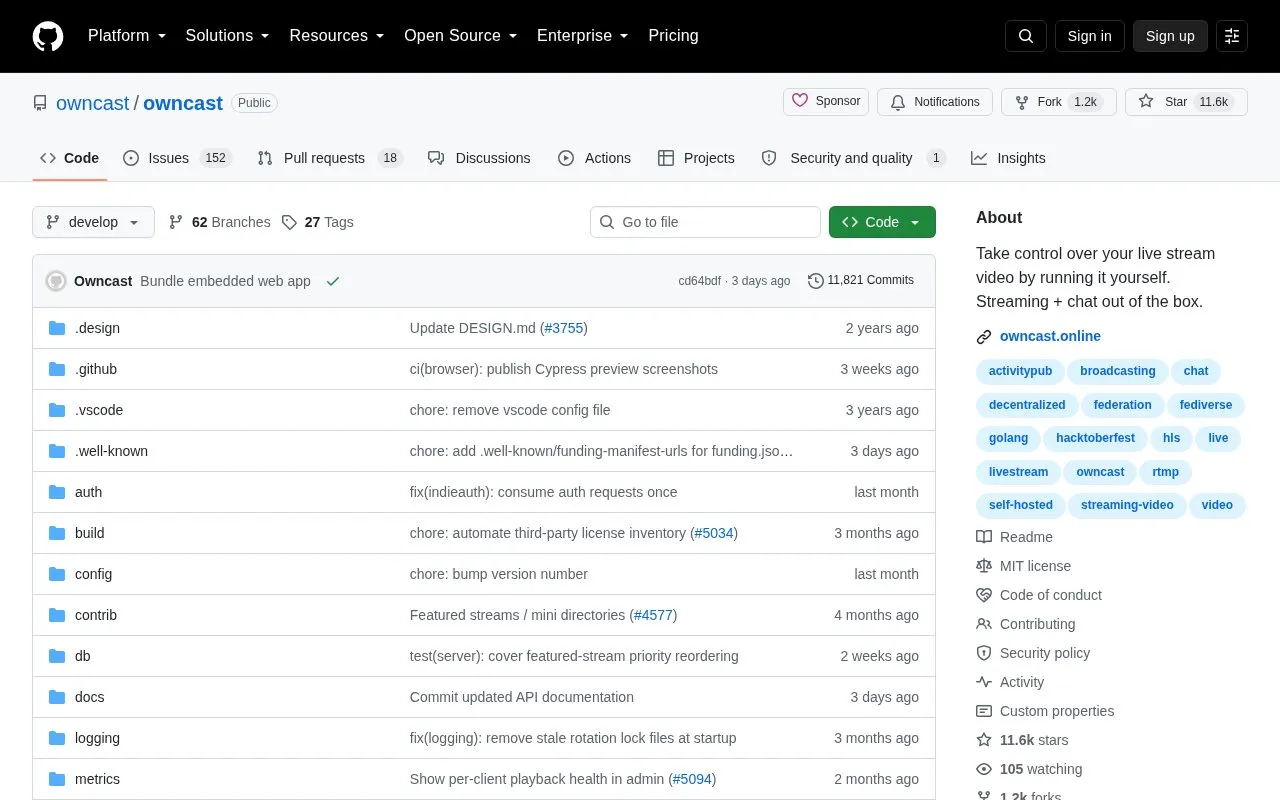
About Owncast
Owncast is an open source, self-hosted, decentralized live video streaming and chat server for single-user streams. It runs as a single service that includes a web player, chat, embed components, and an admin interface, and it works with RTMP broadcasting software such as OBS, Streamlabs and Restream.
Running it requires hosting your own server with prerequisites such as Go, ffmpeg and a C compiler. It does not natively support Windows servers, though Windows users can use WSL2.
Key features
- Self-hosted live video streaming with integrated chat
- Single-user server for running independent live streams
- Compatible with RTMP broadcasting software such as OBS
- Web interface with video player and chat
- Admin web interface accessible via /admin path
- Embed components for player and chat
Best for: Streamers who want to host a single-user live stream with chat on their own server.
Good for
- Self-hosted and open source with operator control over content and moderation
- Runs as a single service intended to work out of the box
- Compatible with existing RTMP tools such as OBS, Streamlabs and Restream
Watch out for
- Designed for single-user use
- Does not natively support Windows servers, requires WSL2 on Windows
- Running from source requires Go toolchain, ffmpeg and a C compiler
Owncast at a glance
- Website
- github.com/owncast/owncast
- Type
- Open-source project
- Pricing
- Not confirmed. Check the site
- Open source
- Yes · Source code
- Language
- English
- Last checked
- Oct 5, 2026 · Online when checked
- Listed
- Oct 5, 2026
Guides for Screen Recording & Streaming Tools
Owncast alternatives
Tools and sites you could use instead, ranked by how closely they match.

Streamer.bot connects live stream automation with Twitch, YouTube, Kick, OBS Studio, Streamlabs, and other services.

Restreamer receives video from OBS and publishes livestreams to services such as YouTube, Twitch, and Vimeo from a self-hosted server.
Open source
23 alternatives
Chat Downloader retrieves chat messages from livestreams, videos, clips, and past broadcasts without authentication, with Python installation options.
Open source
24 alternatives
real-url retrieves stream addresses and live chat from dozens of streaming platforms for use in players such as PotPlayer and flv.js.
Open source
24 alternatives
Moblin provides an iOS app for livestreaming in real life, according to its repository description.
FreeOpen source
24 alternatives
LiveStreamDVR automatically records livestreams, according to its repository description.
Open source
24 alternativesPopular in Screen Recording & Streaming Tools
Well-known listings from the same topic.
StreamElementsstreamelements.comStreamlabsstreamlabs.comAwesome Streaminggithub.com/juancarlospaco/awesome-streaming-to…VDO.Ninjavdo.ninjaStreamrecorderstreamrecorder.ioFFmpegffmpeg.org


Owncast FAQ
What broadcasting software can I use with Owncast?
In general, any software that uses RTMP to broadcast to a remote server. OBS, Streamlabs, Restream and many others have been used with Owncast.
Can I run Owncast on a Windows server?
No, Owncast does not natively support Windows servers. Windows users can use Windows Subsystem for Linux (WSL2) to install Owncast.
How do I access Owncast after starting it from source?
Visit http://yourserver:8080 for the web interface and http://yourserver:8080/admin for the admin interface, then point your broadcasting software at the server.
Is something wrong or out of date?
Tell us and an editor will check it.
Own this website?
Claim this listing
Claim the listing and suggest updates yourself. An editor checks every claim first.