

Web App
OBS-web controls OBS remotely from a browser, with scene switching and controls for starting or stopping a stream or recording.
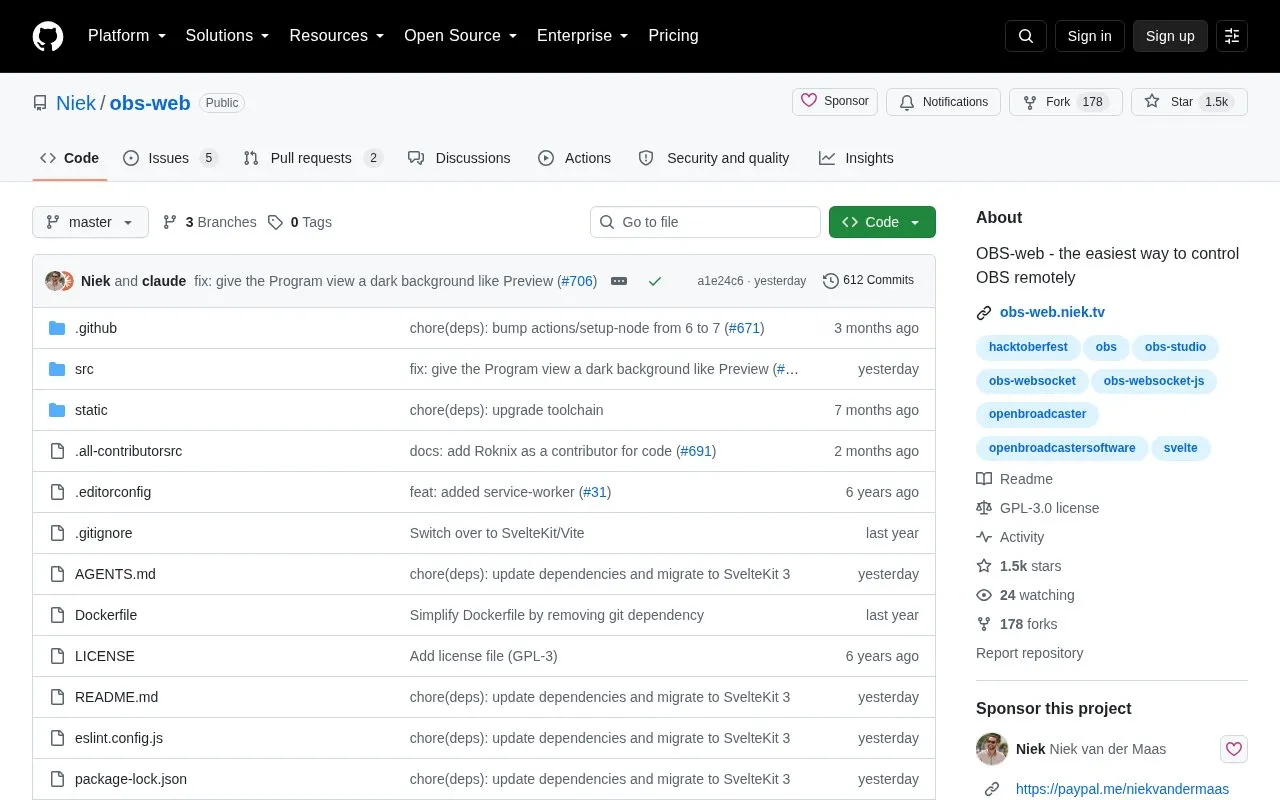
About Web App
OBS-web is an open source web interface for controlling OBS Studio remotely from a browser. It can switch scenes and start or stop streaming and recording. The source states that no installation or extra software is needed, and that it works in modern desktop and mobile browsers.
Support depends on the OBS version. OBS 28 or higher is supported with the latest obs-websocket plugin. OBS 27 is supported if obs-websocket v5 is installed manually. Older OBS versions require obs-websocket v4 and OBS-web v4, which the source says is no longer maintained. Control from outside the local network requires an optional tunnel service.
Key features
- Switch scenes and start or stop streaming and recording
- Local network control, plus internet control through WSS tunnels
- Studio Mode with preview and program scenes
- Virtual Camera support
- Live view of preview and output, updating at 1 fps
- Profile, Scene Collection and custom transition switching
Best for: People who run OBS Studio and want to manage scenes, streams or recordings from a phone, tablet or another computer's browser.
Good for
- No installation or extra software is needed, according to the source
- Works in modern desktop and mobile browsers
- Open source under the GPL-3.0 license, with a Docker image available
Watch out for
- Requires OBS 28 or higher, or a manually installed obs-websocket v5 plugin on OBS 27
- Older OBS versions need OBS-web v4, which the source says is no longer maintained
- Control outside the local network requires an optional tunnel service
Web App at a glance
- Website
- github.com/Niek/obs-web
- Type
- Open-source project
- Pricing
- Not confirmed. Check the site
- Open source
- Yes · Source code
- Language
- English
- Last checked
- Oct 6, 2026 · Online when checked
- Listed
- Oct 5, 2026
Guides for Screen Recording & Streaming Tools
Web App alternatives
Tools and sites you could use instead, ranked by how closely they match.

LiveStreamDVR automatically records livestreams, according to its repository description.
Open source
24 alternatives
Restreamer receives video from OBS and publishes livestreams to services such as YouTube, Twitch, and Vimeo from a self-hosted server.
Open source
23 alternatives
OBS Blade uses the OBS WebSocket plugin to control streams and recordings from a separate app built with Flutter.
Open source
24 alternatives
The OBS background removal plugin removes backgrounds in portrait video so they can be replaced during recording or streaming.
Open source
24 alternatives
This repository collects tools for live streaming, including software for broadcast, video, audio, and production workflows.
Open sourcePick
24 alternatives
real-url retrieves stream addresses and live chat from dozens of streaming platforms for use in players such as PotPlayer and flv.js.
Open source
24 alternativesPopular in Screen Recording & Streaming Tools
Well-known listings from the same topic.
StreamElementsstreamelements.comStreamlabsstreamlabs.comStreamer.botstreamer.botVDO.Ninjavdo.ninjaStreamrecorderstreamrecorder.ioFFmpegffmpeg.org


Web App FAQ
Does OBS need to be configured before OBS-web can connect?
Yes. The WebSocket server must be enabled in OBS under Tools, then obs-websocket Settings, then Enable WebSocket Server.
Can OBS-web be used outside the local network?
Internet control is supported through WSS tunnels. The source describes a tunnel service as optional, and links to instructions for setting one up.
Is there a way to run OBS-web without building it?
The source gives a Docker command that runs the image ghcr.io/niek/obs-web and maps port 8080.
Is something wrong or out of date?
Tell us and an editor will check it.
Own this website?
Claim this listing
Claim the listing and suggest updates yourself. An editor checks every claim first.