

PasteBar manages and organizes copied content as a clipboard manager for Mac and Windows.
Paste Bar App
PasteBar is a clipboard manager for Mac and Windows, according to its repository description.
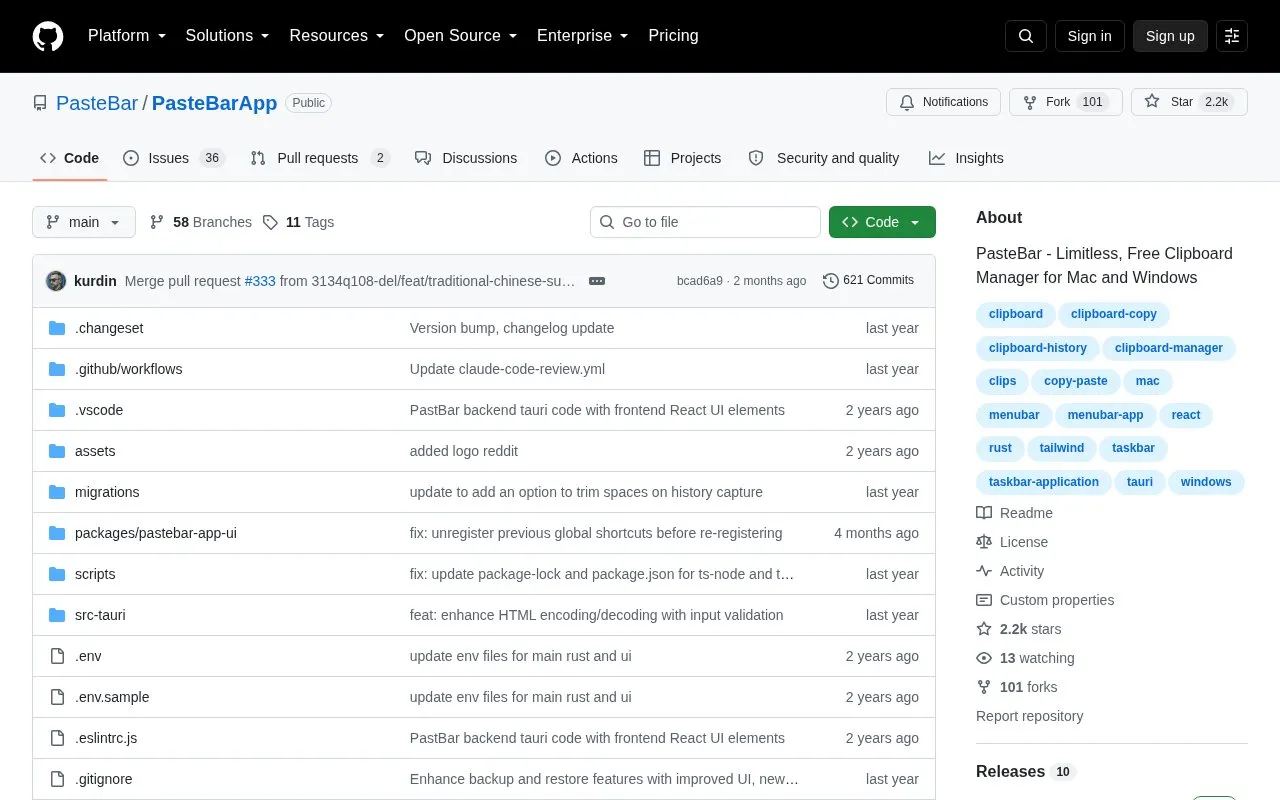
About Paste Bar App
PasteBar is a clipboard manager for macOS and Windows that keeps clipboard history and lets users search it, save items and paste from it. It supports text, images, files, links and code snippets, with automatic programming language detection and syntax highlighting, plus Markdown in notes and descriptions.
Saved clips can be organized into collections, tabs and boards, and sensitive items can be kept in PIN-protected collections. The app also offers lock screen and passcode protection, a customizable data storage location, backup and restore, and hotkey configuration with up to three-key combinations. The repository page describes PasteBar as free and open-source and lists multi-language support including English, Chinese, Ukrainian, Spanish, Italian, French, Russian, Turkish and German.
Key features
- Unlimited clipboard history with searchable copy history and notes
- Collections, tabs and boards for organizing saved clips
- PIN-protected collections plus lock screen and passcode protection
- Configurable data location, including cloud storage or network drives
- Backup and restore by exporting and importing clips and images
- Keyboard shortcuts supporting combinations of up to three keys
Best for: Mac and Windows users who copy and paste frequently and want a free clipboard manager with long history and organized saved clips.
Good for
- Available for both macOS and Windows, including Apple Silicon, Intel, AMD and ARM builds
- Handles varied content types such as text, images, files, links and code snippets
- Repository page describes the app as free and open-source
Watch out for
- Limited to macOS and Windows
- Users who choose a custom cloud or network storage location rely on that external service
- No pricing or plan details are given beyond the free description on the repository page
Paste Bar App at a glance
- Category
- Software & Utilities › System Utilities
- Type
- Open-source project
- Pricing
- Not confirmed. Check the site
- Platforms
- macOS, Windows
- Open source
- Not stated
- Language
- English
- Last checked
- Oct 6, 2026 · Online when checked
- Listed
- Oct 5, 2026
Paste Bar App alternatives
Tools and sites you could use instead, ranked by how closely they match.

CopyQ is a clipboard manager with editing and scripting features, according to its repository description.
Open source
24 alternatives
Baulk provides a minimal package manager for Windows, according to its repository description.
Open source
24 alternatives
Use Komorebi as a tiling window manager on Windows, according to its repository description.
Ditto extends the Windows clipboard with a clipboard manager, according to its product page.

Hok reimplements Scoop as a command-line package manager written in Rust; its repository notes that development is ongoing.
Open source
24 alternativesPopular in System Utilities
Well-known listings from the same topic.
Phone Linkmicrosoft.com/windows/sync-across-your-devicesMicrosoft SDmicrosoft.com/en-us/software-downloadPowerToyslearn.microsoft.com/en-us/windows/powertoysWinWorldPCwinworldpc.comGeekUninstallergeekuninstaller.com0Install0install.net


Paste Bar App FAQ
Which operating systems does PasteBar support?
macOS and Windows, with builds listed for Apple Silicon M1, Intel, AMD and ARM.
Does it cost anything?
The repository page describes PasteBar as a free and open-source clipboard manager; no other pricing is listed there.
Can clipboard data be stored somewhere other than the default location?
Yes. A custom data location can be selected, which the project suggests for syncing across devices using cloud storage or shared network drives.
Is something wrong or out of date?
Tell us and an editor will check it.
Own this website?
Claim this listing
Claim the listing and suggest updates yourself. An editor checks every claim first.